Logitech MX Keypad - A $100 Keypad That Assigns One Button to Each AI Coding Tool
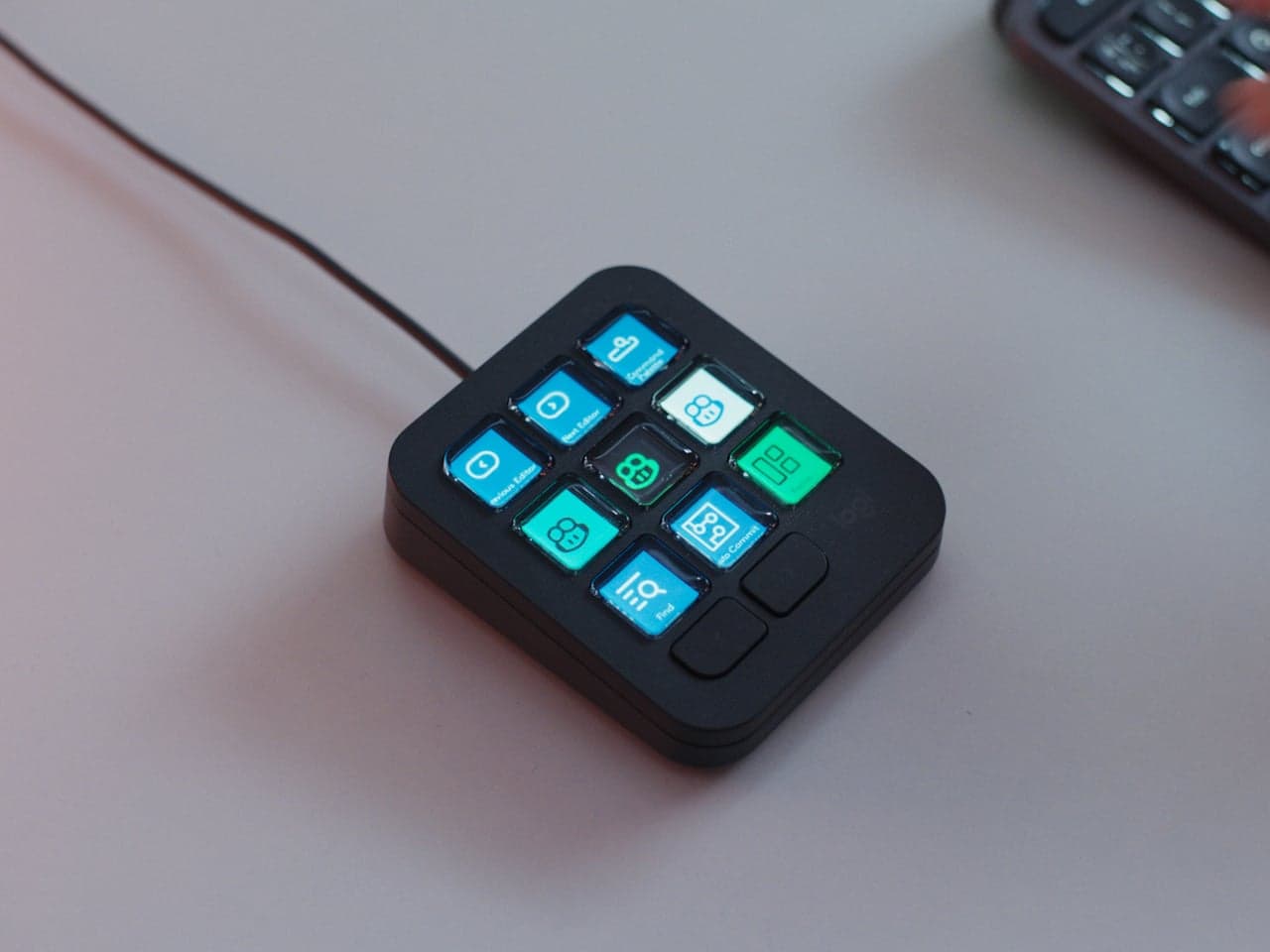
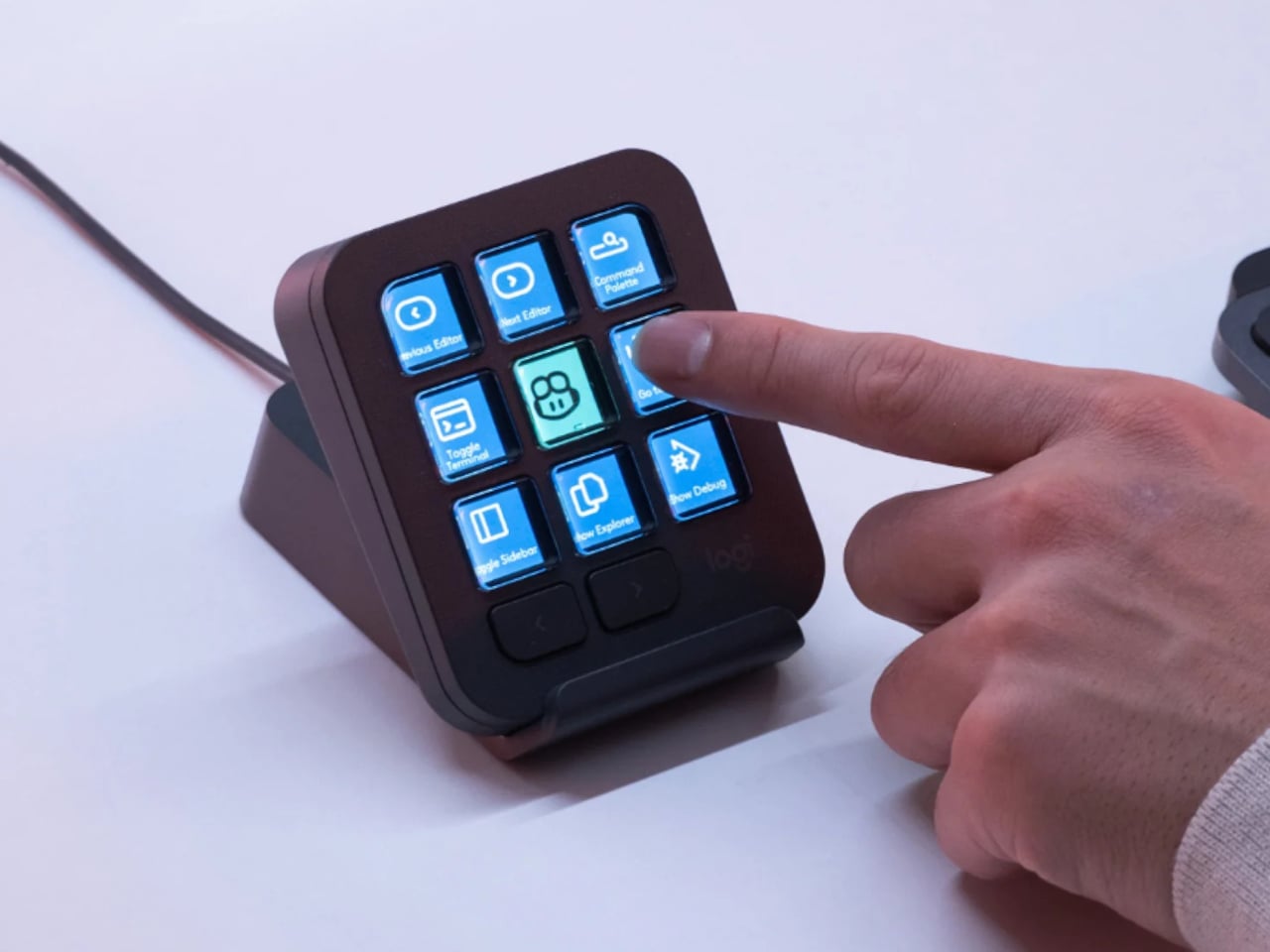
Juggling multiple AI coding tools across a bunch of open windows can get chaotic, so it caught my eye when Logitech released a small keypad that assigns each tool to its own physical button. It's a practical accessory that feels right at home on a developer's desk.
📊 Quick Info
| Item | Details |
|---|---|
| Brand | Logitech (미국) |
| Price | About $100 |
| Material/Specs | 3x3 custom macro keypad, icon-display keycaps |
| Core Feature | Maps AI coding tools and commands to physical buttons for instant switching |
| One-line Take | ⭐⭐⭐⭐☆ A practical tool that cuts context-switching fatigue down to a single button press |
✨ Three-Line Summary
- 👍 Best Feature: Physical-button UX that switches between AI tools with a single finger tap
- 👎 Downside: Heavy reliance on software configuration — worth checking initial setup difficulty
- 🎯 Best For: Developers juggling multiple AI coding tools at once
📸 Product Look
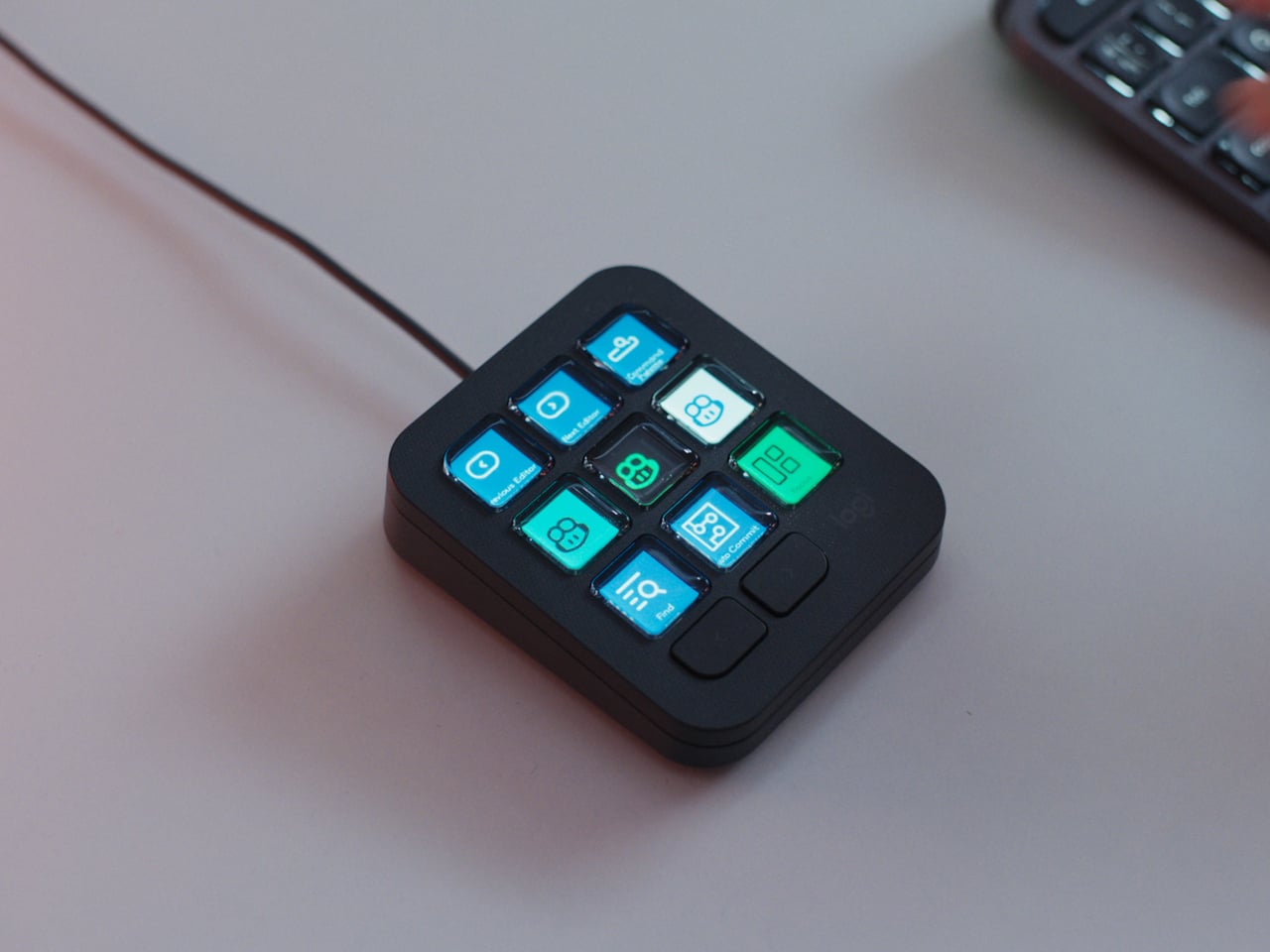
The MX Keypad sitting next to a keyboard, with icons shown on each button

Close-up of the color LCD keycaps
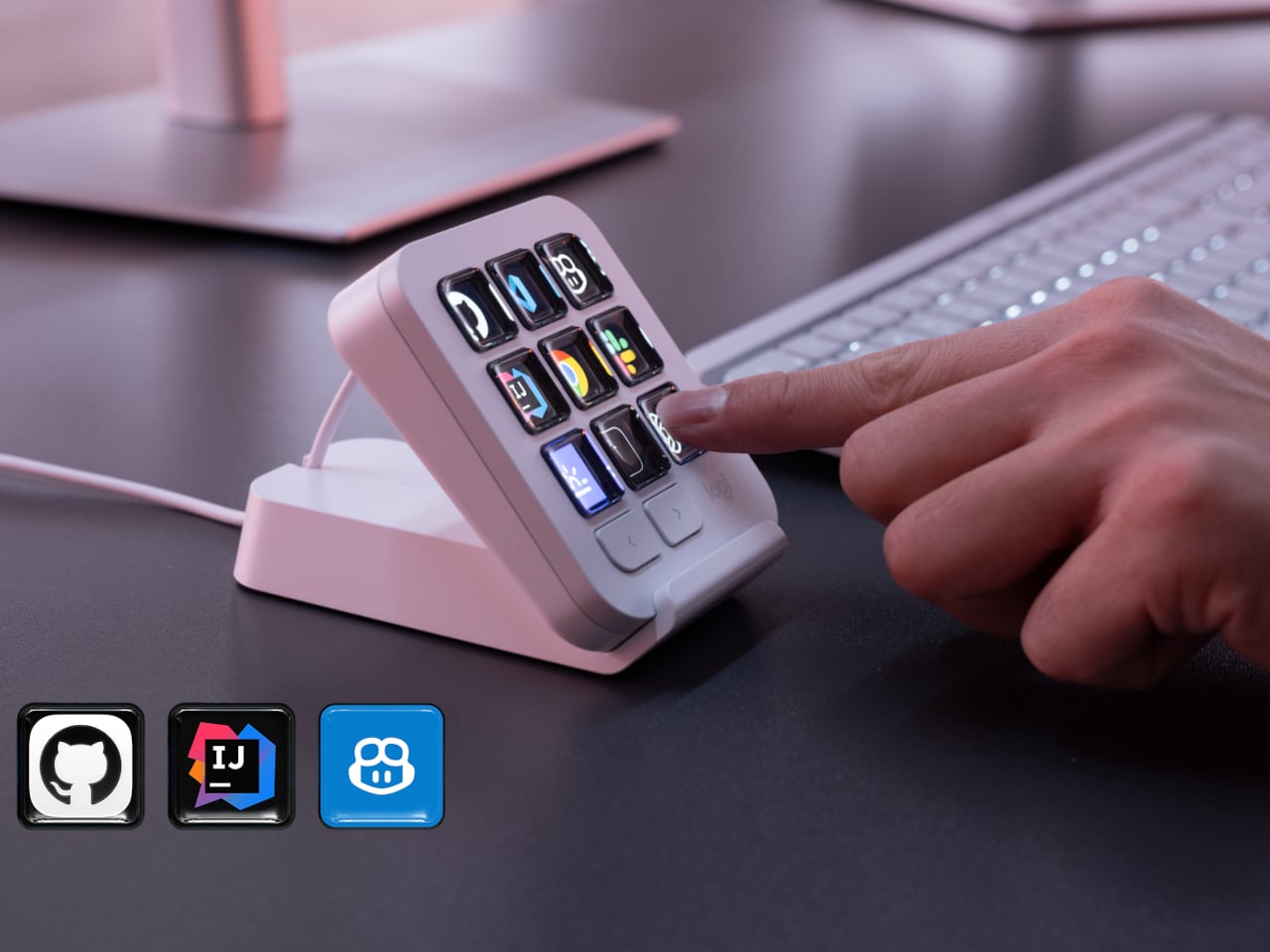
Side profile and thickness
Placed within a desk setup
🔍 Why It Caught My Attention
Squarely targets a new problem born from the AI era
Switching windows between tools like Copilot and Claude Code easily breaks your flow, and I found it compelling that this device tackles that problem with the simplest possible solution: a single button.
A compact desk accessory
It's about the size of a 3x3 macro pad, so it doesn't eat up much desk space while still packing in real functionality — a nice balance.
Display keycaps that show an icon/label for each key
Being able to see at a glance which tool is assigned to which key seems genuinely useful in practice.
🤔 Things I'm Still Weighing
Dependence on software customization
You still have to set up the mappings through Logitech's Options software, so the initial setup could be a hassle, and how useful it ends up being will depend on the list of supported apps.
General versatility
For someone who doesn't use many AI coding tools, this might not offer much beyond being just another macro keypad — so it's really only useful for people with a clear need.
📋 Product Features (Subjective Rating)
- Design: ⭐⭐⭐⭐☆
- Portability: ⭐⭐⭐☆☆
- Practicality: ⭐⭐⭐⭐⭐
- Value for Money: ⭐⭐⭐⭐☆
🛒 Before You Buy
✅ Recommended For
- Developers who run multiple AI coding assistants in parallel
- Anyone wanting to boost desk productivity with a macro keypad
❌ Not Recommended For
- Anyone who uses just one AI coding tool, or barely uses any
- Anyone already using a Stream Deck-type macro device who's worried about overlap
🎯 Final Verdict
This product tackles the very specific problem of "context-switching fatigue" that's emerged as AI tools have multiplied, using the most intuitive solution possible: a physical button. I also like its small footprint — a nice alternative to a Stream Deck on a developer's desk.
That said, how well it integrates with your software setup will ultimately be the deciding factor, so I'd want to check more closely which apps it actually supports. For developers running a multi-AI-tool workflow, this is a genuinely compelling productivity item.
Source: Yanko Design product page
Related posts
TESSAN 8-in-1 Flat Plug Surge Protector - The Power Strip with a Built-In Cable
TESSAN UK Travel Adapter - Outlets and 4 USB-A/C Ports in One Body
Amazfit Helio Strap Pro - A Screenless Fitness Tracker You Just Strap to Your Wrist