Intricuit Magic Screen - A Touch Panel for Your MacBook
The lack of a touchscreen on the MacBook has been a long-standing annoyance, hasn't it? A panel that attaches magnetically over the screen is an interesting way to solve it, and that's what caught my eye.
📊 Quick Info
| Item | Details |
|---|---|
| Brand | Intricuit |
| Price | About $179 |
| Method | A touch panel that rests on the magnets around the MacBook's screen |
| Key features | Tap, swipe, and pinch gestures plus stylus input |
| One-line verdict | ⭐⭐⭐⭐☆ A lightweight way to add touch to a MacBook |
✨ 3-Line Summary
- 👍 Biggest strength: It adds touch without modifying the laptop itself
- 👎 Downside: It's a startup product, so supported models and real-world feedback still need to be confirmed
- 🎯 Recommended for: MacBook users who want to touch the screen directly, for drawing or 3D sketching
📸 Product Tour
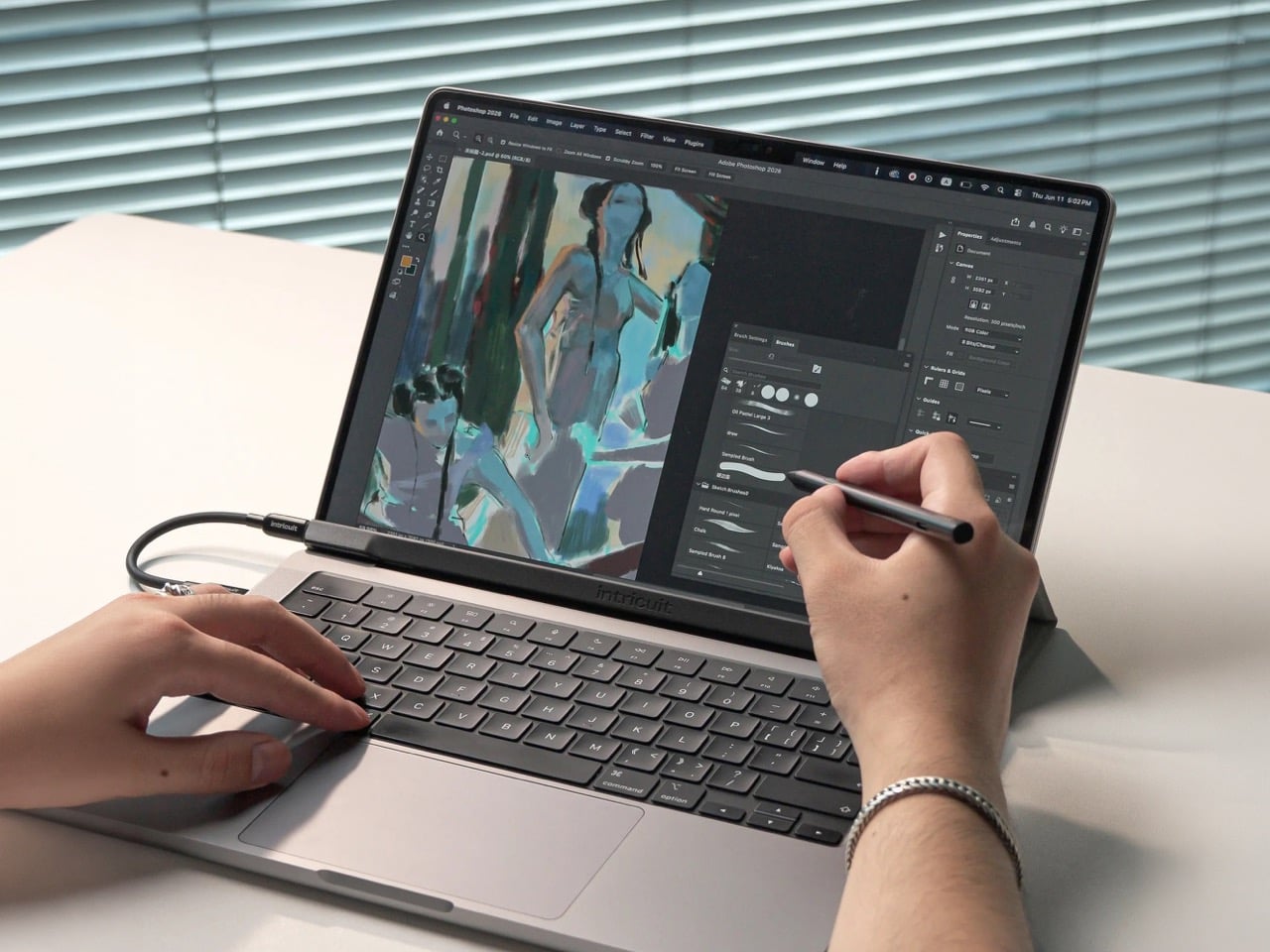
Someone is drawing on a Photoshop canvas with the stylus. A cable runs to the bezel above the keyboard.
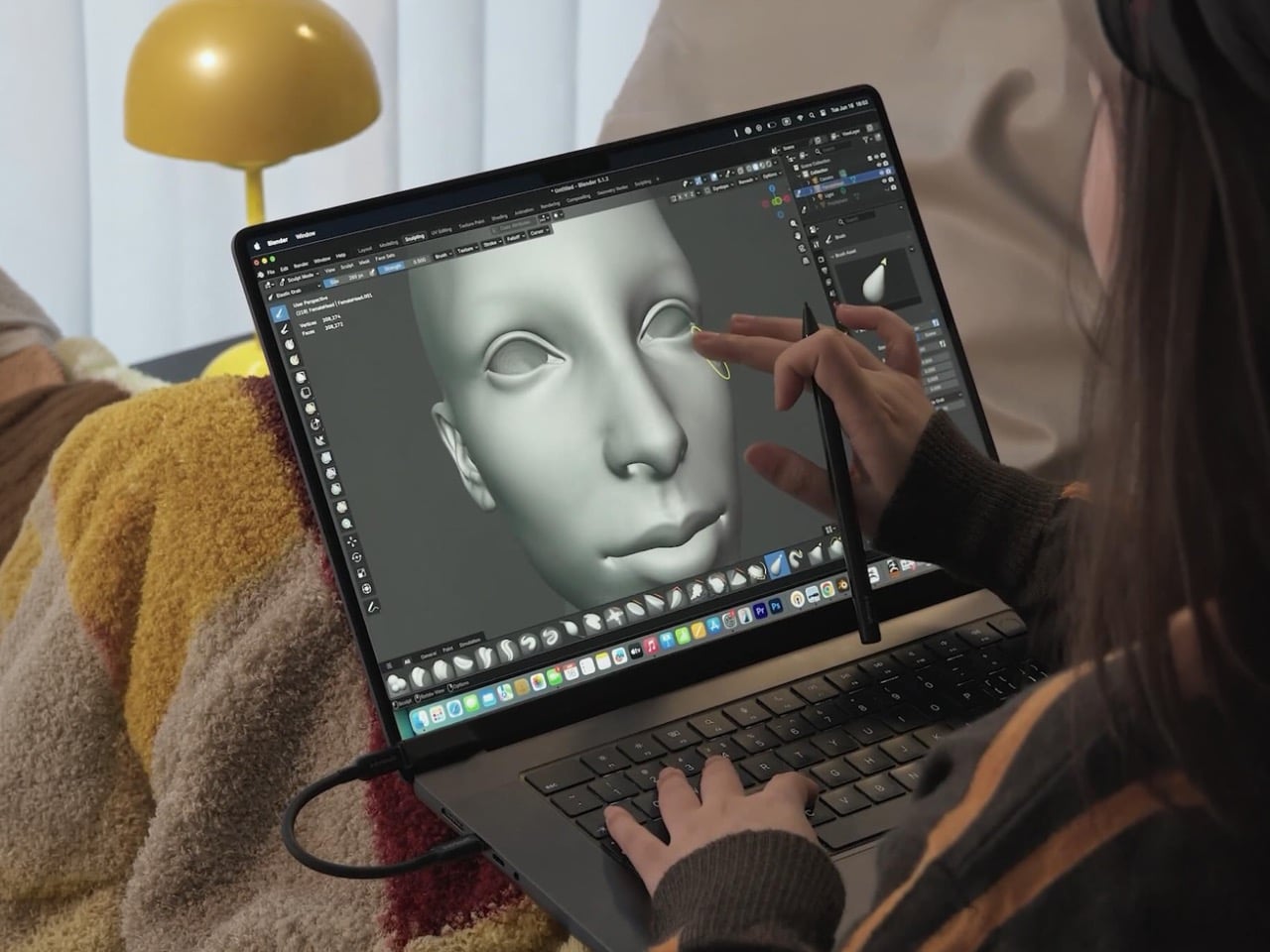
One hand holds the stylus while the other uses a finger to control the screen.
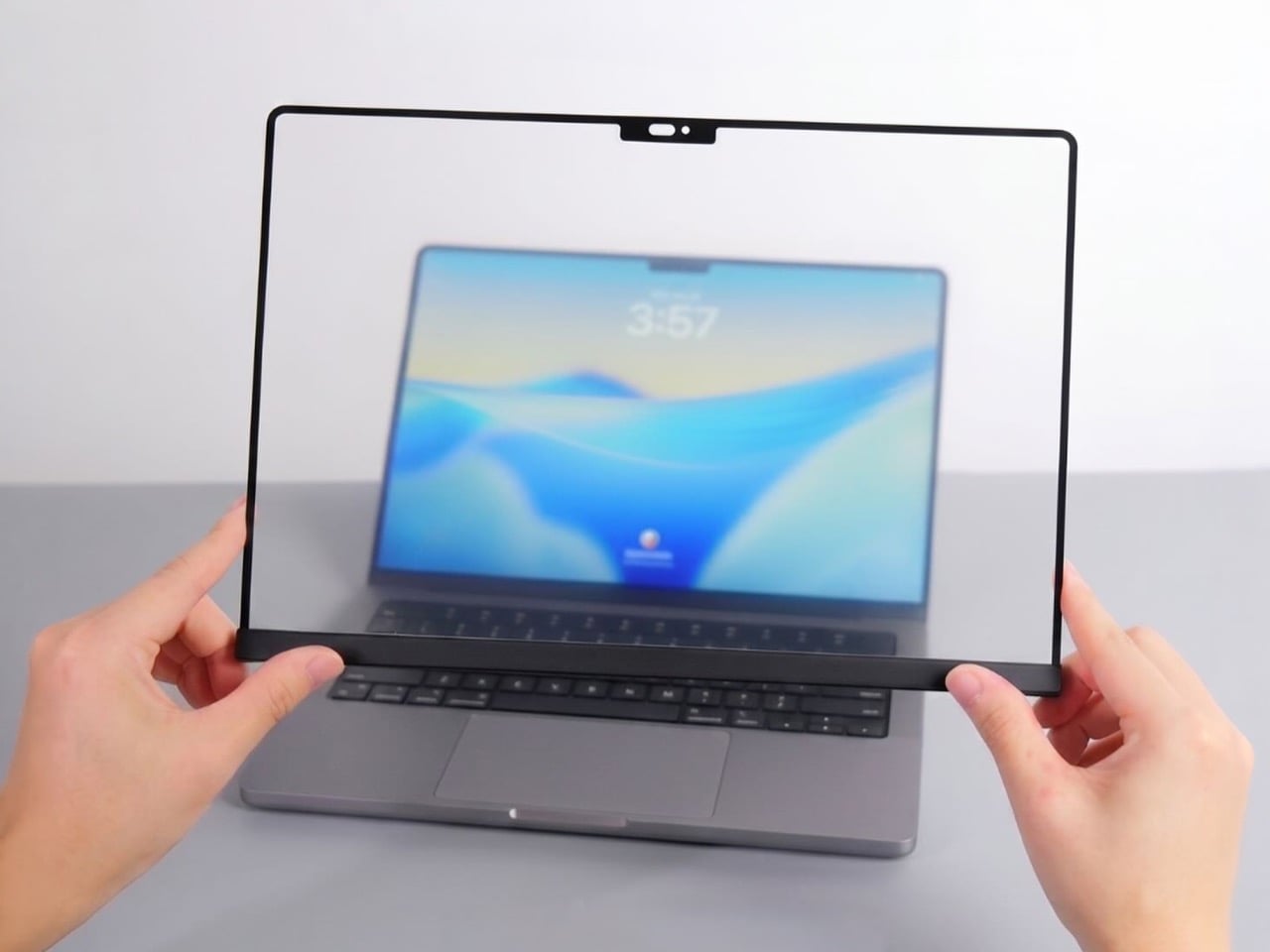
It's a clear panel with a black border. You can see a cutout that fits the notch at the top.
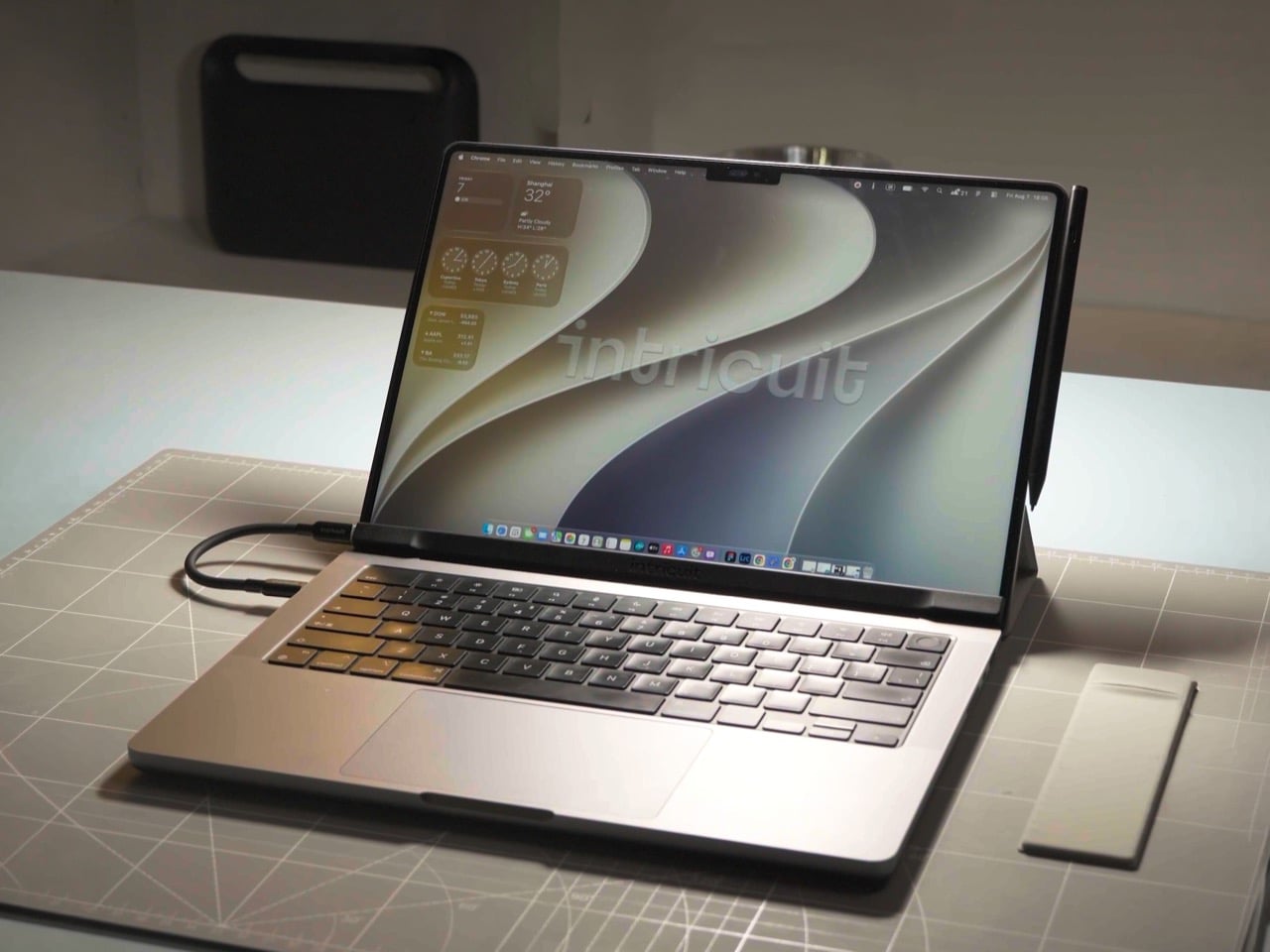
The panel is attached to a MacBook on a desk, with a USB-C cable running off to the side.
🔍 Why It Caught My Attention
The idea of using magnets as a mount
There are magnets around a MacBook's screen that detect when the lid is closed. The panel uses those magnets as its fastening method, so reportedly no adhesive or modification is needed.
Take it off and it's a normal MacBook again
Nothing is permanently changed, so you can attach it only when you need it. Because it even has a cutout for the notch, it doesn't seem to block the camera.
It even supports a stylus
On top of tap, swipe, and pinch, it reportedly accepts stylus input. That looks more than good enough for quick sketches and annotation work.
🤔 What Gives Me Pause
macOS isn't built for touch
I'd need to see how it feels to tap small buttons on a UI full of them with a finger.
Compatible models and real-world responsiveness
Which models are compatible, how much latency there is, and how much screen clarity drops are all still unknown. Support is also a variable for a young startup.
📋 Product Features (Subjective Ratings)
- Design: ⭐⭐⭐⭐☆
- Portability: ⭐⭐⭐☆☆
- Practicality: ⭐⭐⭐☆☆ (needs real-world testing)
- Value for money: ⭐⭐⭐⭐☆ (based on about $179)
🛒 Pre-Purchase Checklist
✅ Recommended for
- People who sketch or do 3D work on a MacBook
- People who don't want to carry a separate iPad
- People who like trying new accessories early
❌ Not recommended for
- People who don't need touch input
- People who only use products from proven brands
🎯 Final Verdict
It's among the simplest ways to add touch to a MacBook. What appeals to me is that you can attach and remove it without any modification.
That said, real-world reviews and compatibility information are still scarce, so for now I'm in watch-and-wait mode. I'd like to reassess once follow-up reviews come out.
Source: Yanko Design product page