Motorola MA2 - A Wireless Android Auto Adapter with a Phone-Switching Button
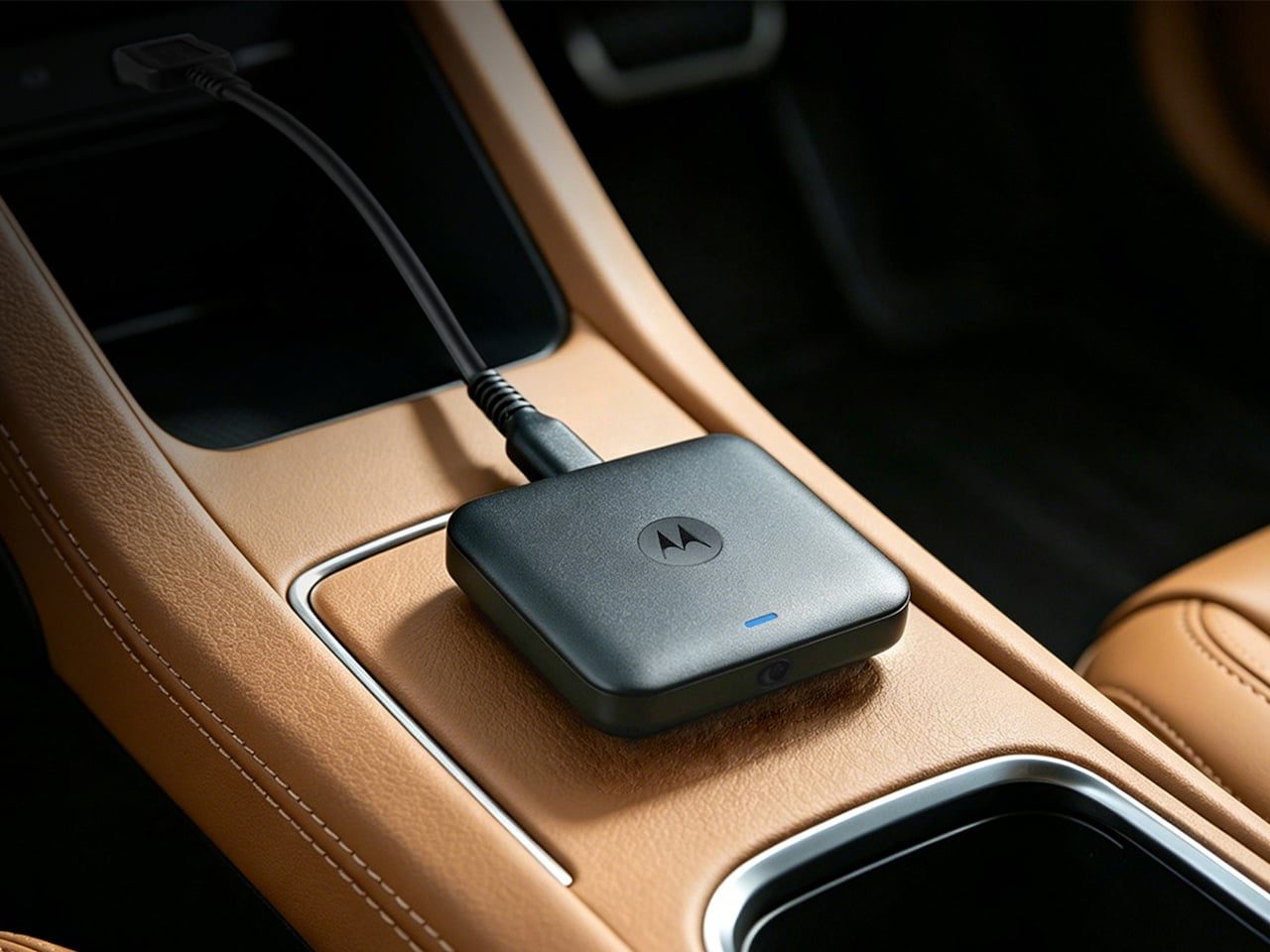
Plugging my phone into a cable every time I get in the car is a small chore, but it gets annoying every single time. The Motorola MA2 is a wireless Android Auto adapter, a small black box with one physical button added for switching phones and turning the connection off.
📊 Quick Info
| Item | Details |
|---|---|
| Brand | Motorola |
| Type | Wireless Android Auto adapter |
| Price | To be confirmed |
| Connection | Built-in USB-C cable |
| Key feature | Physical button to switch phones or turn off the connection (per the product introduction) |
| One-line verdict | ⭐⭐⭐⭐☆ Why one small button makes it easier to use |
✨ 3-Line Summary
- 👍 Biggest plus: It connects wirelessly while your phone stays in your pocket
- 👎 Downside: Price, compatible cars, and wireless latency still need to be confirmed
- 🎯 Recommended for: People whose car supports wired Android Auto and who switch between two or more phones
📸 Product Tour
A flat, square adapter with a cable attached
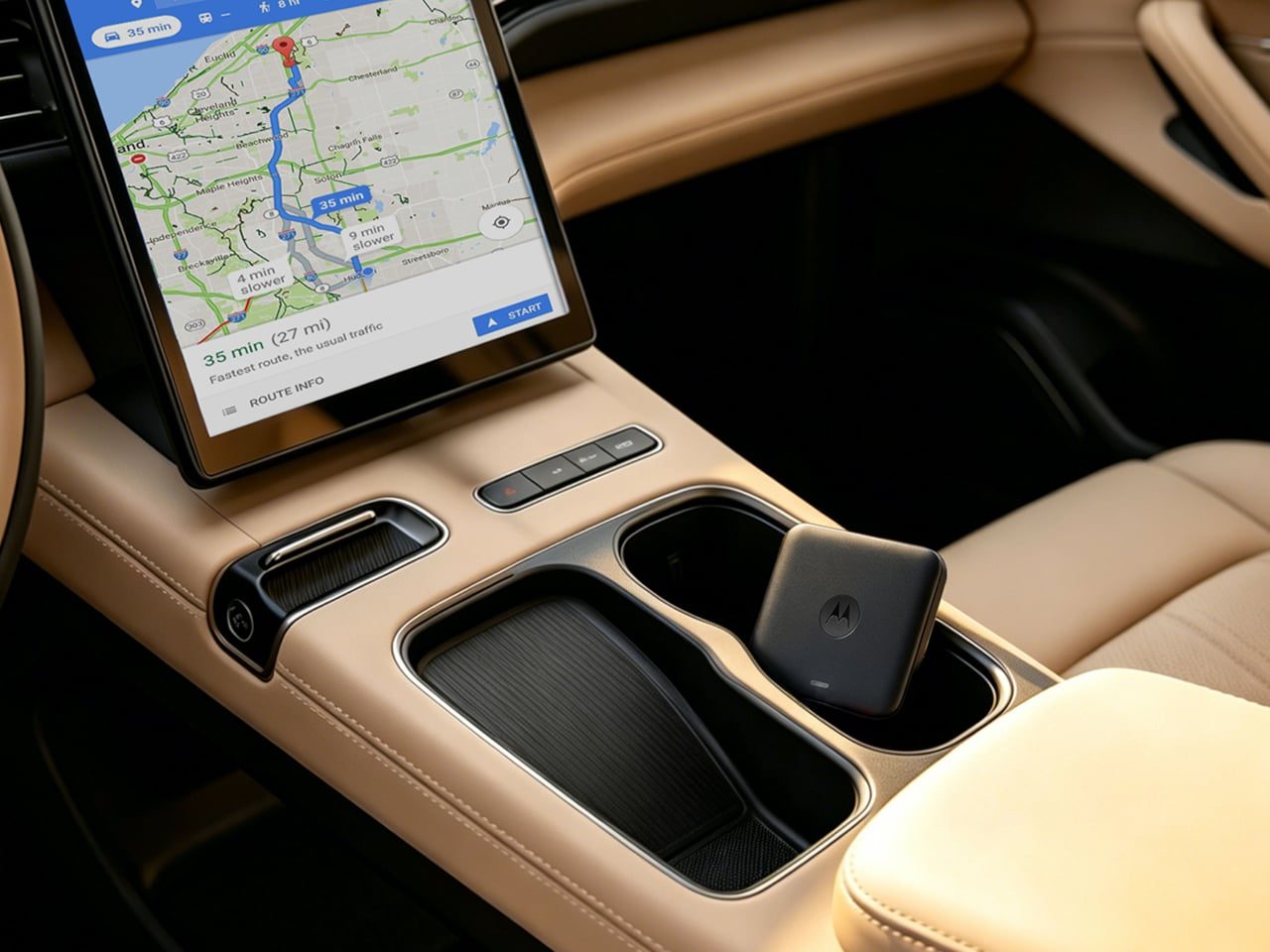
Android Auto navigation showing up on the car's display
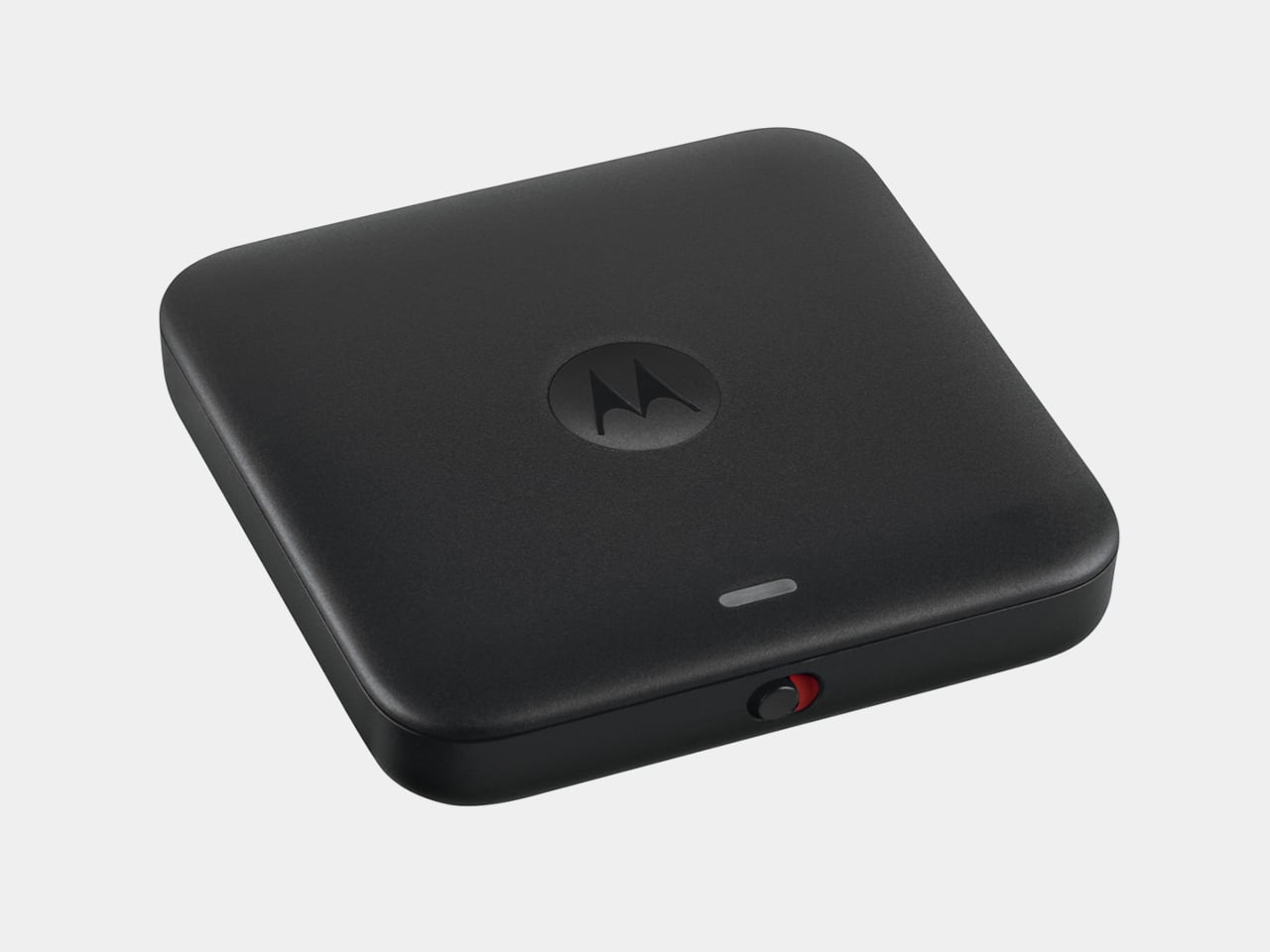
You can see the logo and LED on the front and the red accent button on the underside
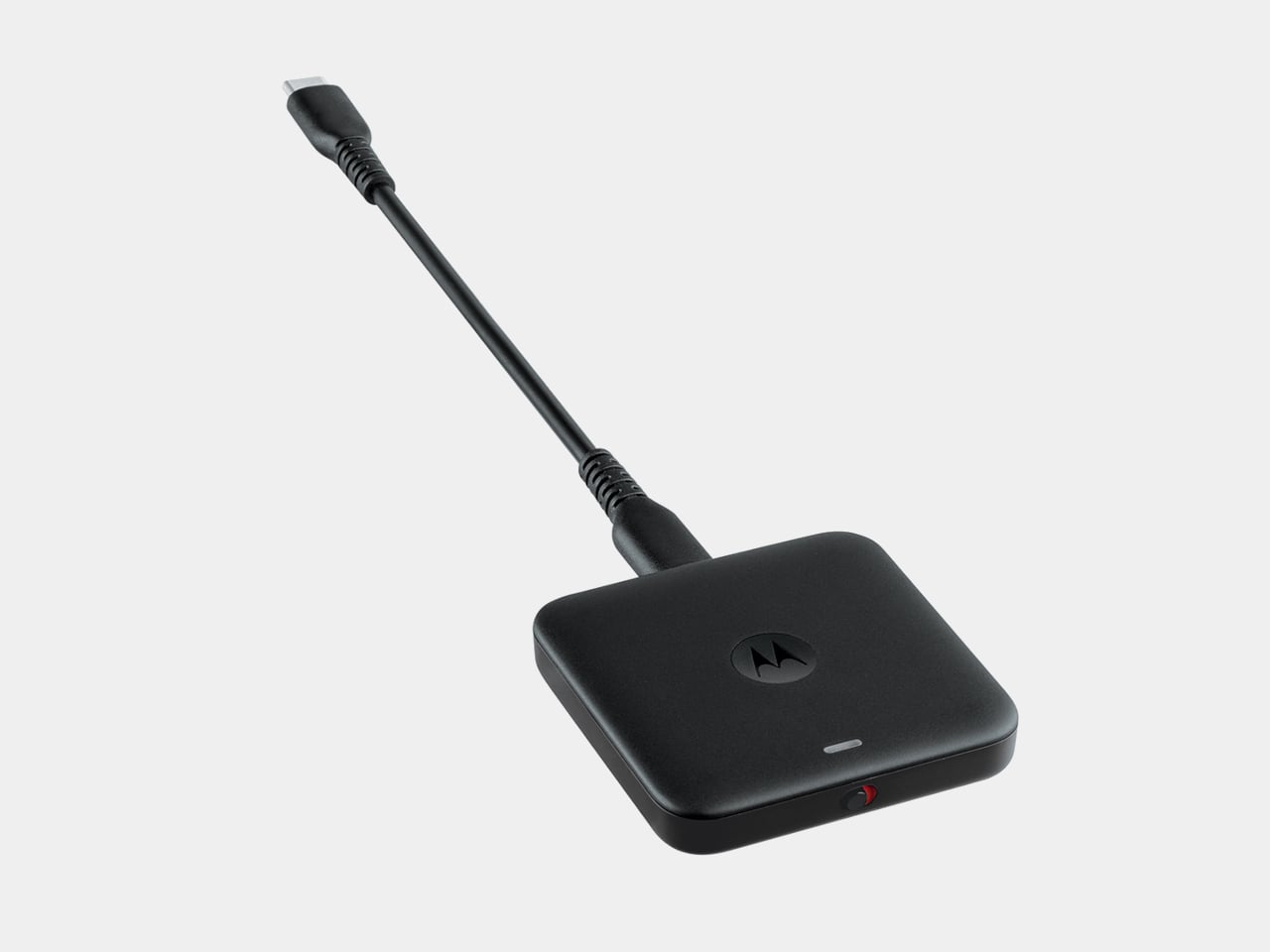
A short USB-C cable is attached directly to the adapter
🔍 Why It Caught My Eye
The value of one button
With two phones, it's easy to lose track of which one the adapter is attached to. If a physical button can switch it right away, you don't have to open an app.
Turning the connection off
Some days you don't need the wireless connection at all, and a switch to turn it off is handy then.
Small, simple shape
It's a flat square that sits nicely on the center console, so it doesn't disrupt the look of the car's interior.
🤔 What Gives Me Pause
Compatibility needs checking
Your car has to support wired Android Auto, and the range of compatible phone models needs official confirmation.
Wireless latency
Connection time and dropouts with wireless Android Auto vary from product to product, so I'd want to see reviews.
Domestic purchase route unconfirmed
I haven't been able to confirm whether it's officially sold in Korea or what it costs.
📋 Product Features (Subjective Ratings)
- Design: ⭐⭐⭐⭐☆
- Portability: ⭐⭐⭐⭐☆
- Practicality: ⭐⭐⭐⭐☆
- Value for money: ⭐⭐⭐☆☆ (price unconfirmed)
🛒 Pre-Purchase Checklist
✅ Recommended for
- People who find plugging in a cable every time a hassle
- People who switch between two or more phones
❌ Not recommended for
- People whose car already has built-in wireless Android Auto
- People who only use an iPhone
🎯 Final Verdict
This isn't a product that invented a new feature. It takes an existing wireless adapter and uses a button to solve something people actually found inconvenient. That's exactly why its practicality is clear.
Once the compatible cars and the Korean price are confirmed, this is the adapter I'd most like to compare first.
Source: Yanko Design product page
Related posts

Razer Carbon Fiber Collection - Same Shape, Just a Carbon Shell: A 49g Wireless Mouse

Insta360 Toast - A Screenless Photo Frame You Carry Like an Idol Photocard
Objet Charger - A Charger That Plants a Flower in Your Wall Outlet