Razer Tartarus V2 Pro - A Gaming Keypad with 31 Controls in One Hand
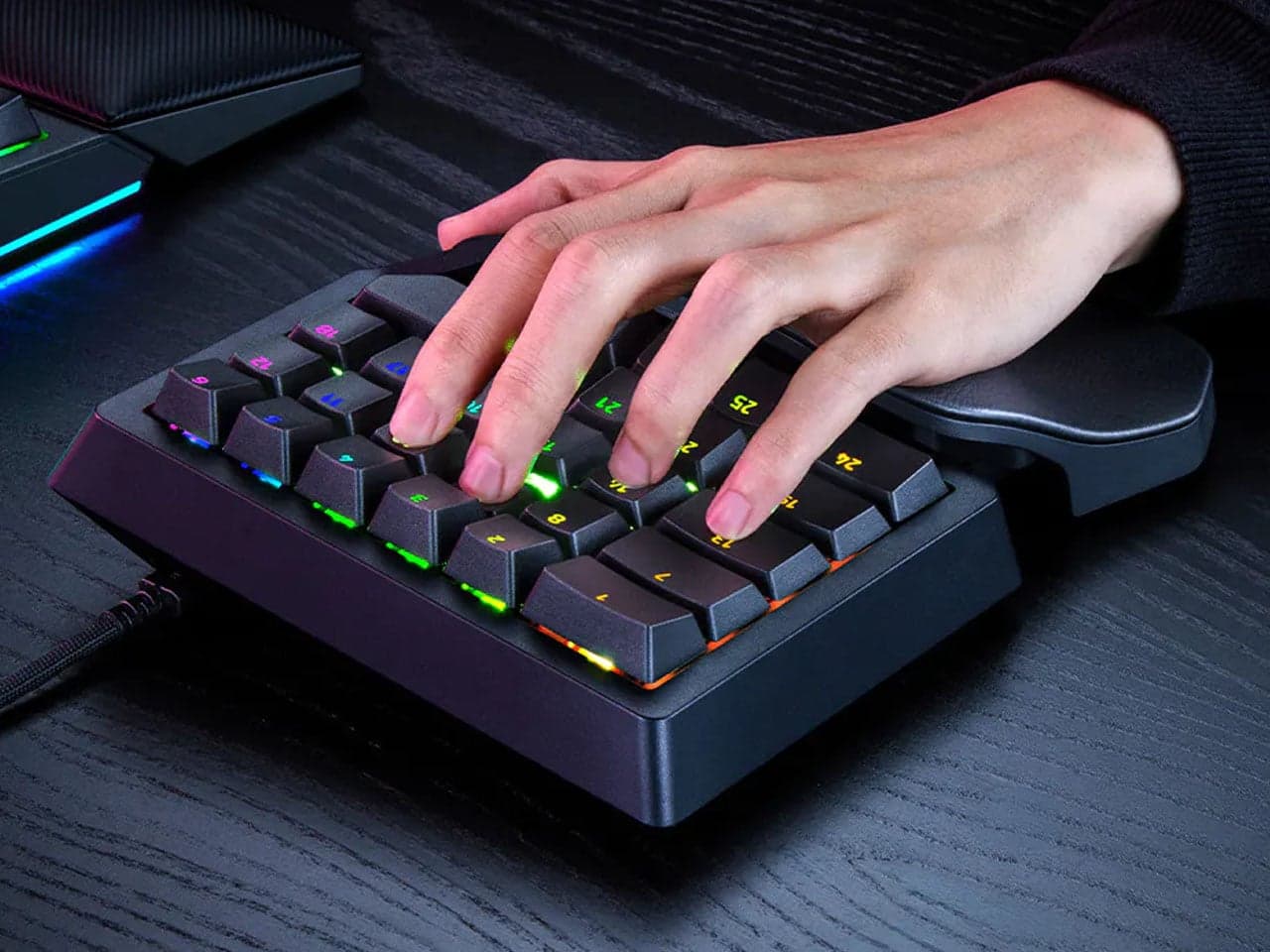
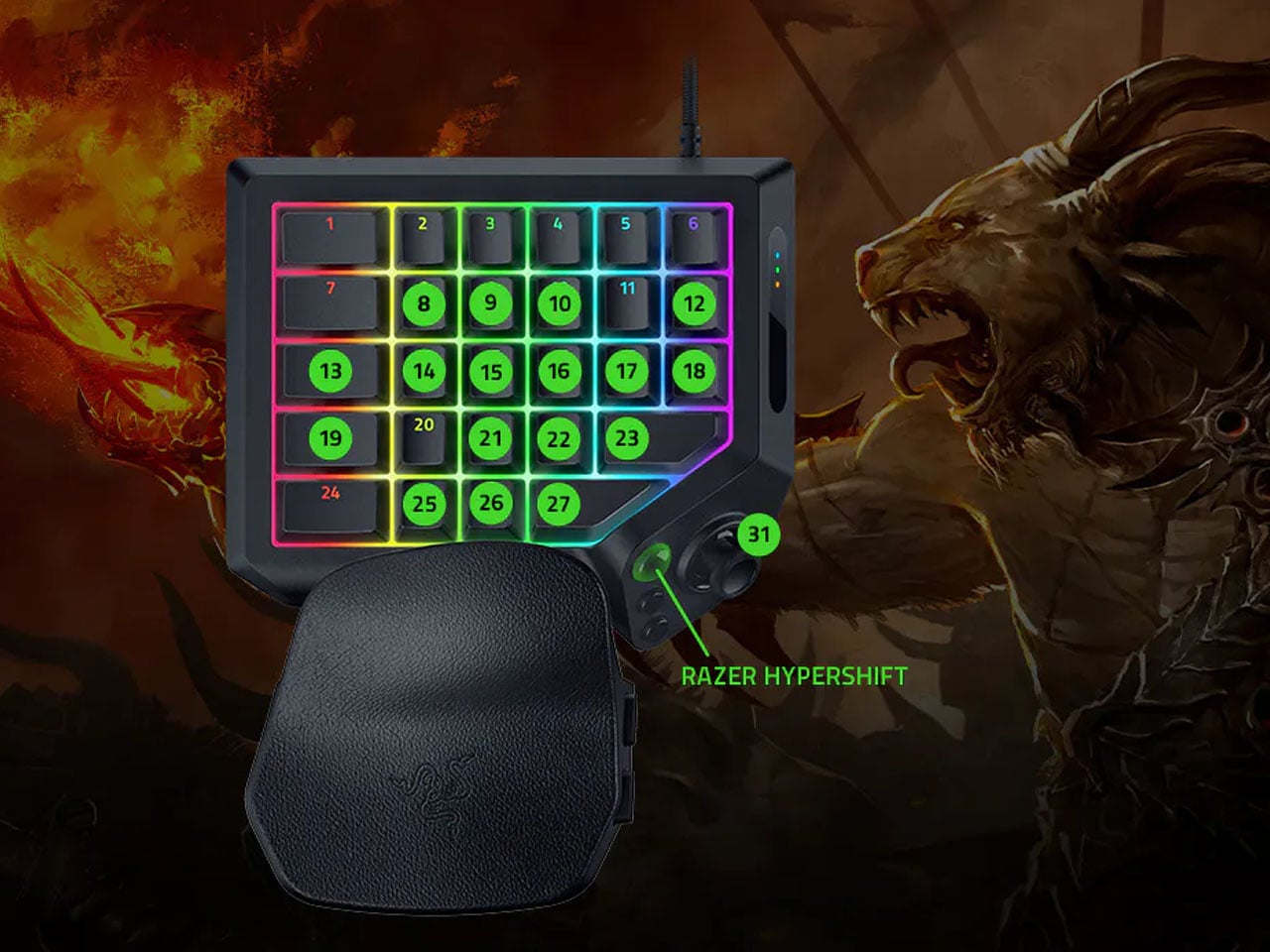
Almost nobody uses every key on a keyboard while gaming. The Tartarus V2 Pro, which puts only the controls you use most right under your hand, caught my eye.
📊 Quick Info
| Item | Details |
|---|---|
| Brand | Razer |
| Price | To be confirmed |
| Material/Specs | One-handed keypad, 31 programmable controls (other specs to be confirmed) |
| Key Feature | Keys, buttons, and a thumb joystick packed into a compact body |
| Verdict | ⭐⭐⭐⭐☆ Interesting not just for gaming, but as a shortcut pad too |
✨ 3-Line Summary
- 👍 Biggest strength: You can use 31 controls without moving your hand
- 👎 Downside: I couldn't confirm the price or the connection type
- 🎯 Recommended for: People who use a lot of shortcuts in games or editing tools
📸 Product Tour
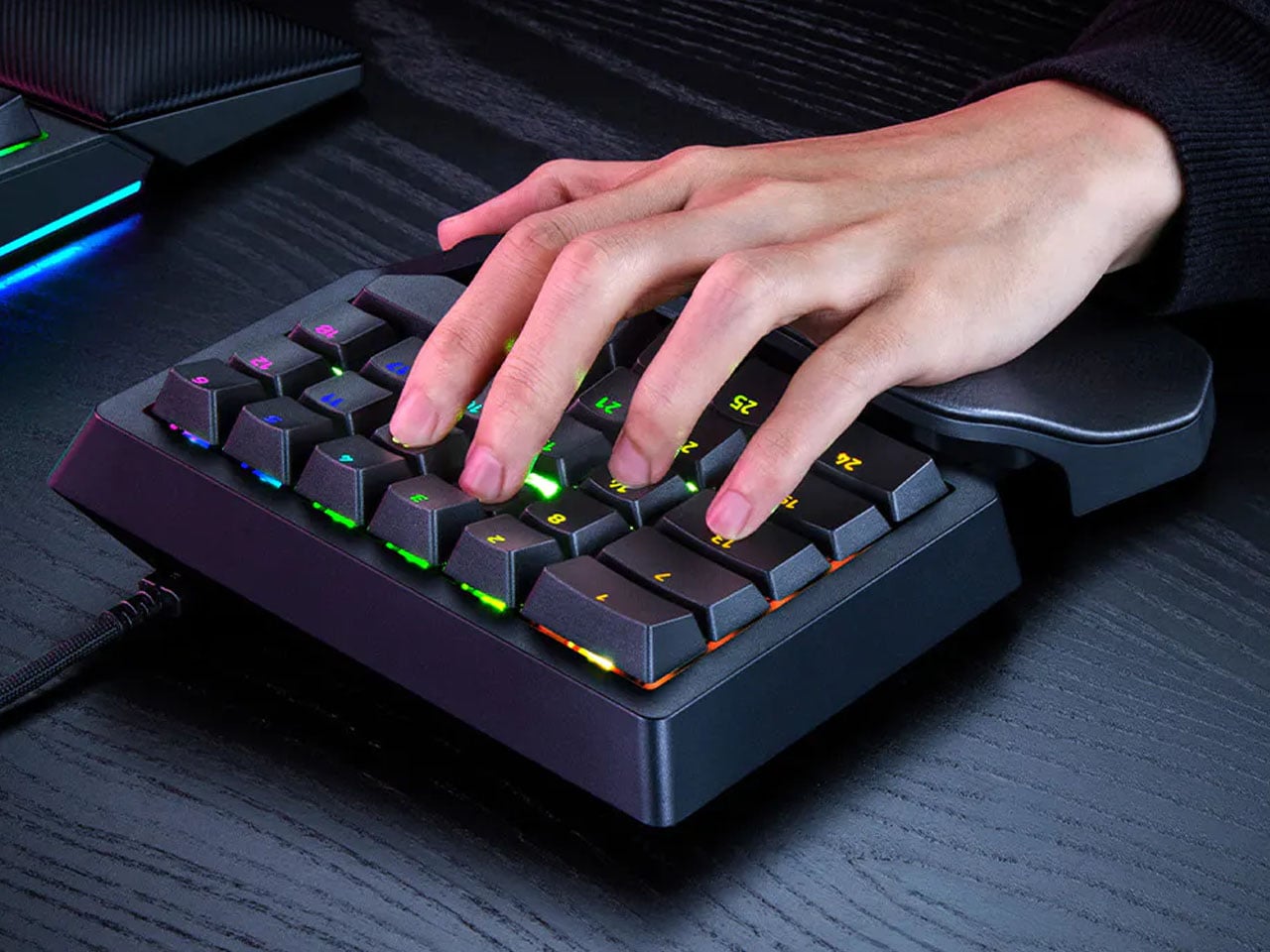
The keys are gathered right where your fingers naturally land
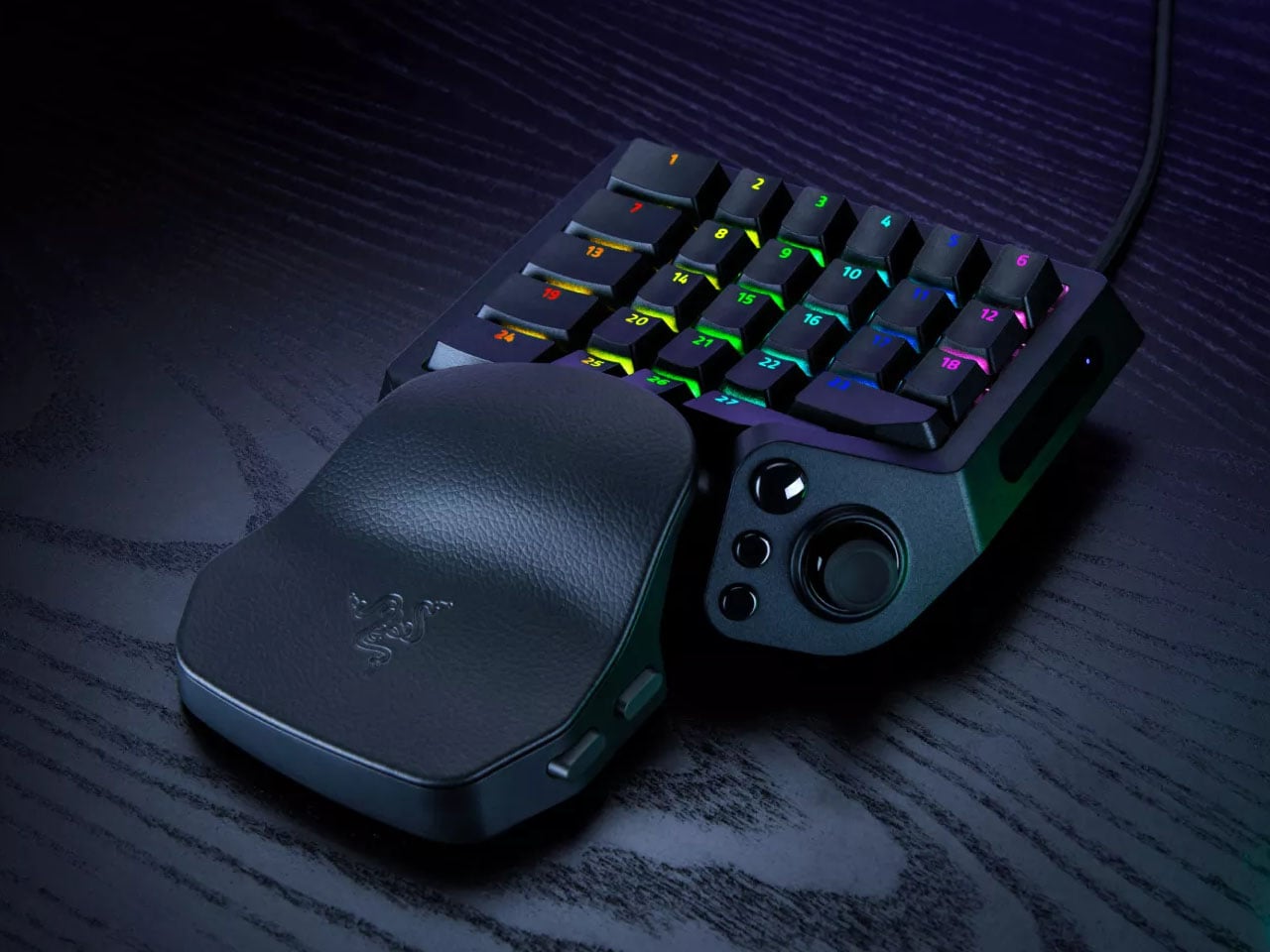
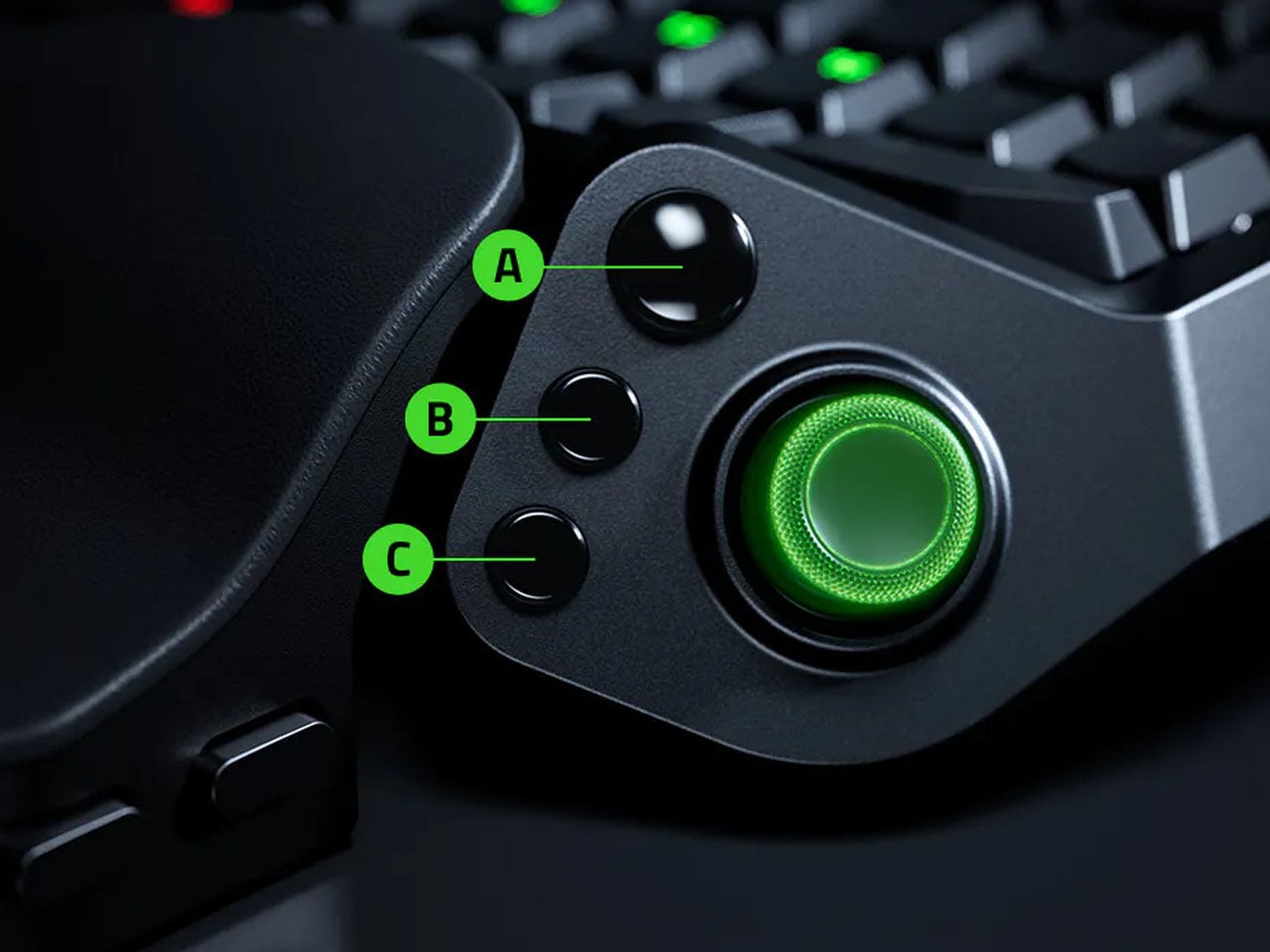
Detail of the buttons and joystick in the thumb area
A shape that supports your palm
Additional product shot
🔍 Why It Caught My Attention
Only the controls you need, close at hand
With a full keyboard your hand keeps travelling around, and a one-handed pad cuts down on that movement.
Looks useful beyond gaming
Since it's programmable, I found myself imagining binding video-editing or coding shortcuts to it.
🤔 What Gives Me Pause
It takes time to adapt
Many people say one-handed keypads take a while to get used to.
Specs not confirmed
Wireless support, switch type, and software requirements need to be checked on the official page.
📋 Product Features (Subjective Ratings)
- Design: ⭐⭐⭐⭐☆
- Portability: ⭐⭐☆☆☆
- Practicality: ⭐⭐⭐⭐☆
- Value for money: ⭐⭐⭐☆☆ (price unconfirmed)
🛒 Before You Buy
✅ Recommended for
- People who use a lot of shortcuts in games
- Anyone curious about one-handed input devices
❌ Not recommended for
- People who want a minimalist desk
- People who only game occasionally
🎯 Final Verdict
Rather than adding more keys, it takes the clear approach of gathering them close to your hand. If you rely on shortcuts for both gaming and work, it's worth a try.
Price and detailed specs still need confirming. Without exaggerating, I plan to compare it again once the release details are sorted out.
Source: Yanko Design product page
Related posts
The $21 3-in-1 Charger - iPhone, Apple Watch, and AirPods from a Single Outlet
Pamir Lapis One - A $499 Tiny Computer Built Just for AI Agents
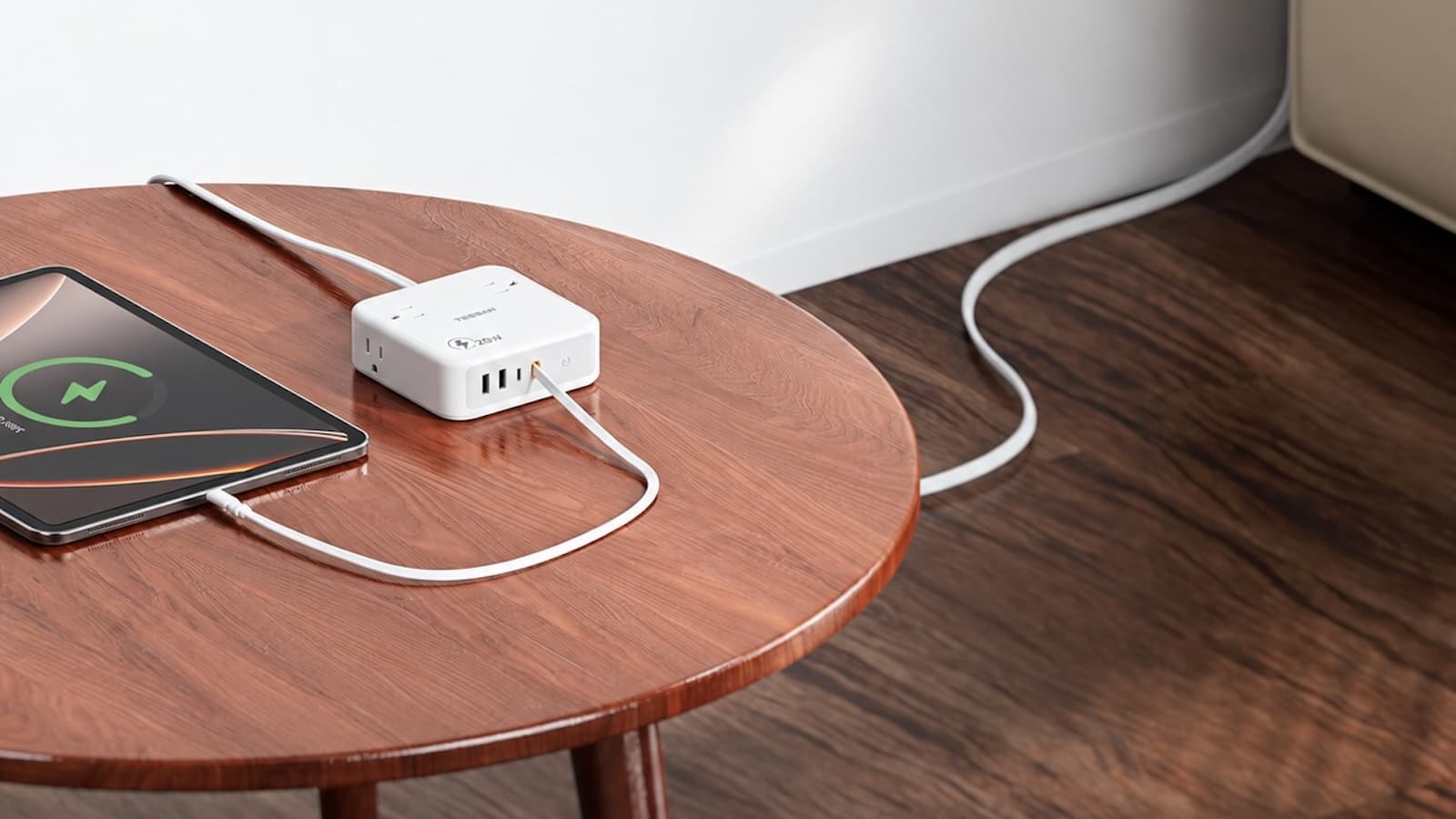
TESSAN 8-in-1 Flat Plug Surge Protector - The Power Strip with a Built-In Cable