Ulanzi Vibe Key — A Physical Keypad for the Voice-Driven AI Era
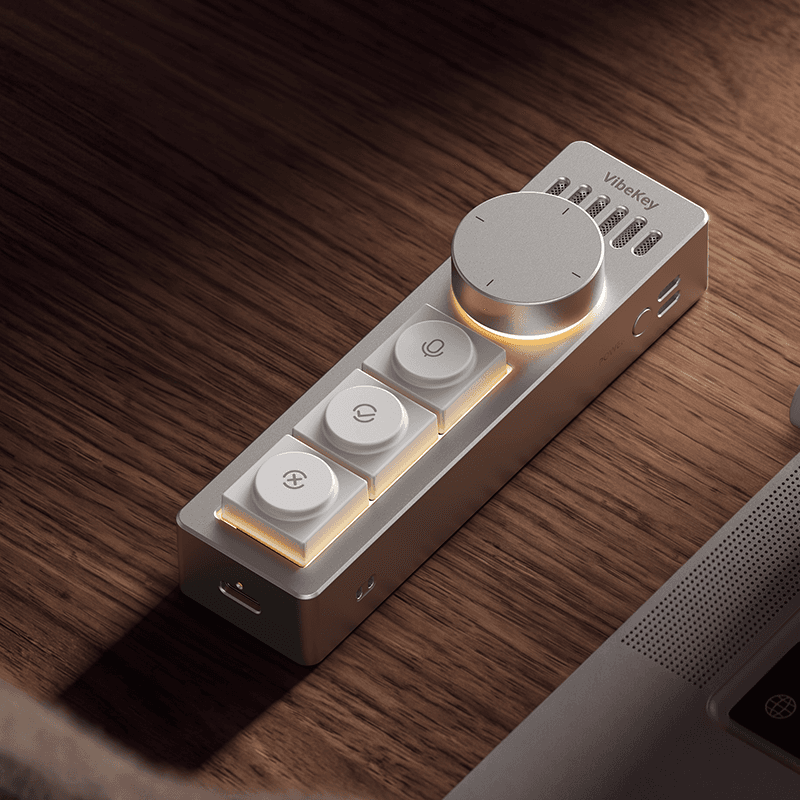
Ever notice how, these days, typing out every single question to ChatGPT or Claude feels oddly tedious? Ulanzi seems to have zeroed in on exactly that friction point. It's a small aluminum bar with three buttons and a dial — press a button, speak, and your words become an AI prompt on the spot. It was also interesting to see Ulanzi, a brand best known for creator gear, step outside of camera accessories for once.
📊 Quick Info
| Item | Details |
|---|---|
| Brand | Ulanzi (China), model AU05 |
| Price | About $61.59 (official store) |
| Materials/Specs | CNC aluminum alloy body, 84g, 11.2×3×2.8cm, 300mAh battery, USB-C charging |
| Key features | Voice input button, confirm/cancel buttons, rotary dial; integrates with AI agents like ChatGPT, Claude, and Codex |
| One-line take | ⭐⭐⭐⭐☆ A gadget that makes physical desk buttons feel appealing again |
✨ Three-Line Summary
- 👍 Best part: An 84g aluminum bar turns "commanding AI by voice" into a physical button press
- 👎 Drawback: Its purpose may feel unclear if you're not already deep into specific AI agents or workflows
- 🎯 Best for: Developers and creators who keep AI tools running all day, and anyone into deskterior setups
📸 Product Gallery
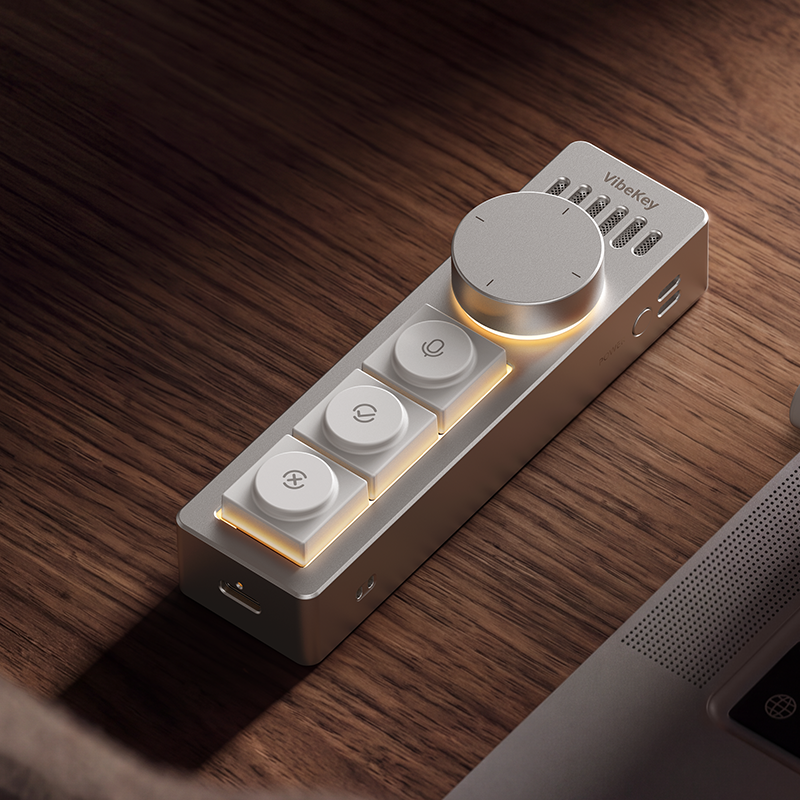
The main shot showing the dial and three-button layout at a glance
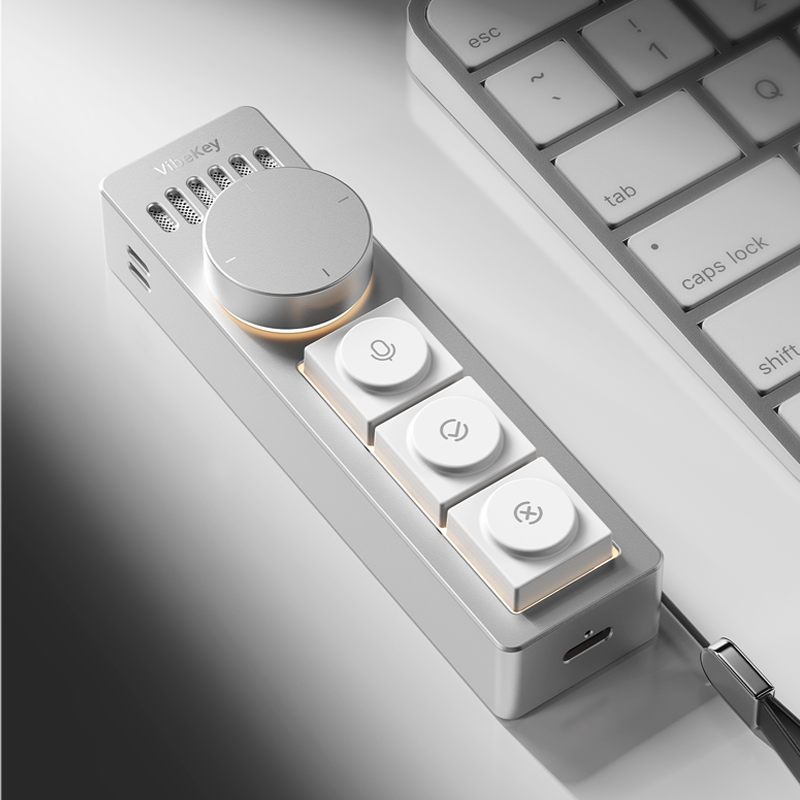
Connected via USB-C cable and sitting as a desk accessory next to the keyboard
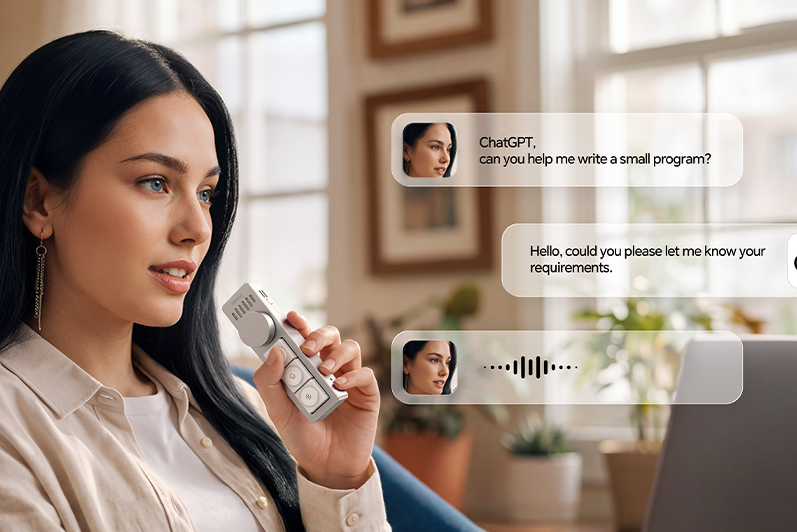
A real-use shot of pressing the mic button to give the AI a spoken command
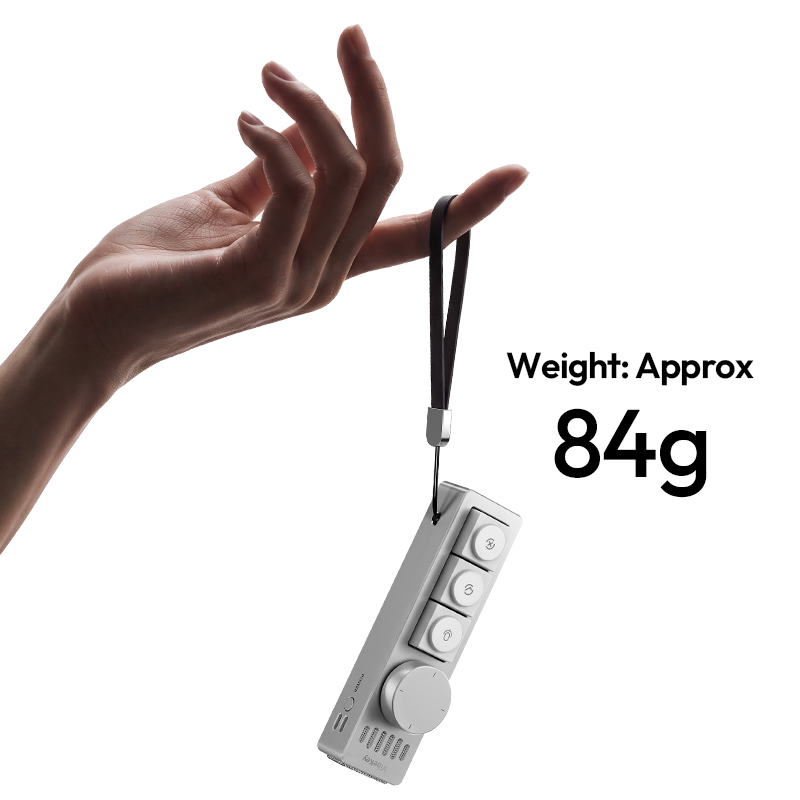
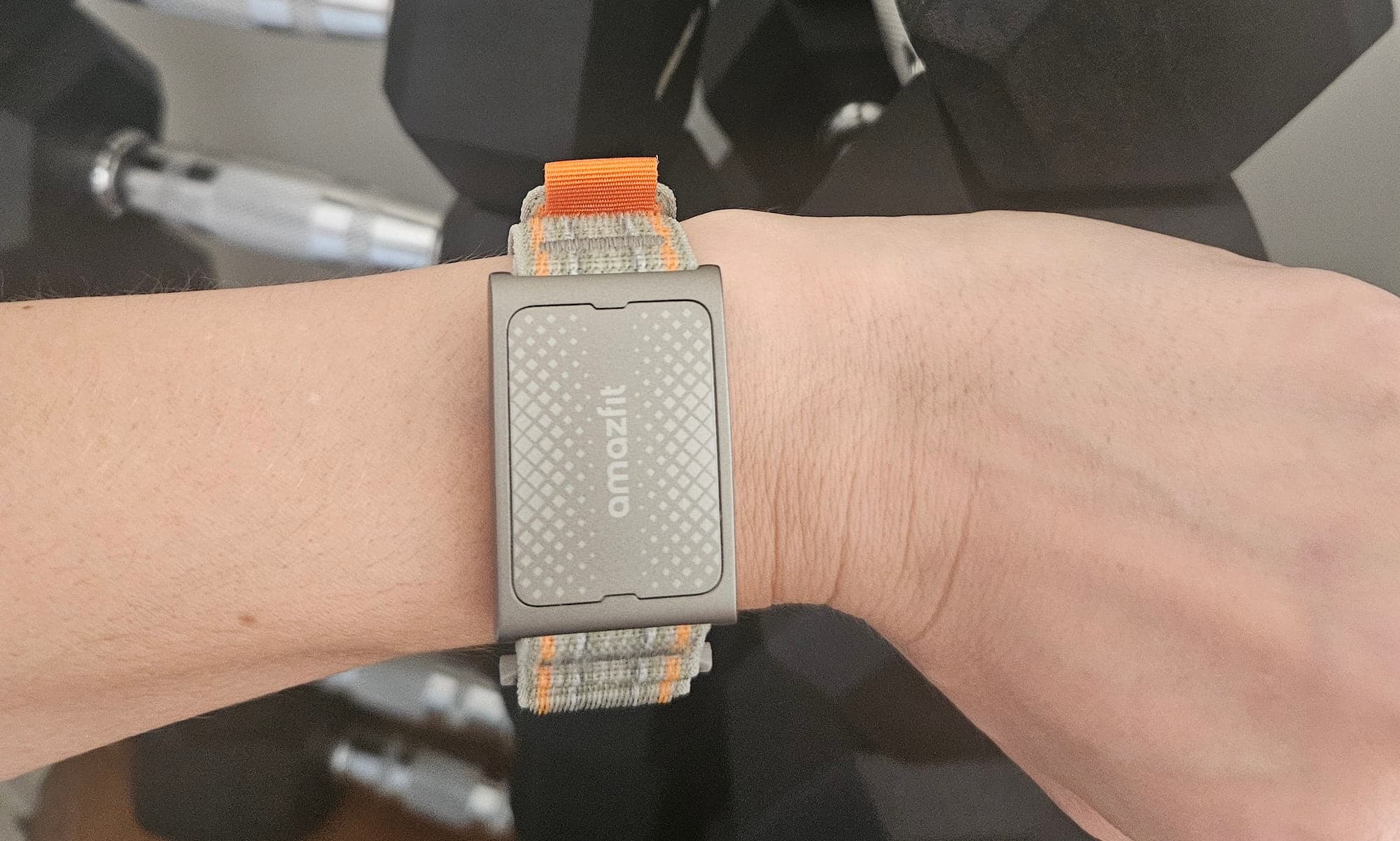
The featherlight 84g weight comes through clearly in this strap shot
🔍 Why I'm Interested
A fresh take on input devices for the AI era
Physical buttons kept disappearing as smartphones took over, so it's kind of fun to see a "press this" input device make a comeback in the AI era. Starting an AI session with a single button, giving a spoken command, and confirming it with a dedicated button — without ever looking at a screen — feels like a pretty intuitive flow.
An extremely minimal form factor
11.2cm long and 84g. It takes up barely any desk space — about as much as tossing one more pen into your pencil case. The CNC aluminum finish also feels premium in hand.
Two separate modes: Work and Everyday
In AI session mode, rotating the dial switches between sessions while the buttons handle approve/reject. In everyday mode, that same dial works like a mouse scroll wheel. Designing one piece of hardware to take on different roles depending on context struck me as pretty clever.
Custom mapping support
Apparently the dedicated software lets you assign the three buttons' functions yourself. It feels like building a tool around your own workflow — the kind of accessory you'd keep reaching for once you've set it up the way you like.
🤔 Points to Consider
Not yet tested hands-on
This isn't a hands-on review yet — I'm going off the official store listing and product photos alone, and my interest was sparked from there. Things like voice-recognition accuracy and real-world latency still need to be verified.
The use case may be somewhat niche
If you're juggling multiple AI agents every day, this is clearly appealing — but if you're not, you might wonder, "do I really need a separate device for this?"
Shipping and after-sales service
Since this is a direct import from an overseas store, official distribution and after-sales support within Korea would need to be confirmed.
📋 Product Ratings (Subjective)
- Design: ⭐⭐⭐⭐☆
- Portability: ⭐⭐⭐⭐⭐
- Practicality: ⭐⭐⭐☆☆ (depends heavily on your usage pattern)
- Value: ⭐⭐⭐☆☆ (roughly $60, reasonable for a niche accessory)
🛒 Before You Buy
✅ Recommended if you
- Keep AI agents like ChatGPT, Claude, or Codex running all day at work
- Enjoy adding minimalist gadgets to your desk one at a time
- Often find voice input more convenient than typing
❌ Not recommended if you
- Only use AI tools occasionally (the benefit may not feel significant)
- Are already fully satisfied with software shortcuts over a physical button
🎯 Final Verdict
The Ulanzi Vibe Key compresses today's "just tell the AI what to do" way of working into a single physical button. What stood out to me most was its light 84g weight, the polish that comes from the CNC aluminum finish, and the dual-mode design that switches between AI sessions and everyday use.
It's not a universal fit. If you don't use AI agents on a daily basis, this accessory might just be unnecessary. But for anyone already juggling several AI tools throughout the day, being able to summon an AI with a single button — without even looking at the screen — seems like a genuinely nice workflow upgrade. And at around $60, the price feels reasonable for a niche piece of hardware like this.
Source: Gadget Flow product page
Related posts
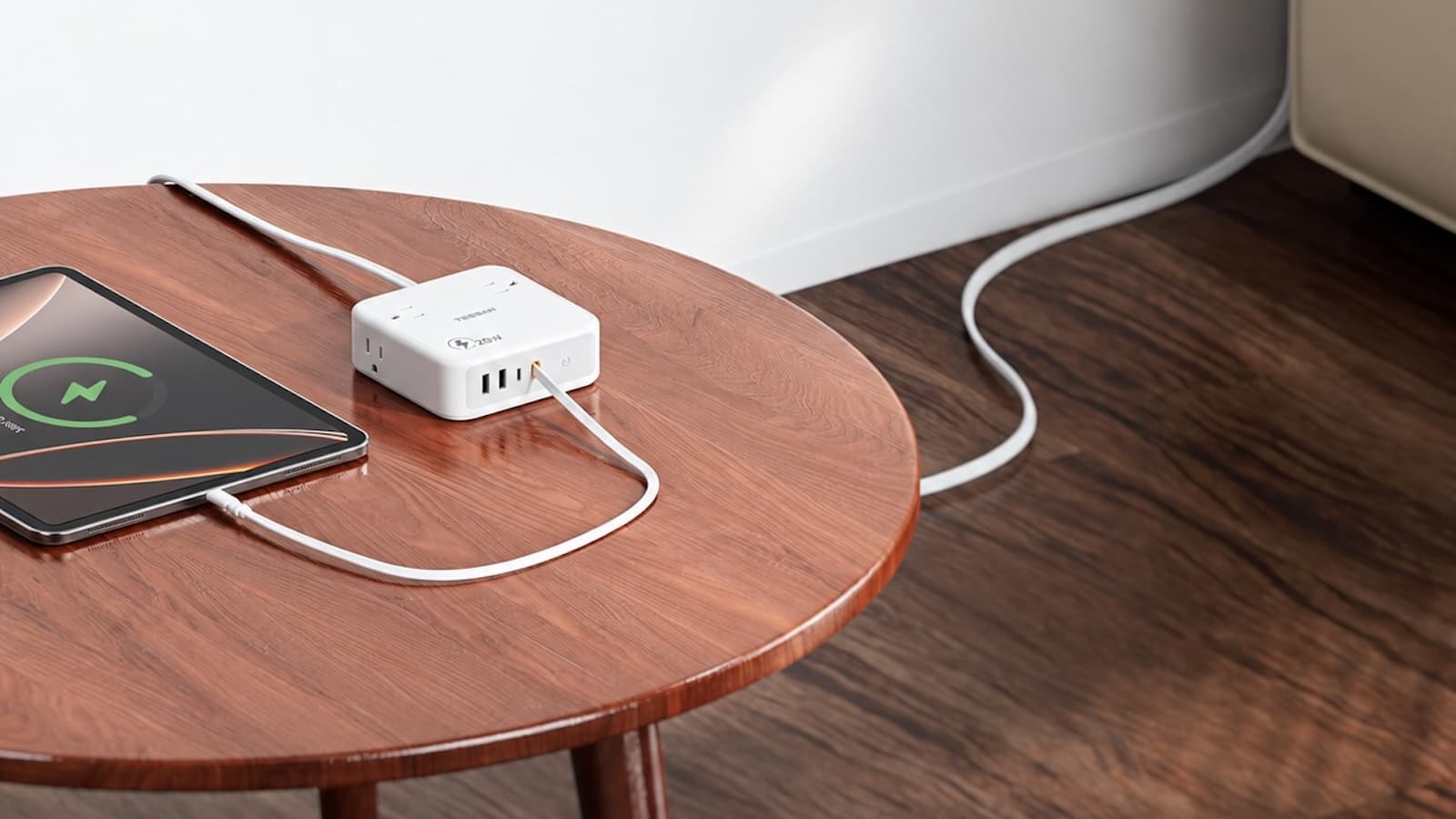
TESSAN 8-in-1 Flat Plug Surge Protector - The Power Strip with a Built-In Cable
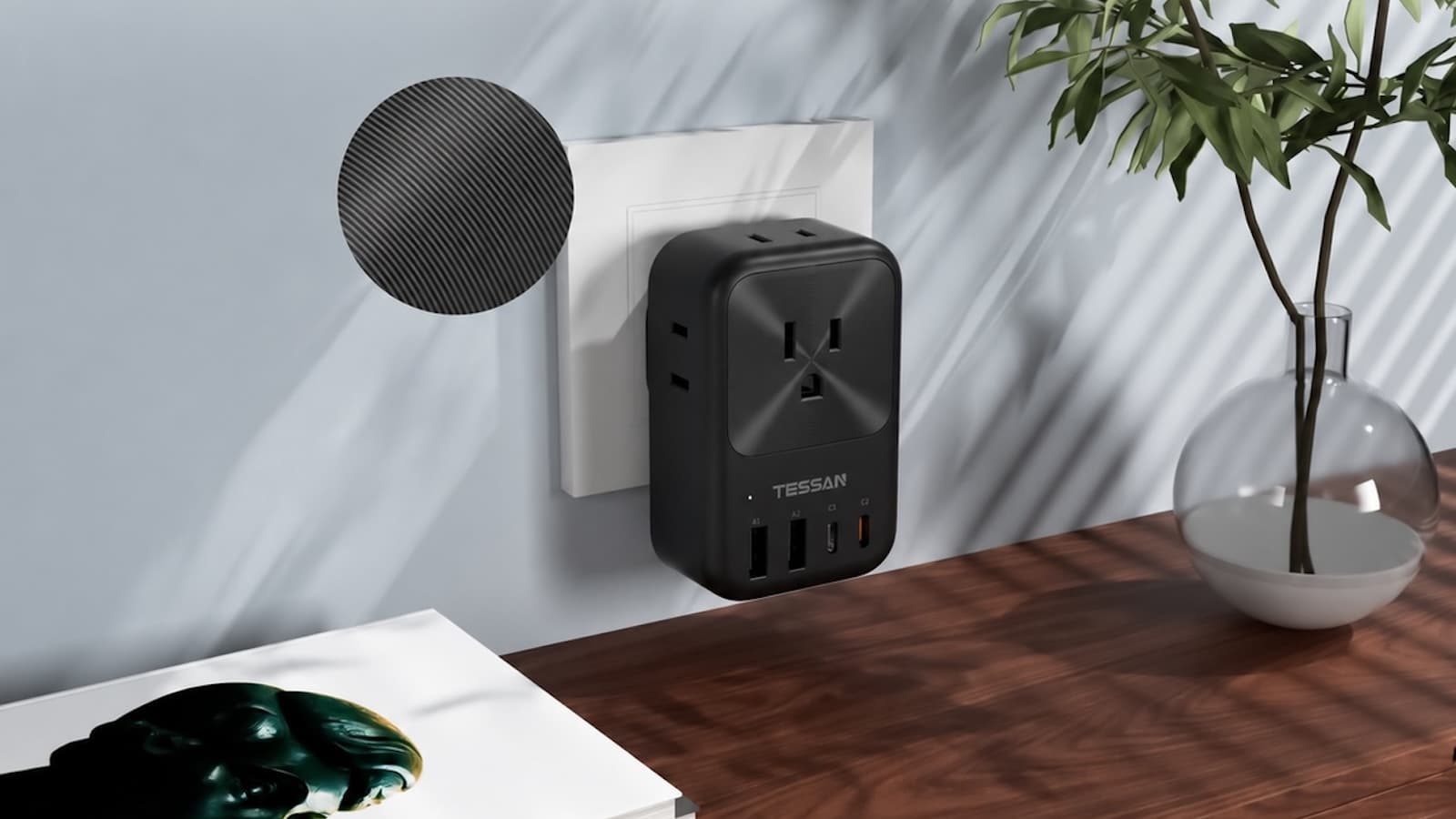
TESSAN UK Travel Adapter - Outlets and 4 USB-A/C Ports in One Body
Amazfit Helio Strap Pro - A Screenless Fitness Tracker You Just Strap to Your Wrist