XPPen Magic Pro 13 - A Drawing Tablet That Works on Its Own and Becomes a Pen Display at Your Desk
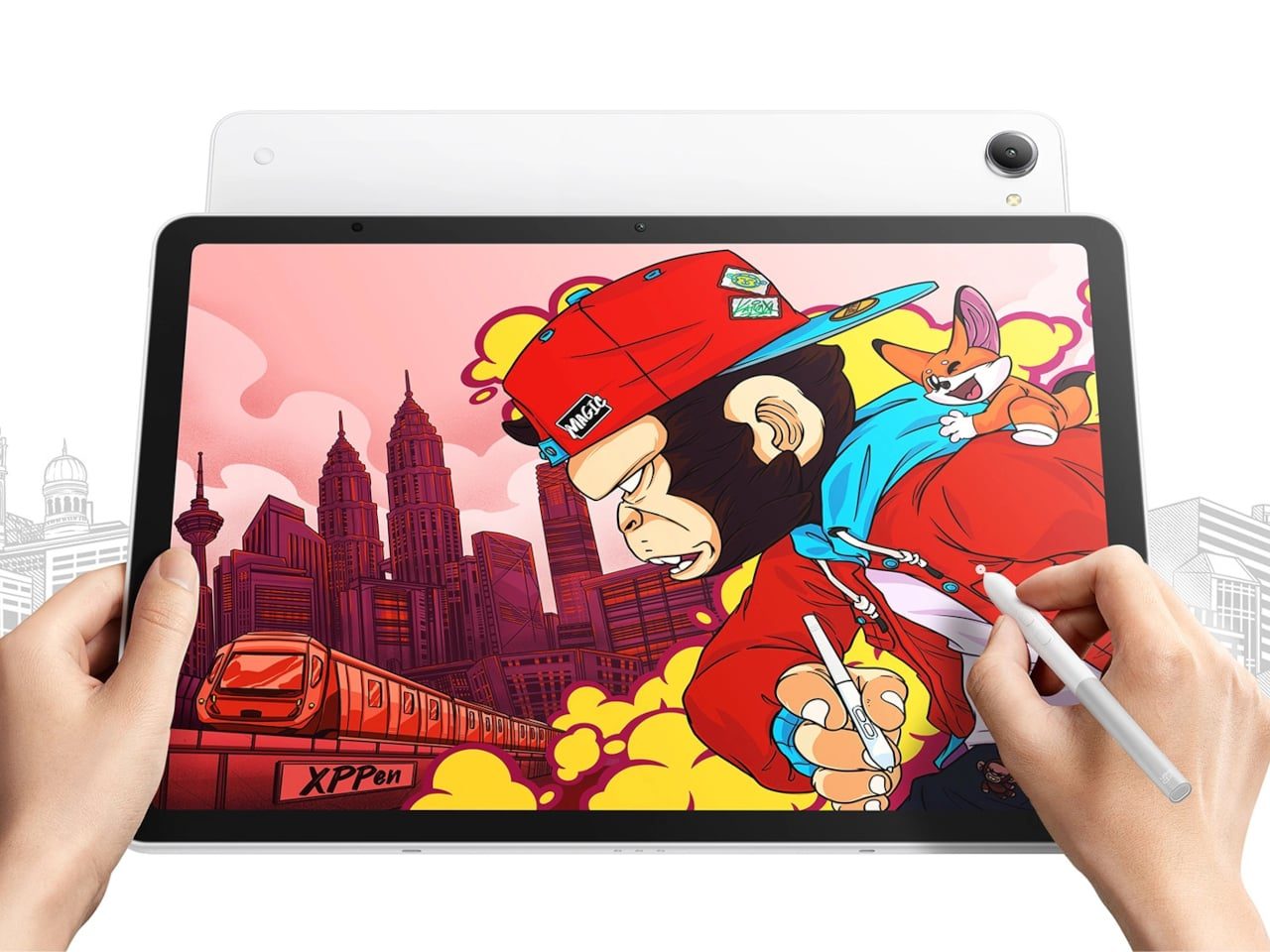
I've always found it a bit frustrating that drawing tablets need to be plugged into a computer, and this one splits the difference. Most of the time it's a standalone Android tablet, and at your desk you connect it to a PC and use it as a pen display.
📊 Quick Info
| Item | Details |
|---|---|
| Brand | XPPen |
| Price | About ₩1,269,000 (based on Coupang listings, subject to change) |
| Size | 13-inch class tablet |
| Key feature | Standalone Android tablet that also works as a pen display when connected to a PC |
| Award | Yanko Design Best of IFA 2026 |
| Verdict | ⭐⭐⭐⭐☆ Two faces, since you can use it cable-free or plug it in |
✨ 3-Line Summary
- 👍 Biggest strength: You can sketch on your own, then move straight into a bigger desk workflow
- 👎 Downside: At over ₩1 million, it's a stretch as an entry-level pick
- 🎯 Best for: Illustrators and designers who want sketching on the go and desk work in a single device
📸 Product Tour
Drawing directly with the pen. The lightweight stylus and thin body stand out
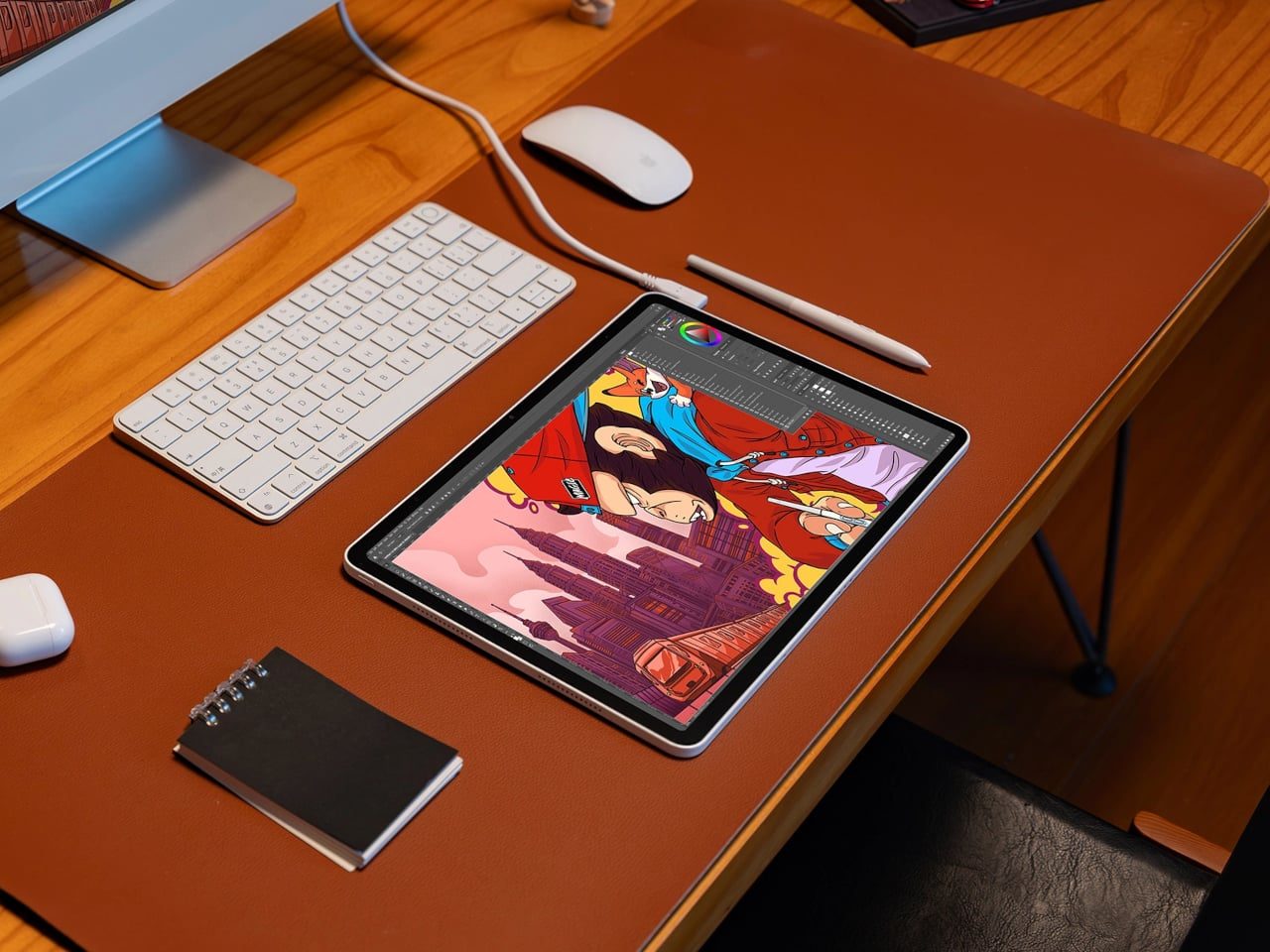
A desk setup with the tablet beside a keyboard and monitor, used as a pen display
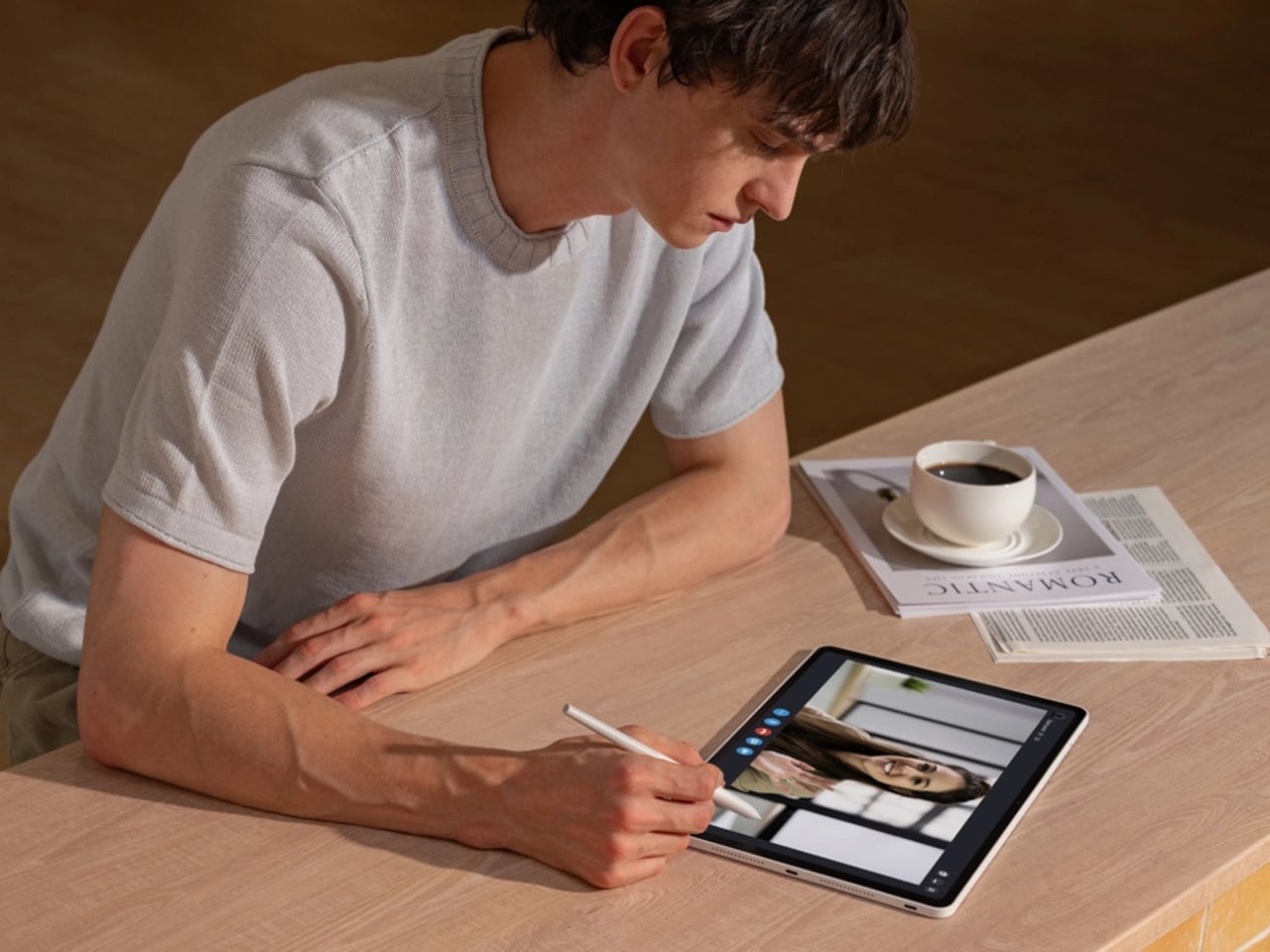
Writing at a café table. This kind of use is only possible because it's standalone
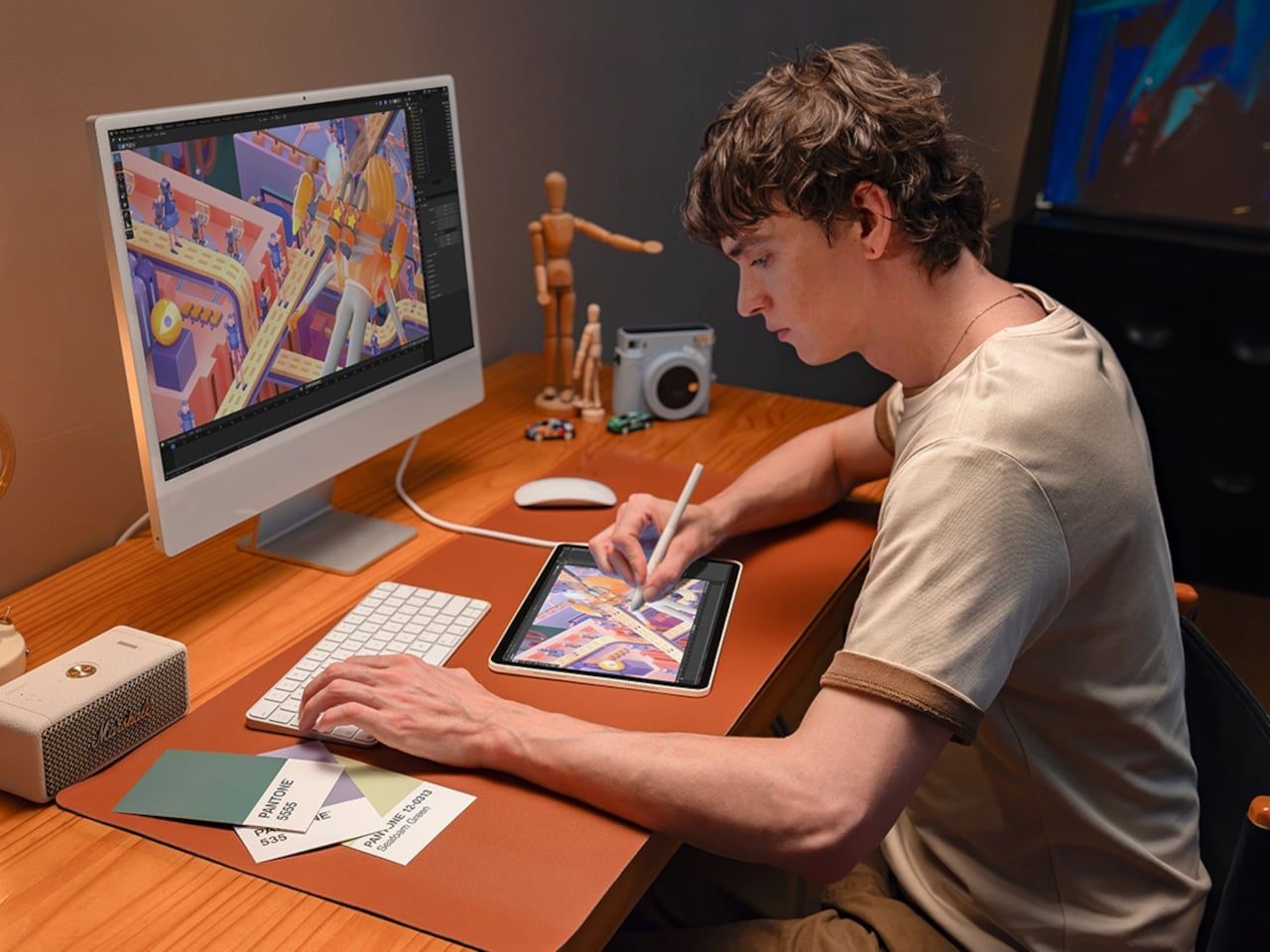
A dual setup with 3D work on the monitor and pen work on the tablet
🔍 Why It Caught My Eye
Two modes in one device
Standalone tablets don't fit well into a desk drawing setup, and pen displays are useless without a computer. This product doesn't make you choose, because it does both.
A size that's easy to carry
At 13 inches, it fits in a bag. Sketching on the move and then handing the work off to a big-screen setup at home looks like a natural flow.
It's already available to order
It's listed on Korean shopping sites too, so unlike products still in crowdfunding, there's a clear way to buy it. I like that.
🤔 What Gives Me Pause
Price
At over ₩1 million, it's overkill for simple note-taking or hobby use. The price makes sense for people who draw for a living.
What I couldn't verify
Details like pen pressure, display quality, and connection method need to be checked against the official specs. This post is not a hands-on review.
📋 Features (Subjective Ratings)
- Design: ⭐⭐⭐⭐☆
- Portability: ⭐⭐⭐⭐☆
- Practicality: ⭐⭐⭐⭐⭐
- Value for money: ⭐⭐⭐☆☆ (depends on how you use it)
🛒 Before You Buy
✅ Recommended for
- Anyone who wants sketching on the go and desk work in one device
- Illustrators and designers who already have a PC-based workflow
❌ Not recommended for
- Anyone mainly after note-taking or casual doodling
- Anyone with a budget under ₩1 million
🎯 Final Verdict
It's a fairly convincing answer for people who've always had to give up either a light tablet or a desk pen display. The combined design looks like the reason it won Best of IFA 2026.
That said, the price is high and I haven't verified it in real use. Unless you plan to use it for work, just looking is enough.
Source: Yanko Design product page
Related posts
Blackview Zeno 2: An 8.68-Inch Compact Tablet That Kept the Headphone Jack
Minisforum N5 Air 7640 - A 5-Bay NAS with a Slide-Out Motherboard
DeWalt DCB094K - A USB Kit That Charges Even Laptops from Power Tool Batteries