Ploopy Adept+ — a $99 Trackball with Gesture Controls That Work Without Any Software
I always figured trackballs were a niche-enthusiast thing, but the line about gesture controls working with zero software install caught my eye. Working without a driver is a pretty compelling point if you're the type who likes keeping their desk setup simple.
📊 Quick Info
| Item | Details |
|---|---|
| Brand | Ploopy |
| Price | around $99 |
| Material/Specs | Open-source hardware trackball, wired USB connection, multi-button layout |
| Key Feature | Hardware-level gesture control support, no separate software install needed |
| One-line take | ⭐⭐⭐⭐☆ A practical pick for ergonomic-peripheral enthusiasts |
✨ 3-Line Summary
- 👍 Best thing about it: Gesture functions work straight out of the hardware — no drivers, no software
- 👎 What's lacking: Wired only, so you'll need to manage cable clutter on your desk
- 🎯 Who it's for: Anyone who wants to ease wrist strain while keeping their peripheral setup simple
📸 Product Gallery
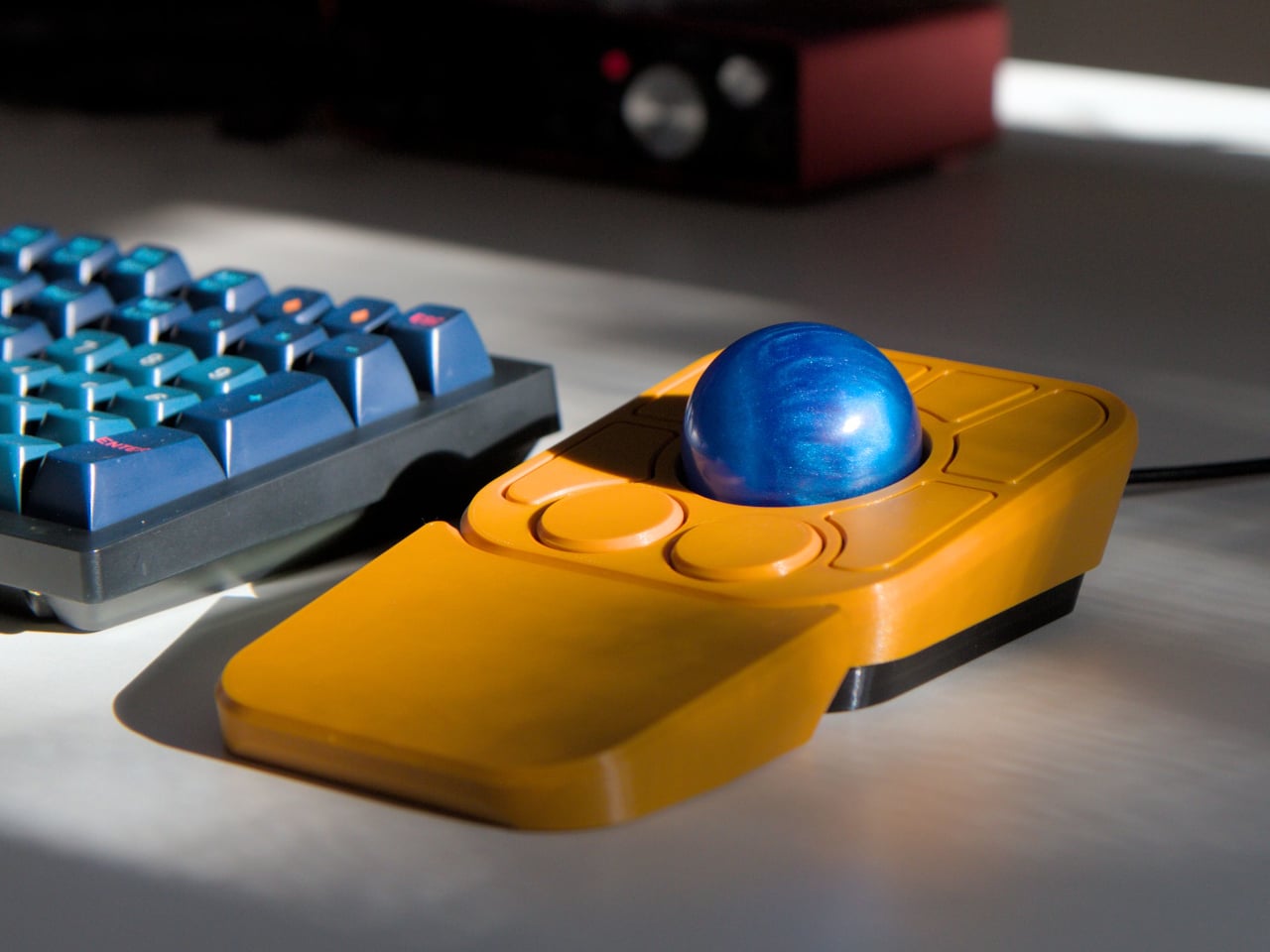
The Ploopy Adept+ trackball sitting alongside a custom keyboard
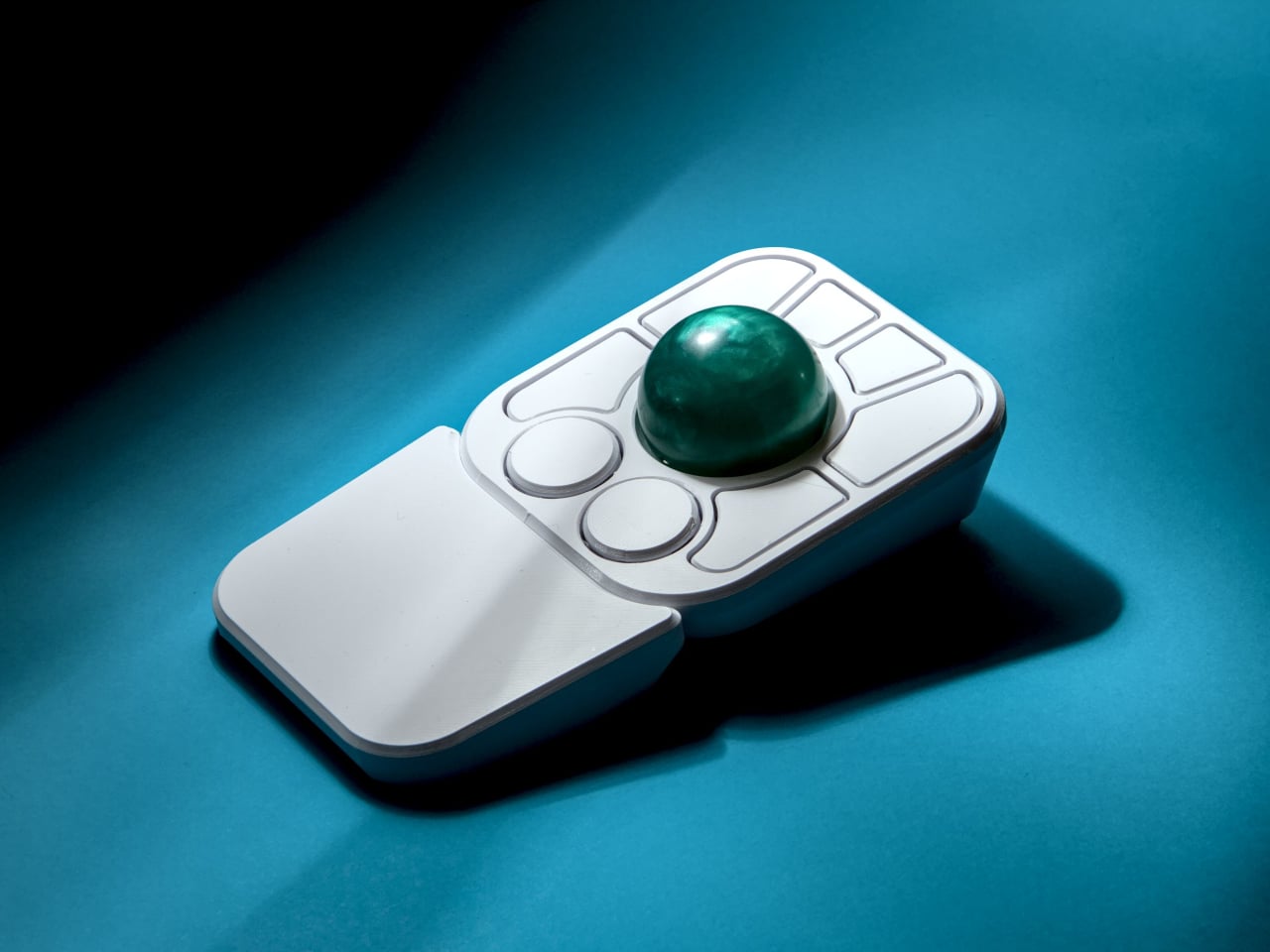
Close-up of the ball and button layout
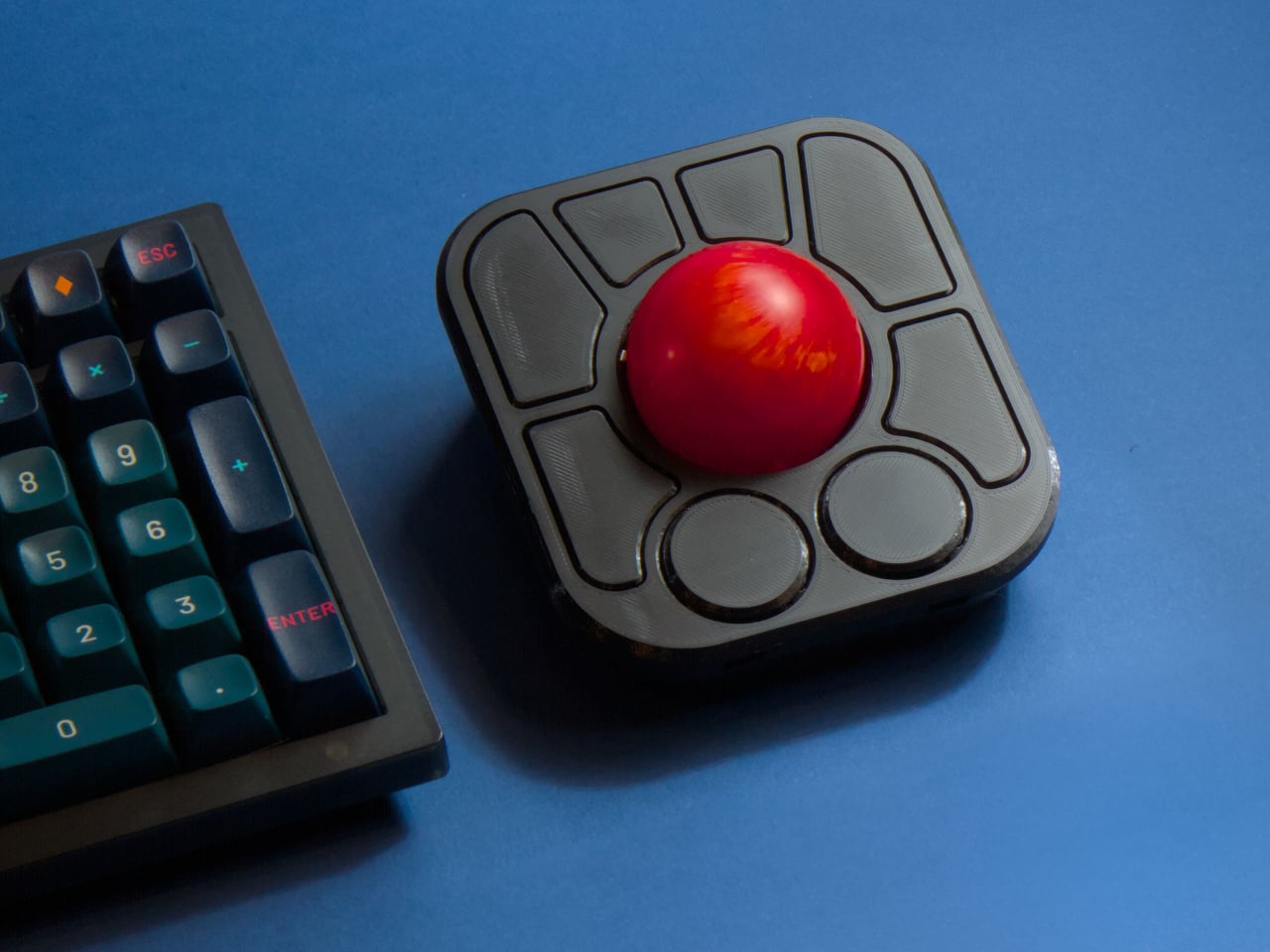
Being operated by hand
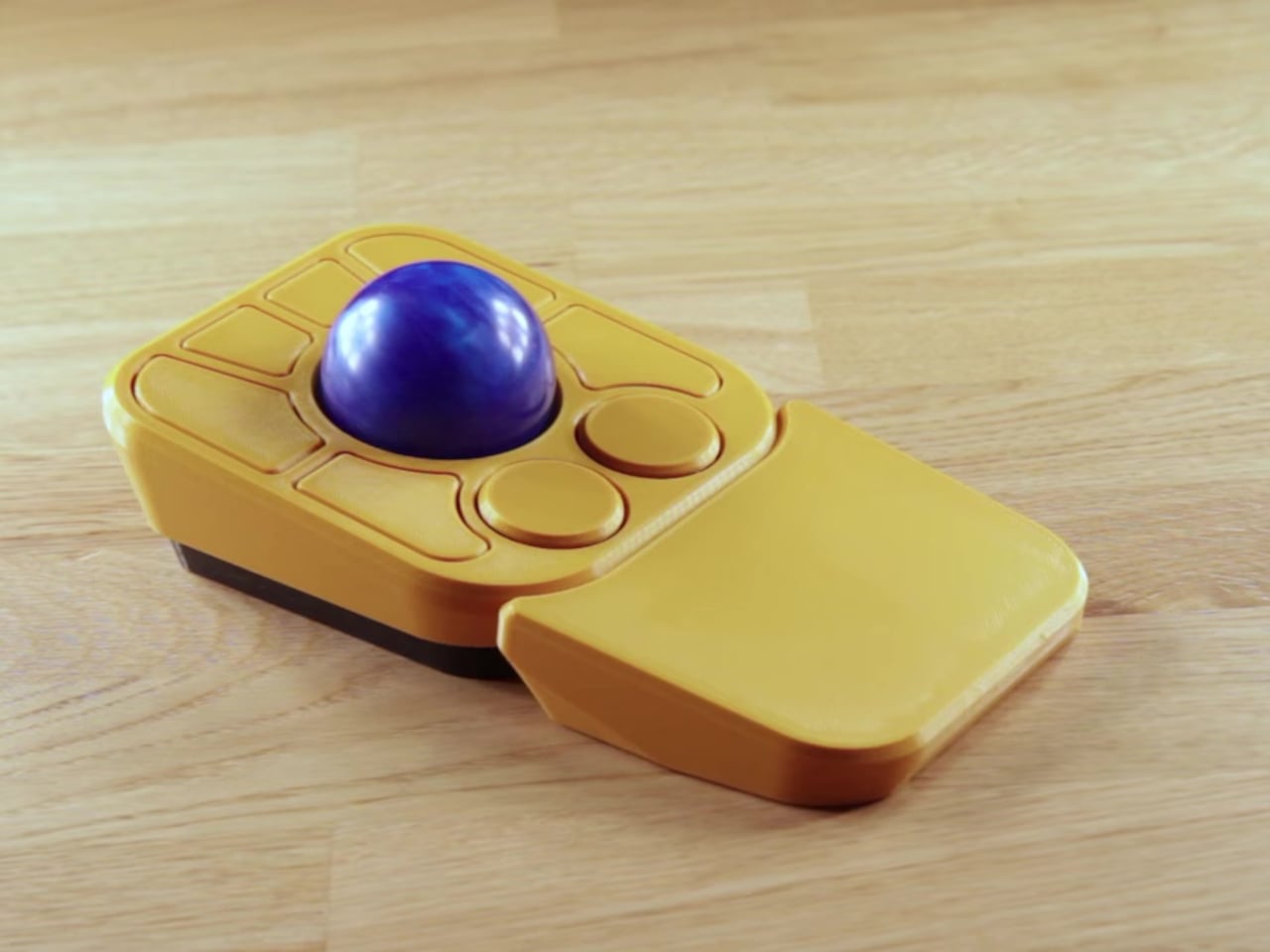
The body shape seen from a side angle
🔍 Why I'm Interested
Gesture control without software
Gesture features usually require installing a dedicated driver, so it was refreshing to see this handled entirely in hardware. That means it works the moment you plug it into any computer, regardless of OS — genuinely practical.
That open-source hardware identity
Ploopy positions itself as an open-source ergonomic peripheral brand, which is a refreshingly different approach from closed-off mice from the big manufacturers. The room for repair and customization also fits well with EDC/desk-setup sensibilities.
A design with real desk presence
The angular orange body pairs nicely with a mechanical keyboard's aesthetic. It's a functional peripheral, but it also holds its own as a standout piece on a desk setup.
🤔 Things Giving Me Pause
The trackball learning curve
Coming from a regular mouse, this input style requires an adjustment period, so it might take some time to get it into your hand at first.
Wired only
There doesn't appear to be a wireless option, which could be a bit of a letdown for anyone particular about keeping their desk cables tidy.
📋 Product Features (Subjective Rating)
- Design: ⭐⭐⭐⭐☆
- Portability: ⭐⭐☆☆☆ (a stationary desk peripheral)
- Practicality: ⭐⭐⭐⭐☆
- Value for money: ⭐⭐⭐⭐☆
🛒 Before You Buy
✅ Recommended for
- Anyone looking for an ergonomic input device to ease wrist strain
- Anyone interested in open-source, customizable hardware
❌ Not recommended for
- Anyone who insists on wireless peripherals only
- Anyone unwilling to put up with the trackball learning curve
🎯 Final Verdict
Solving gesture functionality in hardware rather than software felt like a genuinely practical, fresh approach. Combined with its open-source hardware identity, this could end up being more than just a peripheral — a piece that expresses your taste in desk setup.
You'll need to account for the trackball's learning curve, but at a reasonable $99, this is worth keeping an eye on if you want to take care of your wrist health and add some character to your desk at the same time.
Source: Yanko Design product page
Related posts
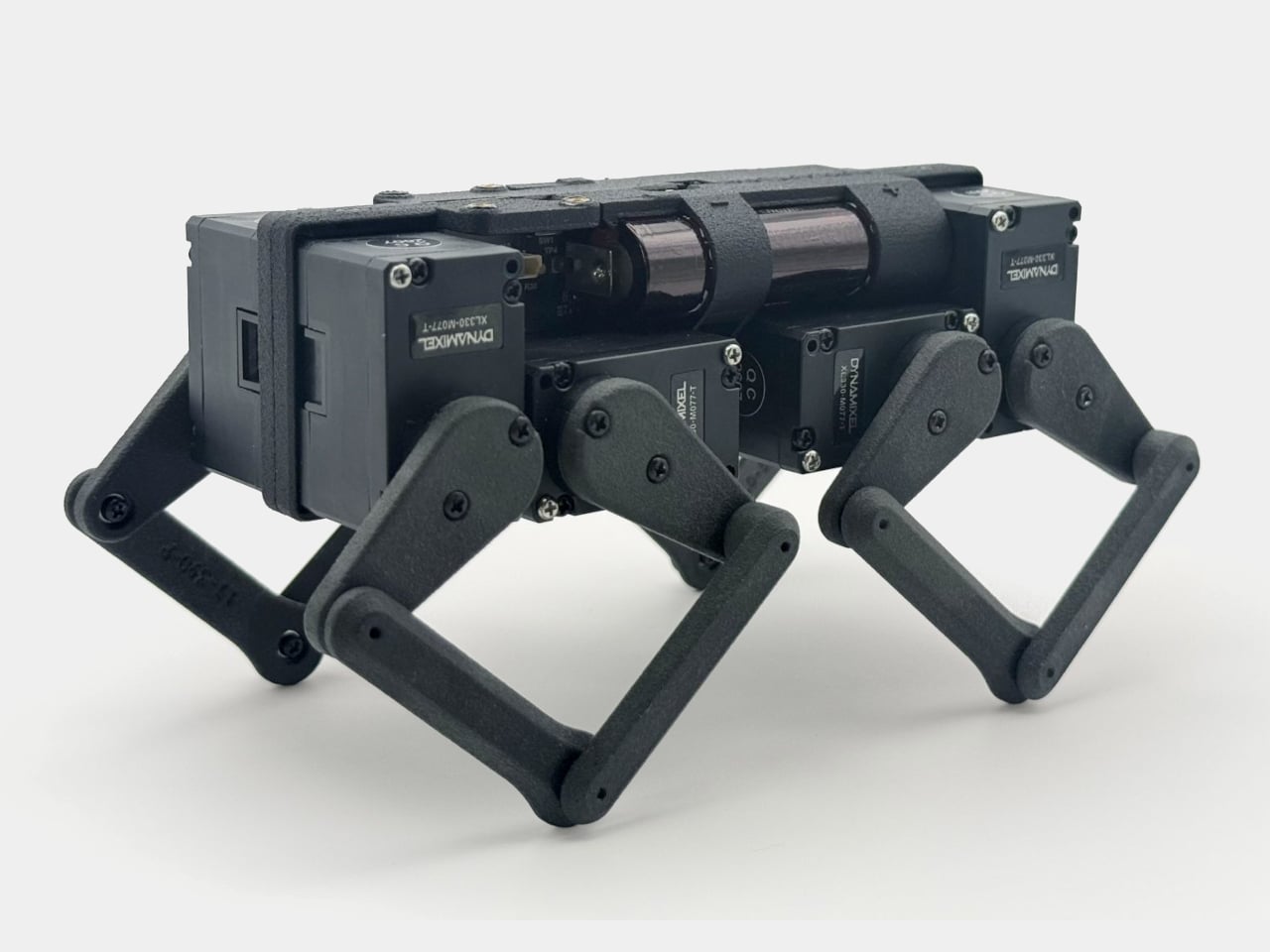
Q8botOne - A $599 Desk Robot Dog You Assemble Like LEGO Technic
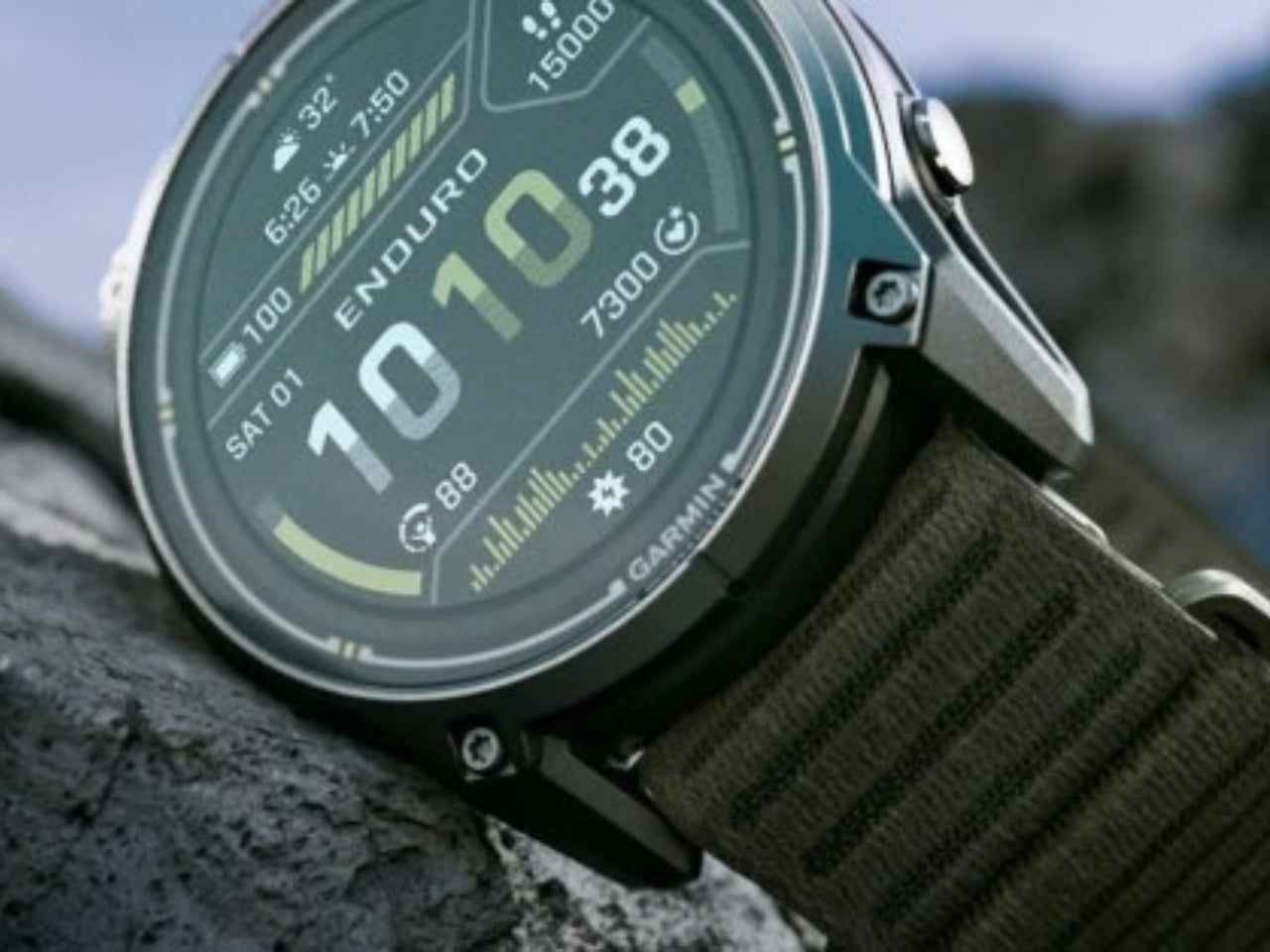
Garmin Enduro 4 · Approach S72 - New Watches That Last Up to 320 Hours on a Single Charge
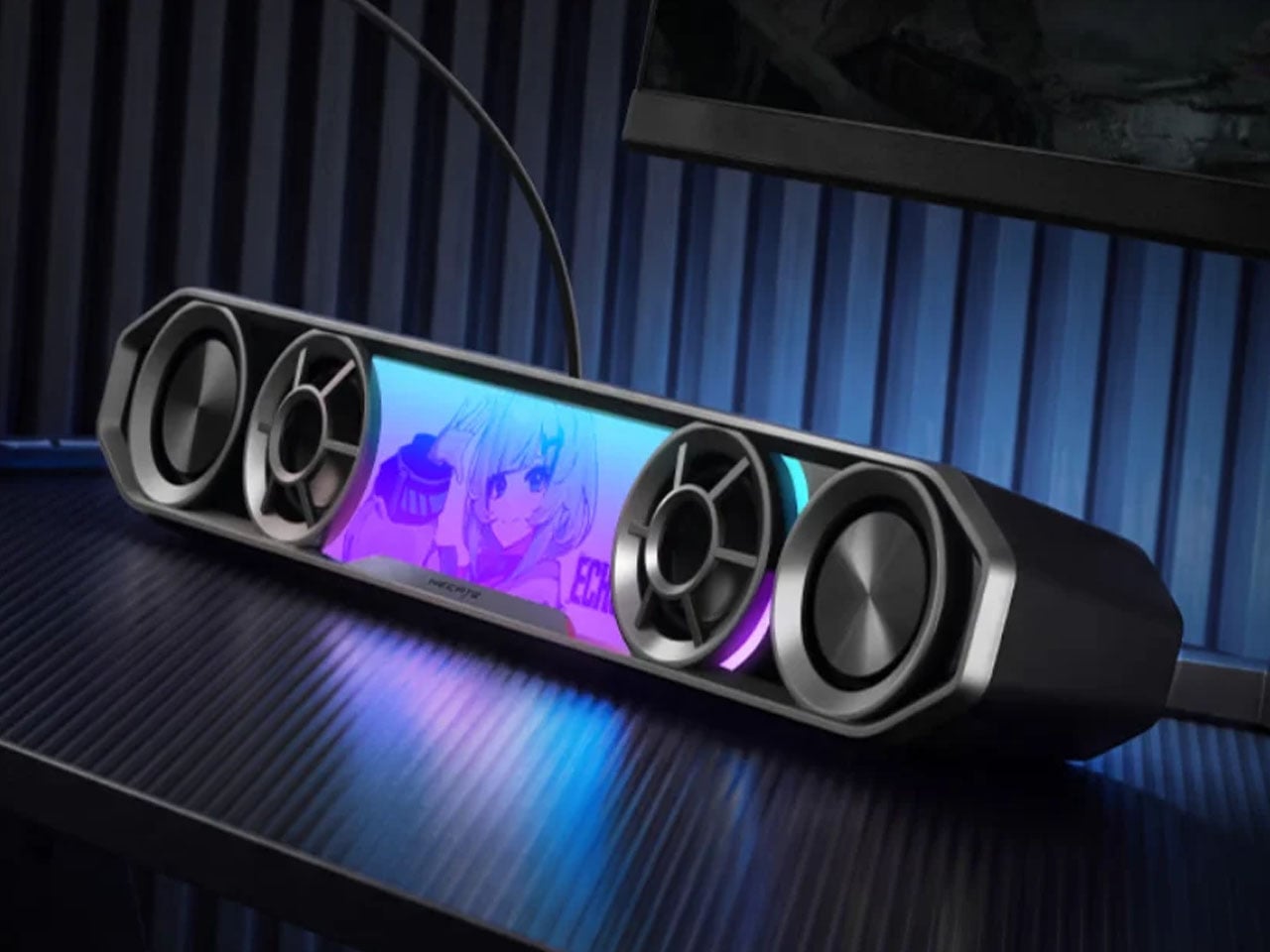
Edifier Hecate G2000 Bar - A Gaming Soundbar That Handles Voice Chat Without a Headset