Amazon Kindle Click Remote & Page-Turn Cover - Bringing Back the Missing Physical Buttons as Accessories
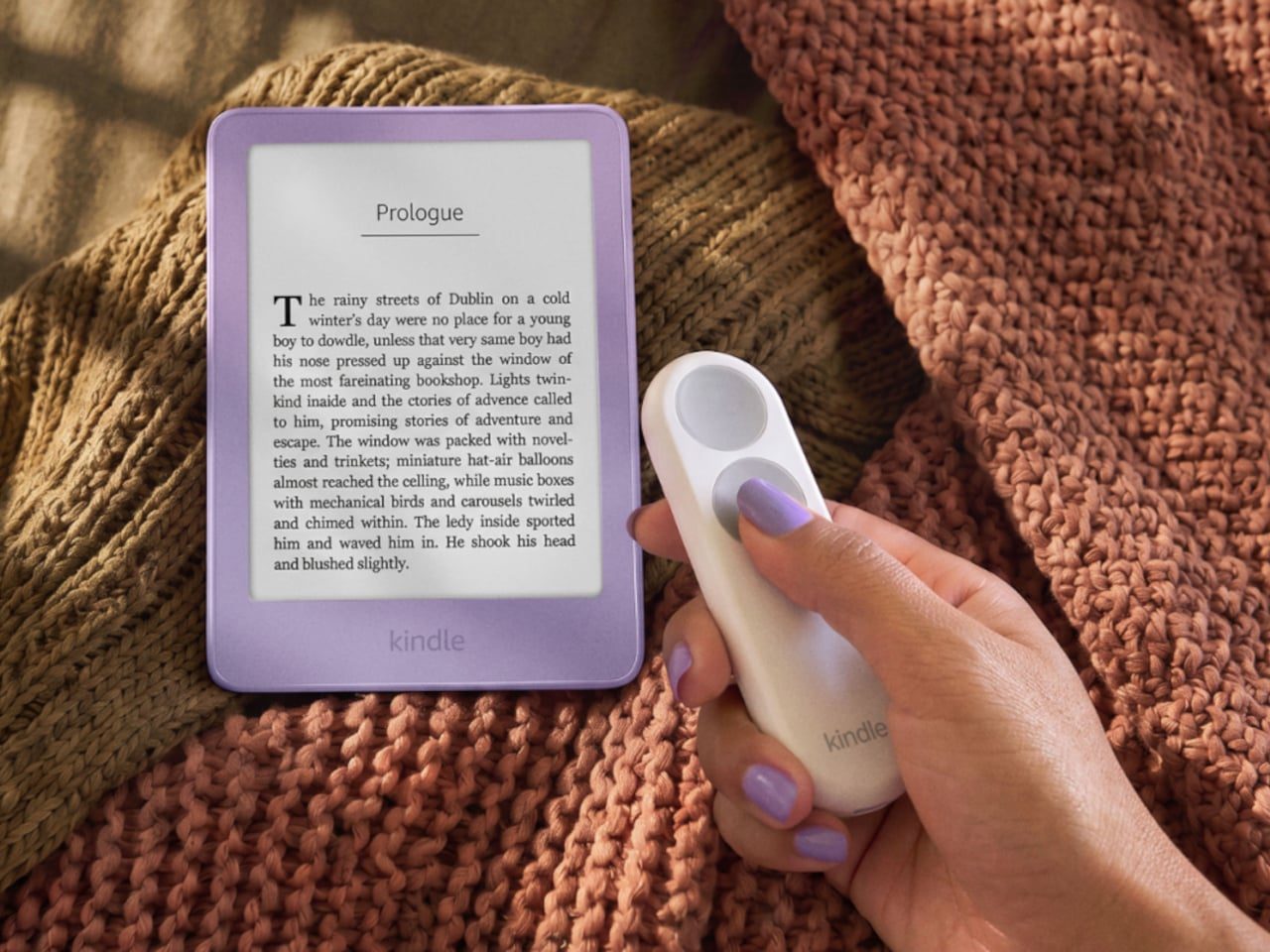
When you read on an e-reader, there are times when a quick thumb click feels far more comfortable than tapping the screen. Most recent Kindles have lost those physical buttons, so I was glad to see the news that Amazon has brought them back as accessories.
📊 Quick Info
| Item | Details |
|---|---|
| Brand | Amazon |
| Price | To be confirmed |
| Lineup | Two options: Kindle Click (remote) · Page-Turn Cover (case with buttons) |
| Key feature | Turn pages with physical buttons instead of touch |
| One-line verdict | ⭐⭐⭐⭐☆ A way to read without changing your grip |
✨ 3-Line Summary
- 👍 Biggest strength: It looks like you can turn pages without shifting your hand, whether you're lying down or reading one-handed
- 👎 Downside: The remote is one more thing to carry, and the cover version adds case thickness
- 🎯 Recommended for: Kindle users who read for long stretches in bed or on the sofa, or who find touch controls a hassle
📸 Product Tour
A remote with two round buttons that you press with just one thumb, right next to the Kindle.
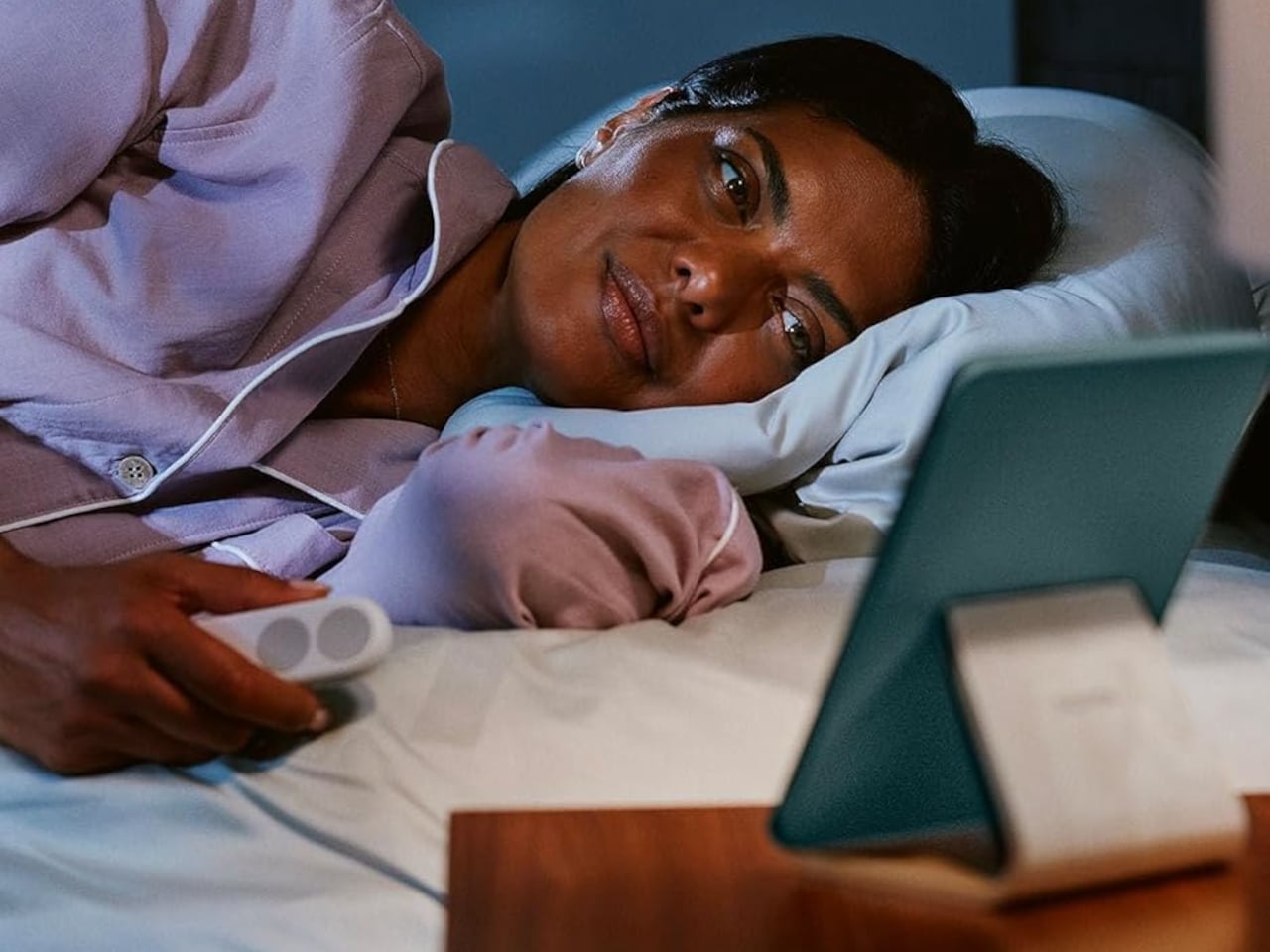
Reading while lying down with only the remote in one hand. It shows the exact moment this product is aiming for.
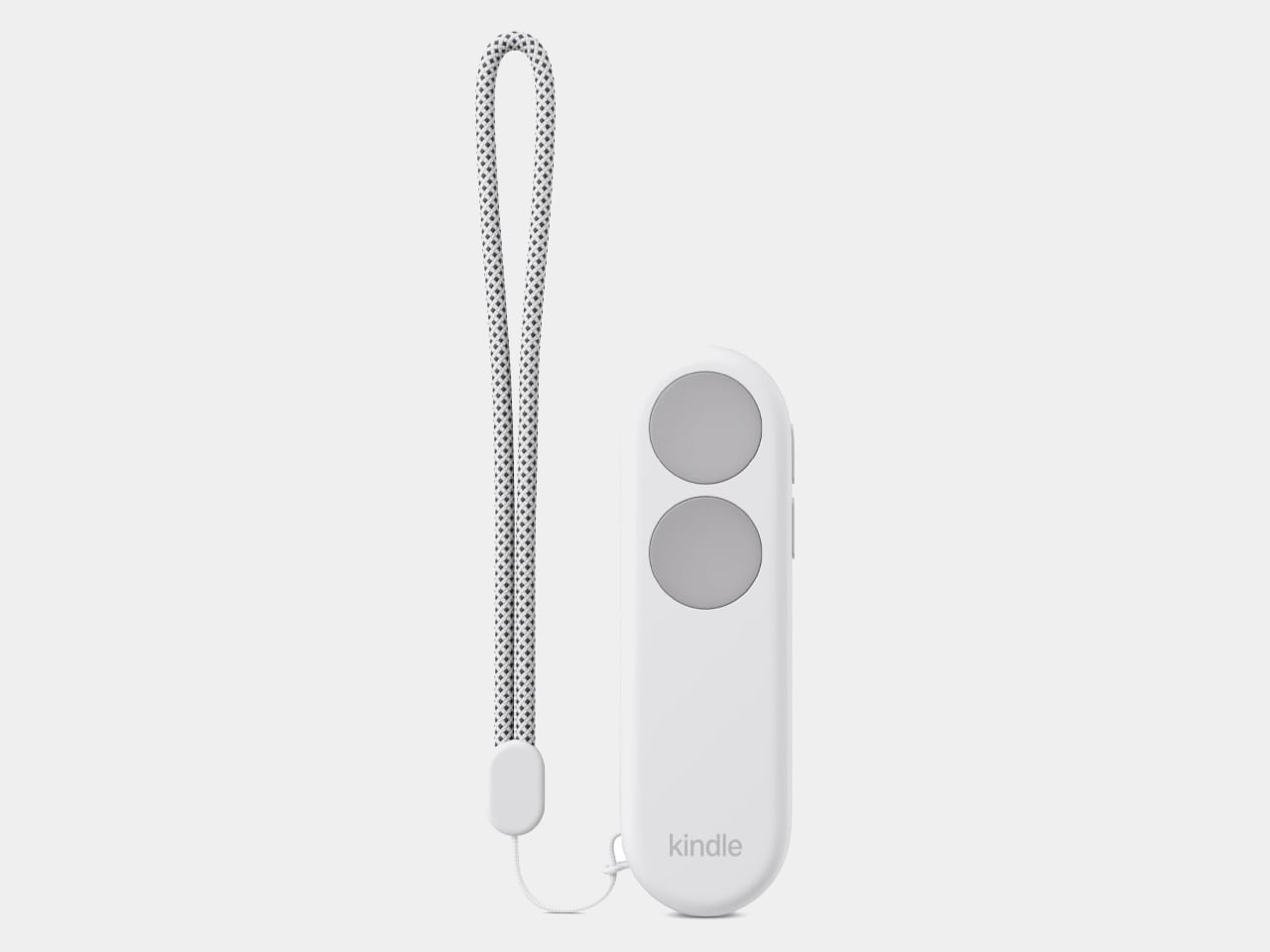
The remote with a wrist strap attached. The two-button layout, up and down, is simple.
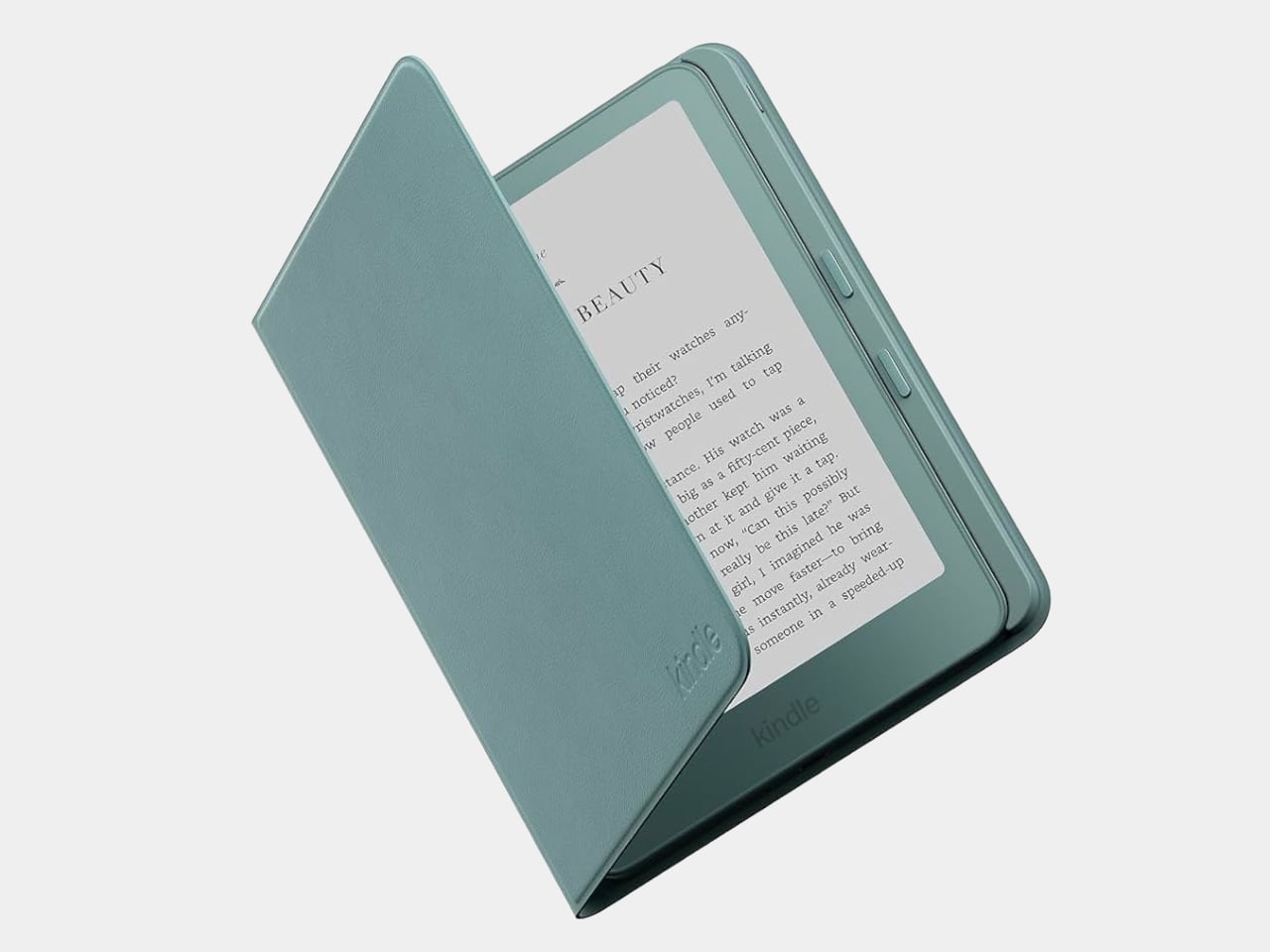
A Page-Turn Cover with buttons on the side of the case. It solves the problem with the case instead of a remote.
🔍 Why It Caught My Attention
The basics of one-handed reading
A book is something you turn with a single finger, after all. With an e-reader that requires touching the screen, your grip gets disrupted every time you reach out, and buttons make that problem go away.
Having two ways to choose from
You can pick between building the buttons into a case you carry everywhere and using a separate remote when you need it. It seems like you can choose based on your reading habits.
It fits my taste in e-readers
I like thin, portable reading devices, so I was happy that the satisfying feel of physical buttons is coming back.
🤔 What I'm Unsure About
Price and compatible models
The exact price and which Kindle models it works with need to be confirmed from official information. An accessory is pointless if it isn't compatible, so this is the most important point.
The remote is easy to lose
It's a small item, so you might set it down somewhere and end up searching for it. It does come with a strap, but you have to accept one more small thing floating around in your bag.
📋 Product Features (Subjective Ratings)
- Design: ⭐⭐⭐⭐☆
- Portability: ⭐⭐⭐⭐☆
- Practicality: ⭐⭐⭐⭐⭐
- Value for money: ⭐⭐⭐☆☆ (price unconfirmed, a question mark)
🛒 Pre-Purchase Checklist
✅ Recommended for
- People who often read lying down or with one hand
- People who prefer the feel of physical buttons over touch controls
❌ Not recommended for
- Users of older or third-party devices whose Kindle compatibility is uncertain
- Minimalists who don't want to add more small gear
🎯 Final Verdict
For anyone who missed the buttons that disappeared, this looks like a fairly direct solution. I liked that it changes only how you read, without making you buy a new device.
That said, I haven't been able to confirm the price or the compatible models yet. If those two things check out, I think it's an accessory that people who spend a lot of time reading would really want to have.
Source: Yanko Design product page
Related posts
Q8botOne - A $599 Desk Robot Dog You Assemble Like LEGO Technic

Garmin Enduro 4 · Approach S72 - New Watches That Last Up to 320 Hours on a Single Charge
Edifier Hecate G2000 Bar - A Gaming Soundbar That Handles Voice Chat Without a Headset