Bigme B13 Pro - A 13.3-inch Color E-Ink Second Screen to Keep Beside Your Laptop
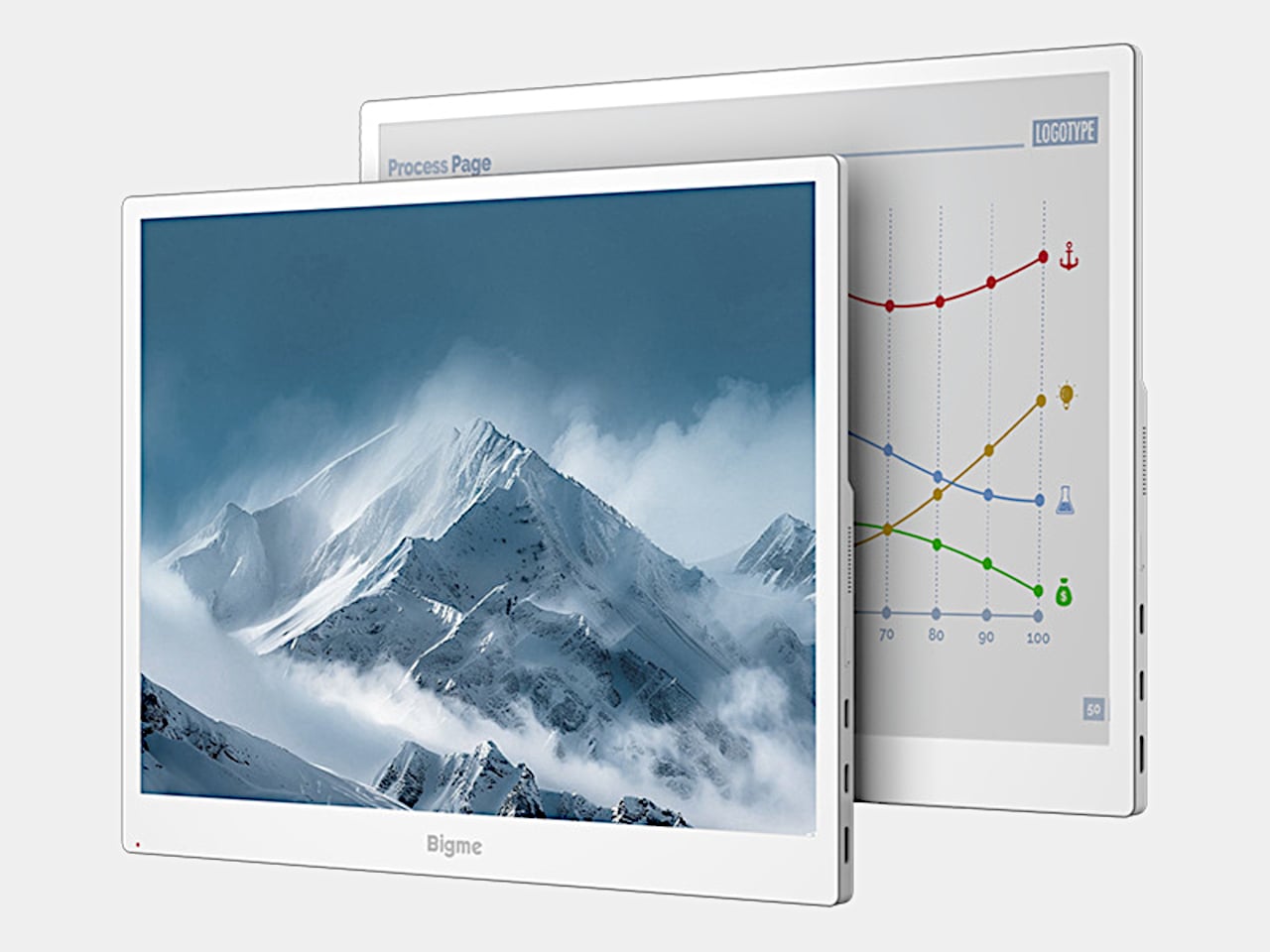
Have you ever imagined that working on an E-Ink screen might be easier on your eyes? Bigme's B13 Pro is a product that uses a 13.3-inch color E-Ink panel as a second monitor for your laptop. It caught my eye because it looks like a perfect fit for keeping documents open next to you.
📊 Quick Info
| Item | Details |
|---|---|
| Brand | Bigme |
| Price | TBD |
| Material/Specs | 13.3-inch Kaleido 3 color E-Ink, 3200×2400 (300ppi in black and white), 4:3, approx. 1.46 lb |
| Key Features | 60 FPS refresh (manufacturer's claim), USB-C for video and power, Mini HDMI, wireless casting |
| Verdict in One Line | ⭐⭐⭐⭐☆ A paper-like screen for document work |
✨ 3-Line Summary
- 👍 Best Strength: Its reflective E-Ink display is likely easy on the eyes as a second screen for documents and writing
- 👎 Downside: The price, real-world refresh speed, and color quality still need to be confirmed
- 🎯 Recommended For: People who work with reference documents open beside their laptop
📸 Product Tour
Both black-and-white and color content come out with a paper-like texture
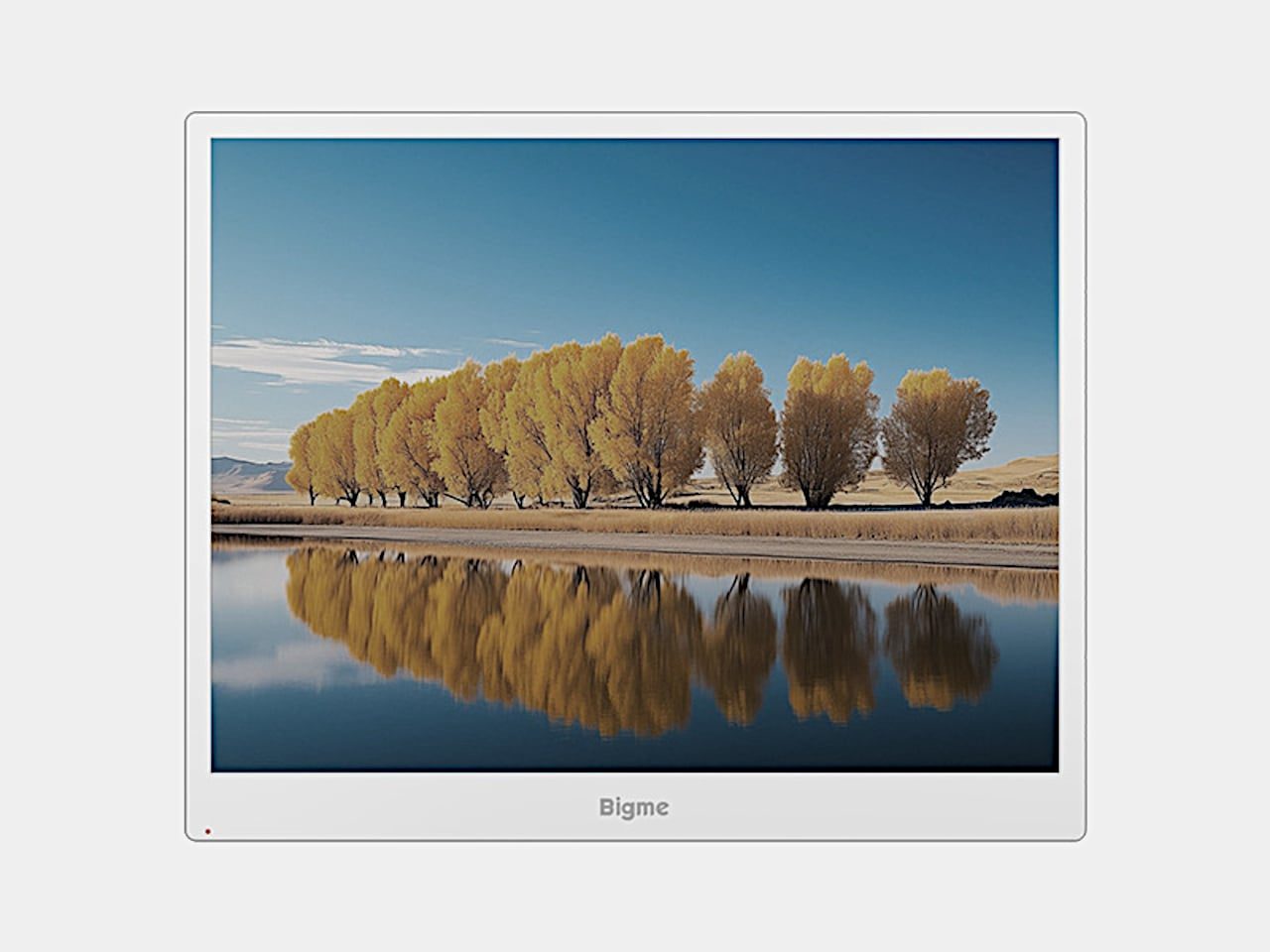
Thanks to the color E-Ink, even photos appear in a calm, muted tone
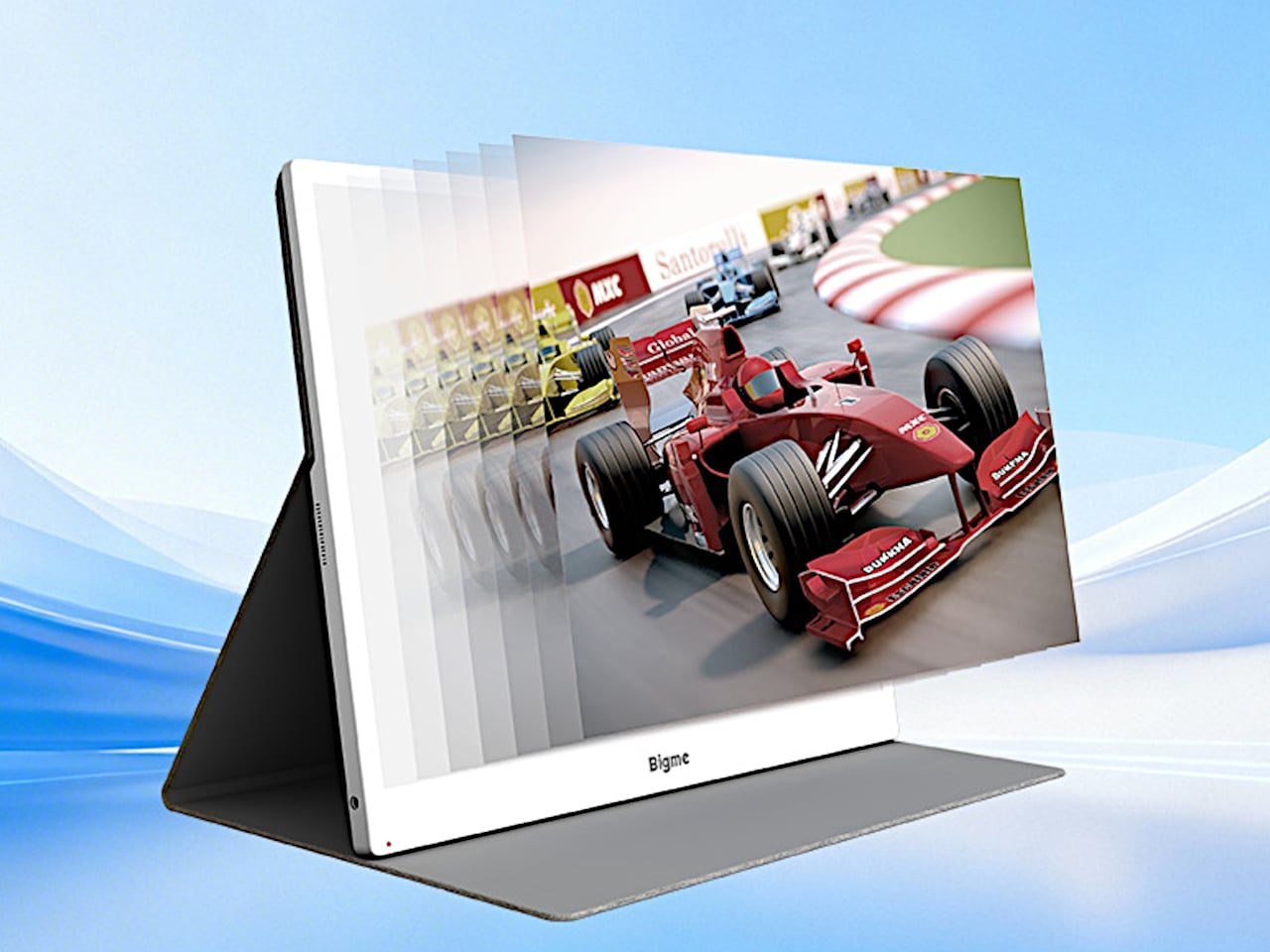
It comes with a folding cover that lets you prop it up and use it
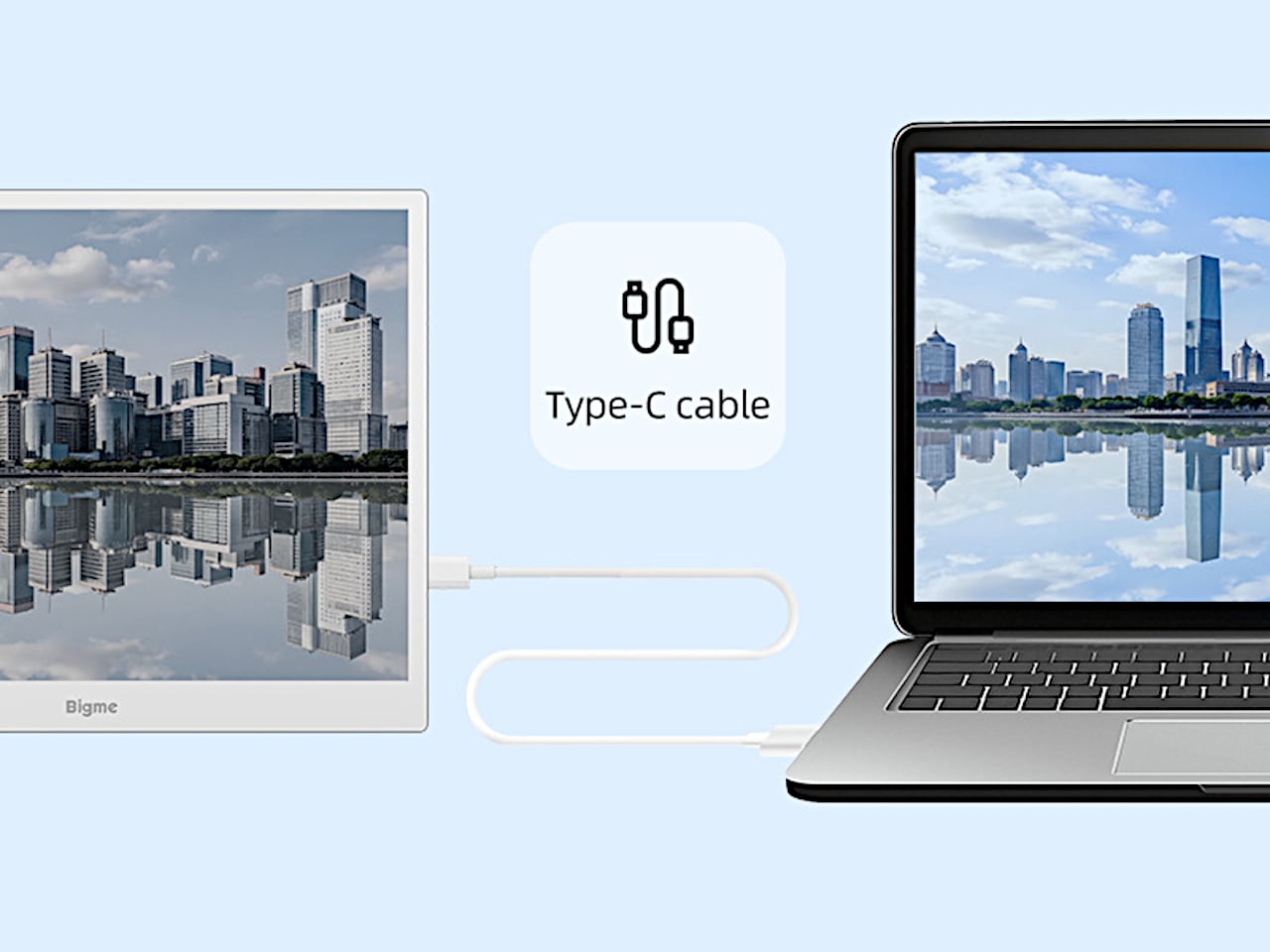
It connects to your laptop with a single cable
🔍 Why It Caught My Eye
A Paper-Like Second Screen
Instead of shining a backlight, it relies on reflected light, which suits documents you read for a long time. When needed, the front light lets you use it in dim places too.
4:3 Aspect Ratio
For documents, more vertical space is more comfortable, and at 4:3 you can see more text than on a wide monitor.
A Single Cable
It receives both video and power over USB-C, so your desk stays tidy. Your laptop does need to support both functions, though.
🤔 What Gives Me Pause
60 FPS Is the Manufacturer's Claim
Slow refresh is E-Ink's weak point, and the 60 FPS figure hasn't been confirmed in actual use.
Not for Video
This isn't a screen suited to movies or games, so it's meant for documents and reading.
Price and Retailer Unconfirmed
Domestic retailers and pricing haven't been confirmed yet.
📋 Product Features (Subjective Ratings)
- Design: ⭐⭐⭐⭐☆
- Portability: ⭐⭐⭐☆☆ (It's one more thing in your bag)
- Practicality: ⭐⭐⭐⭐☆
- Value for Money: ⭐⭐⭐☆☆ (Price unconfirmed)
🛒 Before You Buy
✅ Recommended For
- People who spend long hours on documents, writing, or reading on a laptop
- People who like E-Ink devices
❌ Not Recommended For
- People who need a second screen for video, games, or design work
- People who want to lighten their bag
🎯 Final Verdict
What I find appealing about the B13 Pro is that it brings the strengths of E-Ink to a laptop's second screen. I'm hopeful that it would be easy on the eyes on days when I'm working mostly with documents.
That said, it seems best to hold off on judging the refresh speed and color rendering until I can see them for myself. It's a product I'd like to compare again once the price is announced.
Source: Yanko Design product page
Related posts
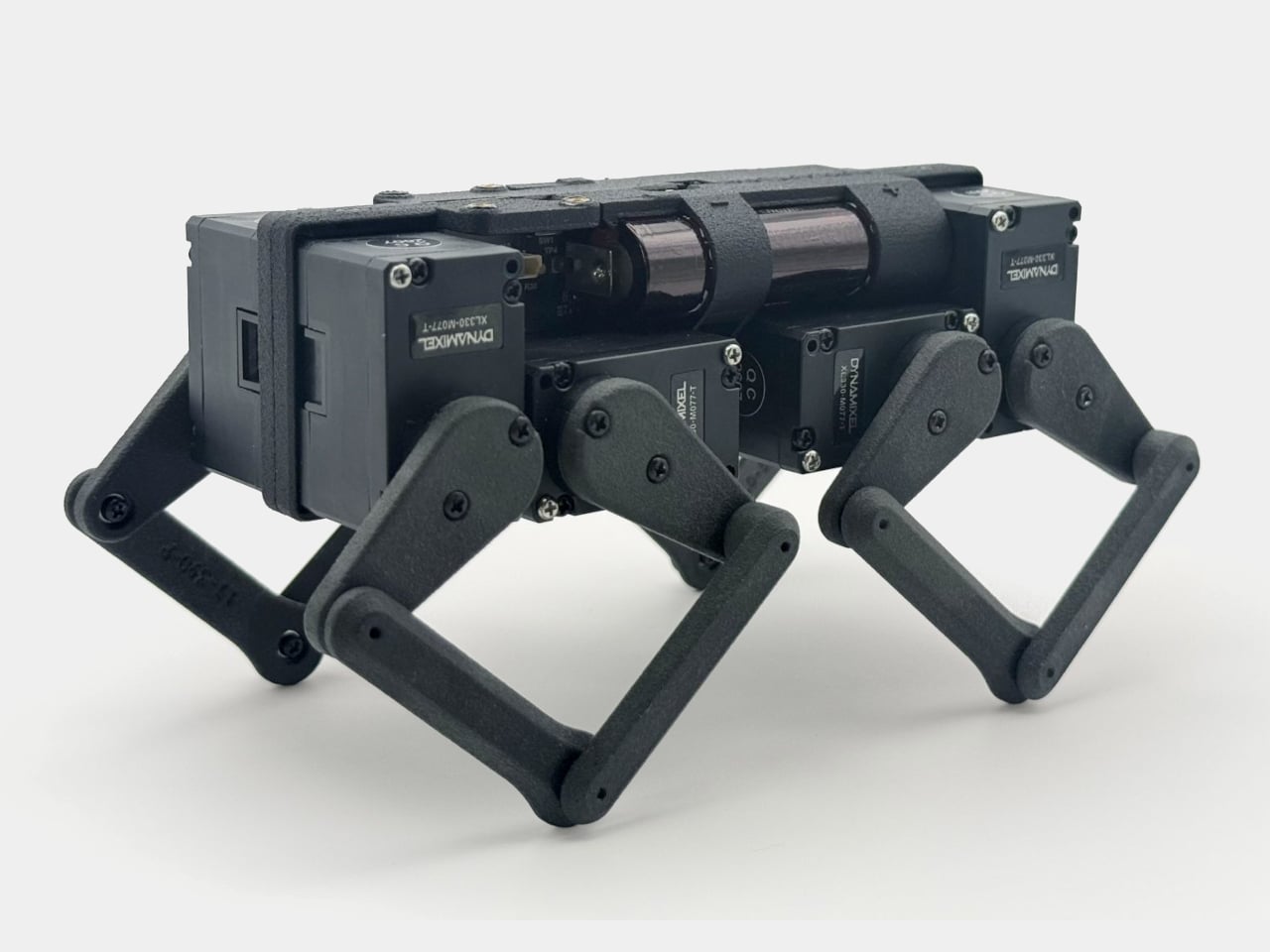
Q8botOne - A $599 Desk Robot Dog You Assemble Like LEGO Technic
Garmin Enduro 4 · Approach S72 - New Watches That Last Up to 320 Hours on a Single Charge
Edifier Hecate G2000 Bar - A Gaming Soundbar That Handles Voice Chat Without a Headset