HHKB Studio 6-Month Review — Happy Hacking Keyboard with a TrackPoint
My relationship with Happy Hacking started back in 2015, when I bought an HHKB Professional2 to celebrate my first job. This Studio model is the brand's first venture into mechanical switches, and it's an ambitious one — adding a TrackPoint and a gesture sensor on top. After six months of daily use, I think it strikes a pretty good balance between tradition and innovation.
📊 Quick Info
| Item | Details |
|---|---|
| Brand | PFU (A RICOH Company) |
| Price | ₩452,850 (via Coupang) |
| Usage period | 6 months |
| Colors | Black / White |
| One-line verdict | ⭐⭐⭐⭐⭐ Worth trying if you're a keyboard enthusiast |
✨ TL;DR
- 👍 Best feature: Hot-swappable switches + 4-device multi-pairing
- 👎 Downside: The TrackPoint takes time to get used to, and it's pricey
- 🎯 Best for: Keyboard nerds, multi-device users, ThinkPad TrackPoint fans
📸 Product Tour
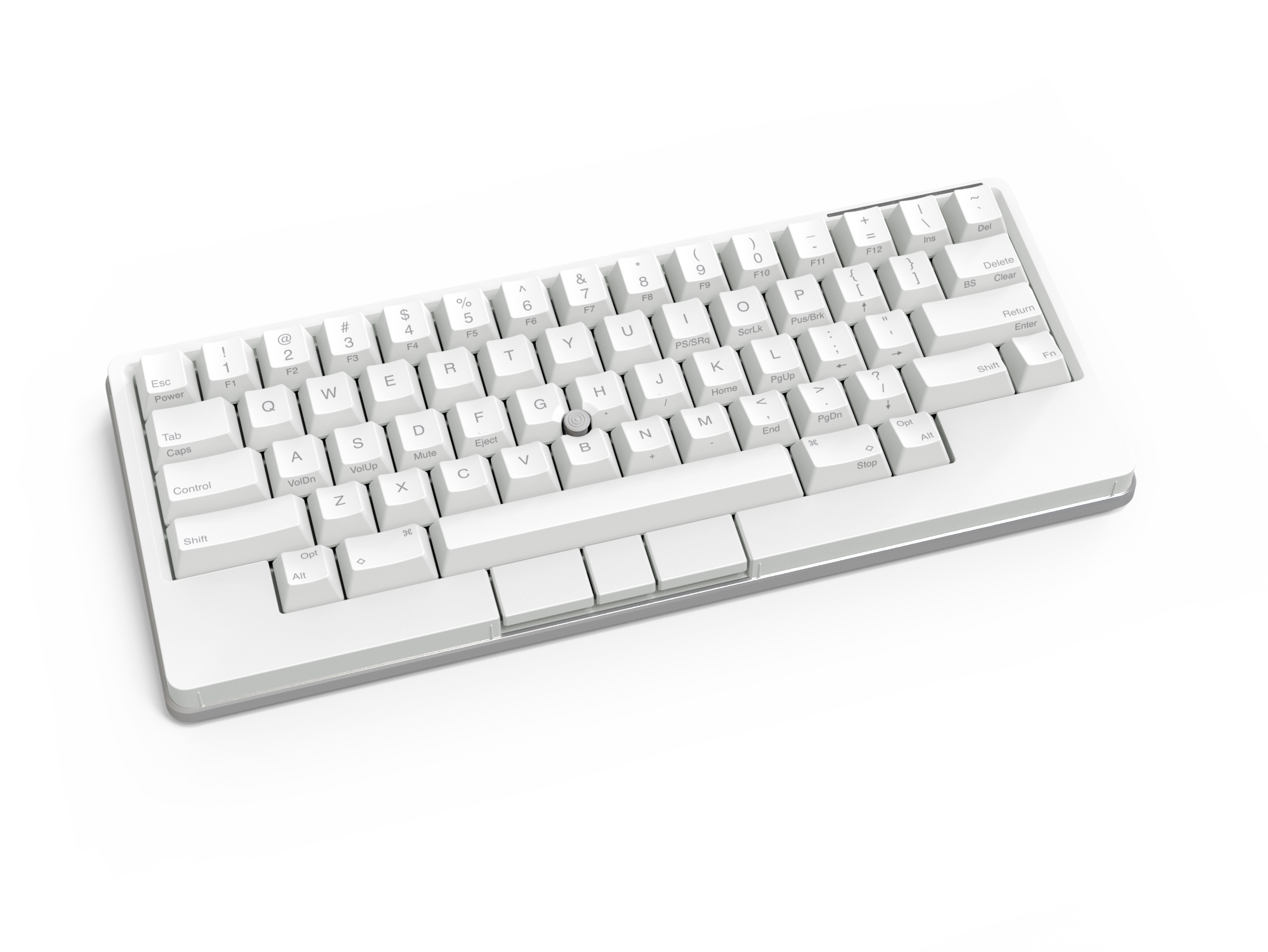
Here's the front view. There are mouse buttons added below the spacebar
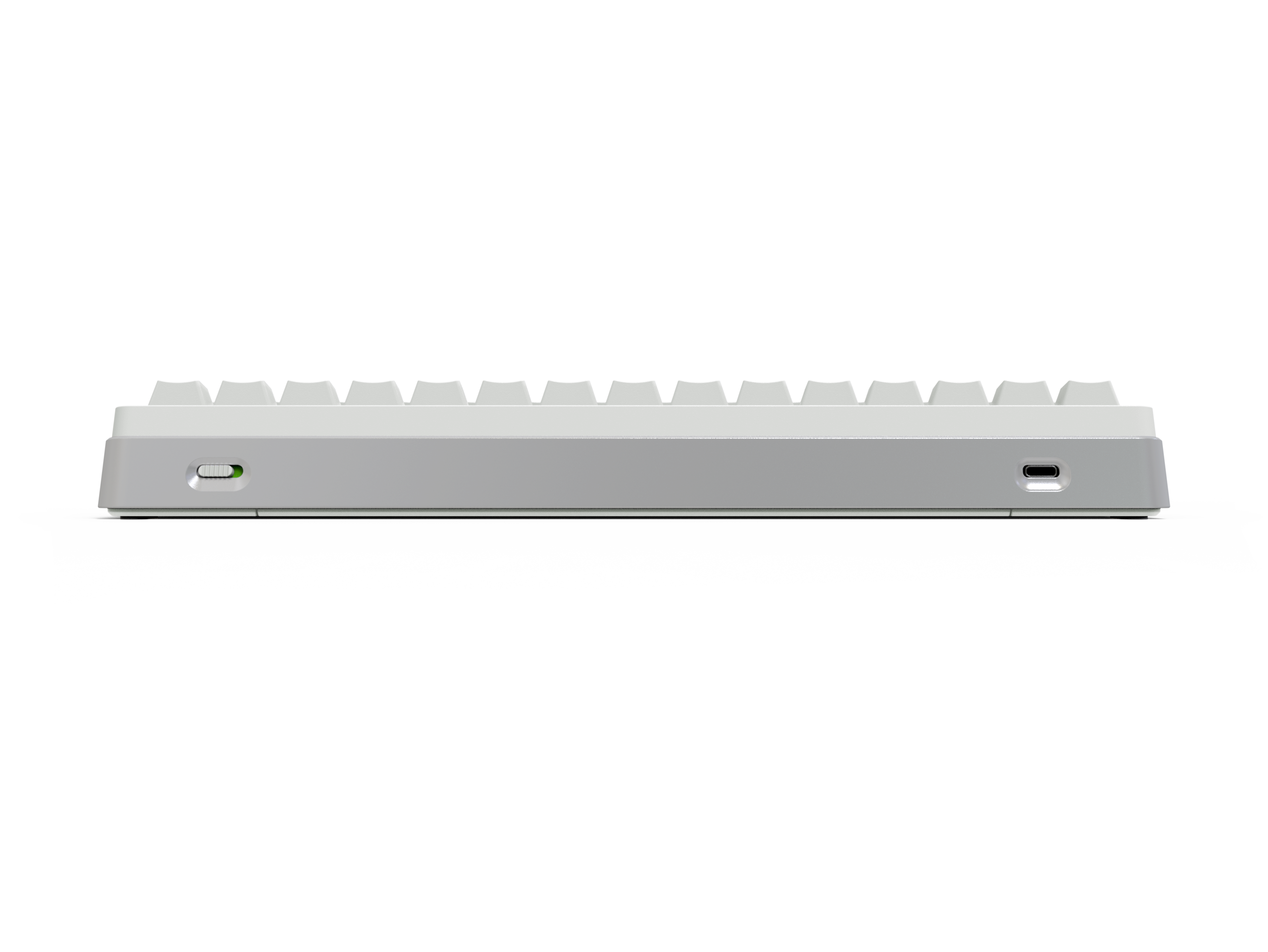
The back has a USB-C port and a power switch
That white panel in the upper-left corner is the touch sensor — you can map gestures like scrolling to it
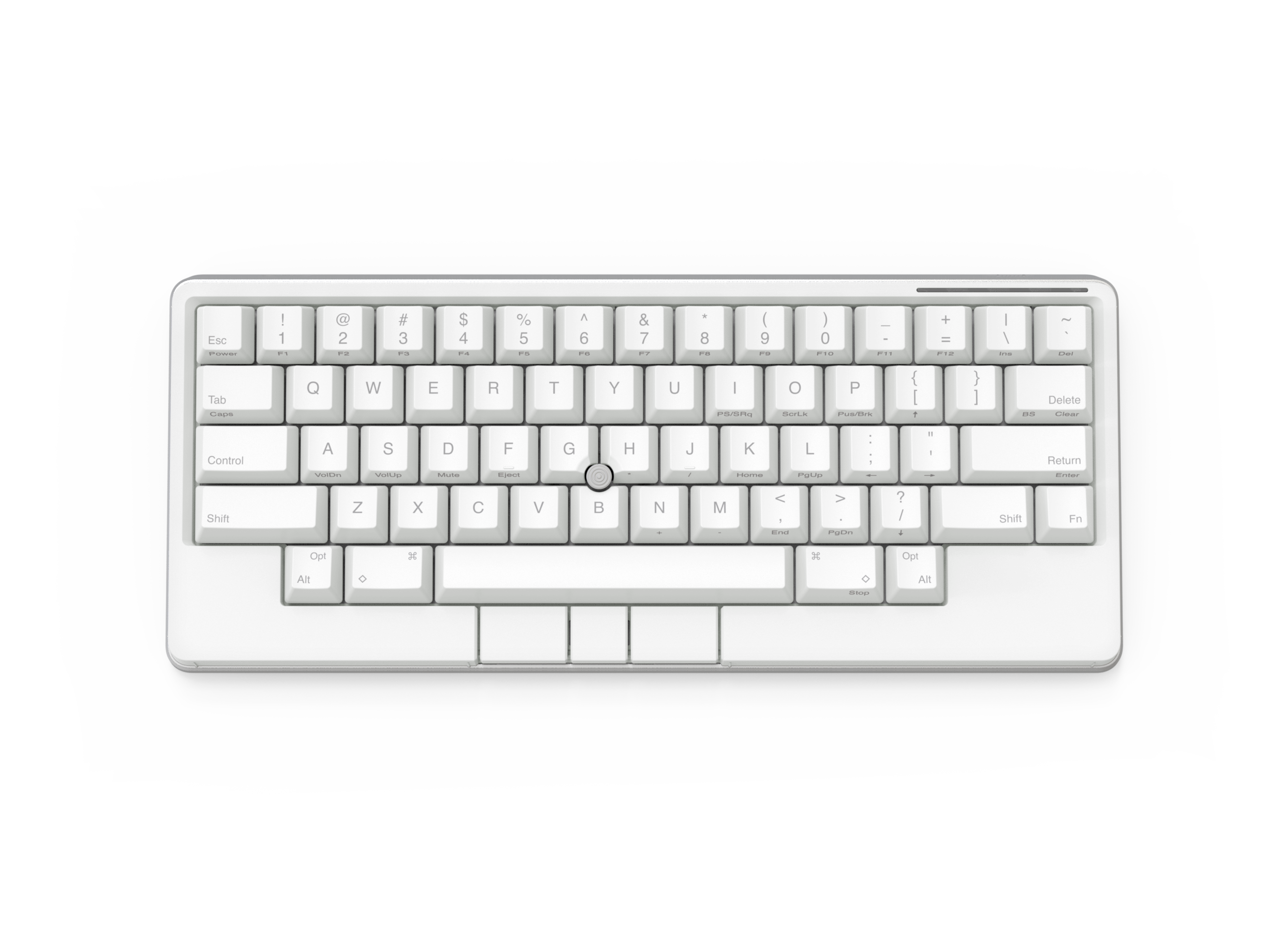
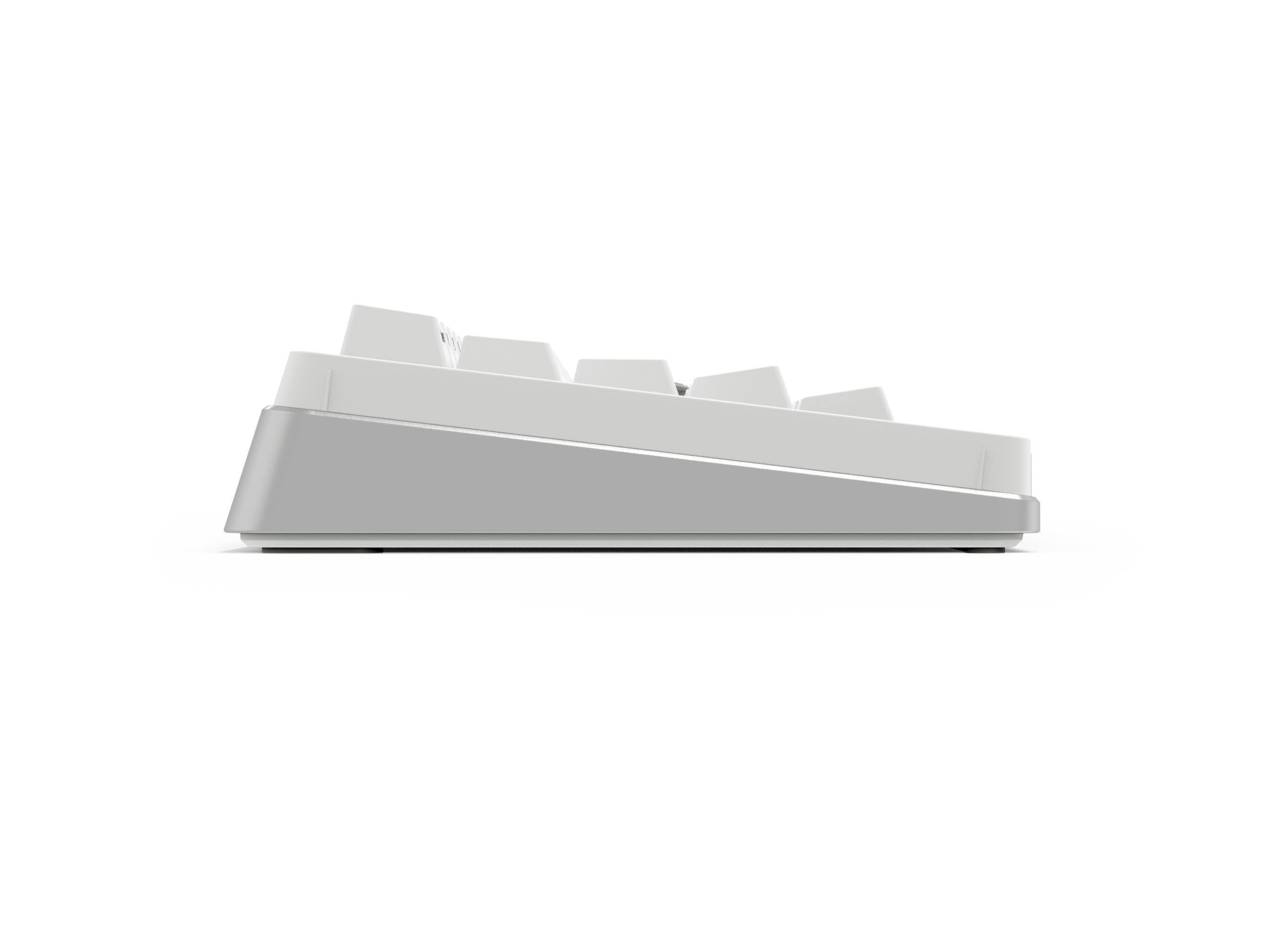
From the side, it's actually quite slim
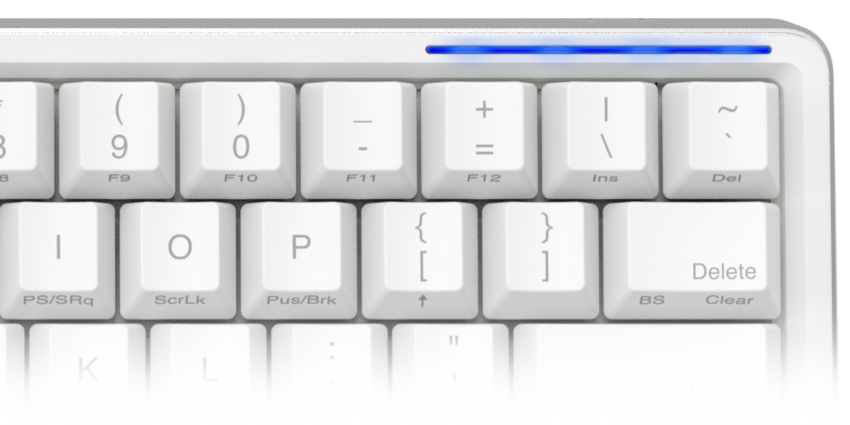
An indicator that shows pairing and setting status
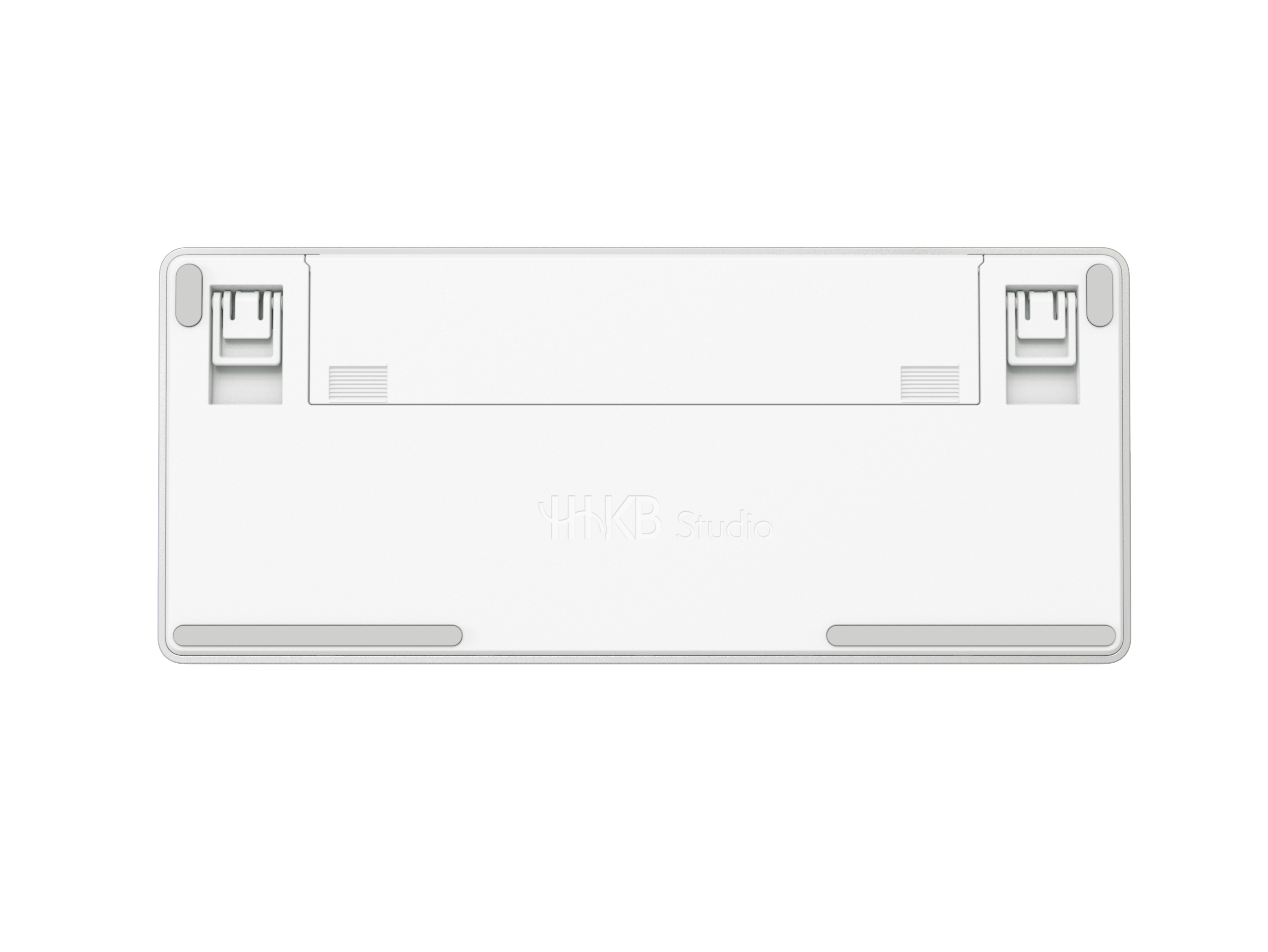
The bottom has a compartment for 4 AA batteries plus height-adjustable feet
🔍 In-Depth Review
First impressions: familiar, yet new
My history with Happy Hacking goes back to the HHKB Professional2 I bought in 2015 to mark my first job. I still remember that satisfyingly springy Topre feel vividly. This Studio model carries on that DNA while delivering a fairly different experience overall.
Living with it day to day
The typing feel is different: That classic Topre feel has been toned down a bit, but the quiet, smooth typing feel that replaces it turned out to be better than I expected. Now that I'm used to mechanical switches, I actually prefer this quieter feel.
Hot-swap is here: Happy Hacking finally lets you swap switches, and I think this is the biggest change. Being able to pop in whatever switches you want means you can build a keyboard that's truly your own.
Multi-pairing is genuinely convenient: It pairs with up to 4 devices, so I switch between my laptop, tablet, desktop, and phone throughout the day. Switching is fast enough that it doesn't get in the way of real use.
Getting used to the TrackPoint: It was pretty tough to adapt to at first, but it's genuinely useful for quick tasks. That said, it's hard to do everything with the TrackPoint alone, so I still use it alongside a mouse.
My personal customization
I swapped in a red ThinkPad-style TrackPoint cap. And when I miss that Topre capacitive feel, I switch back and forth with my older HHKB Professional BT.
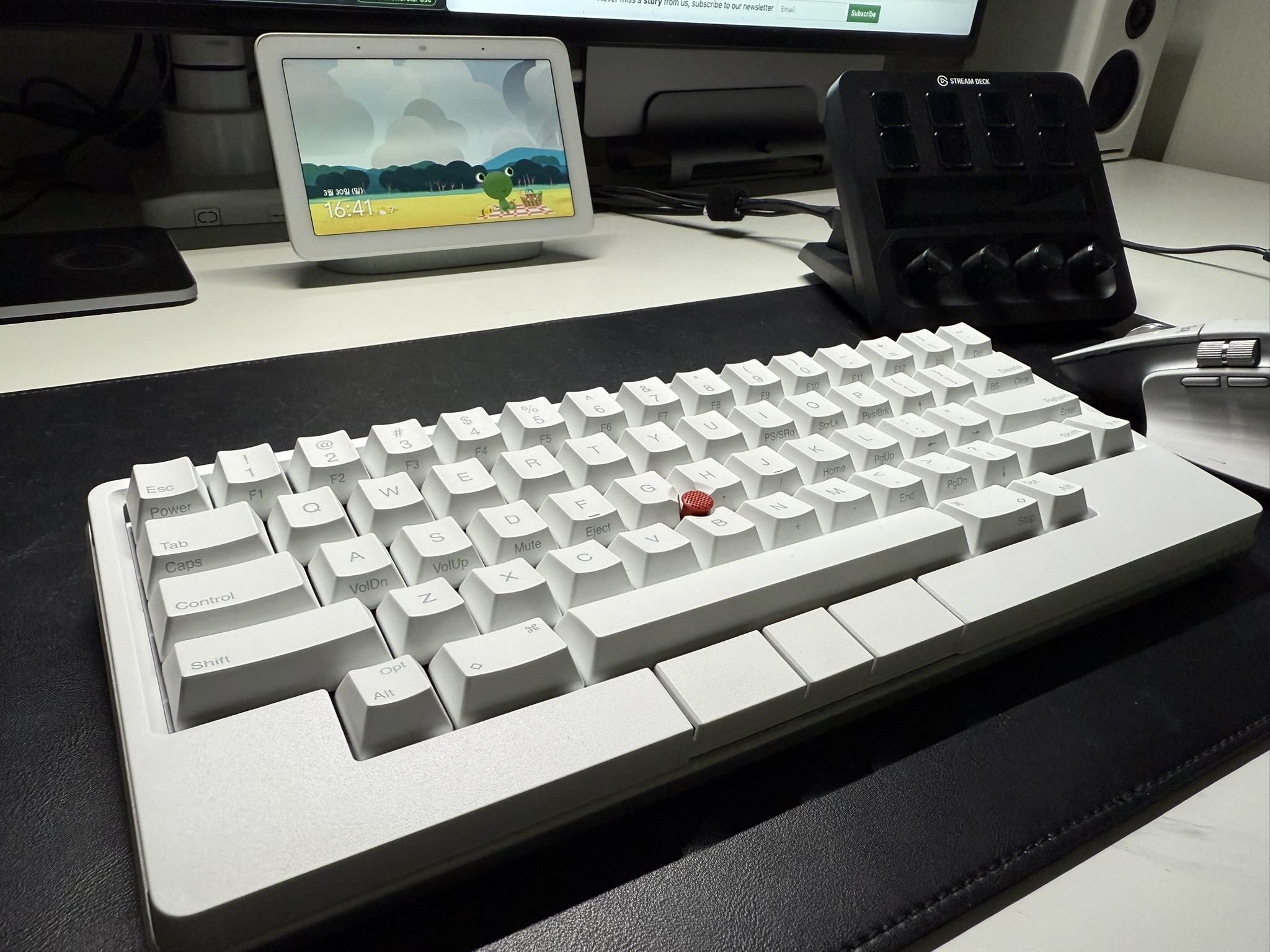
Here it is with the red ThinkPad-style cap swapped in
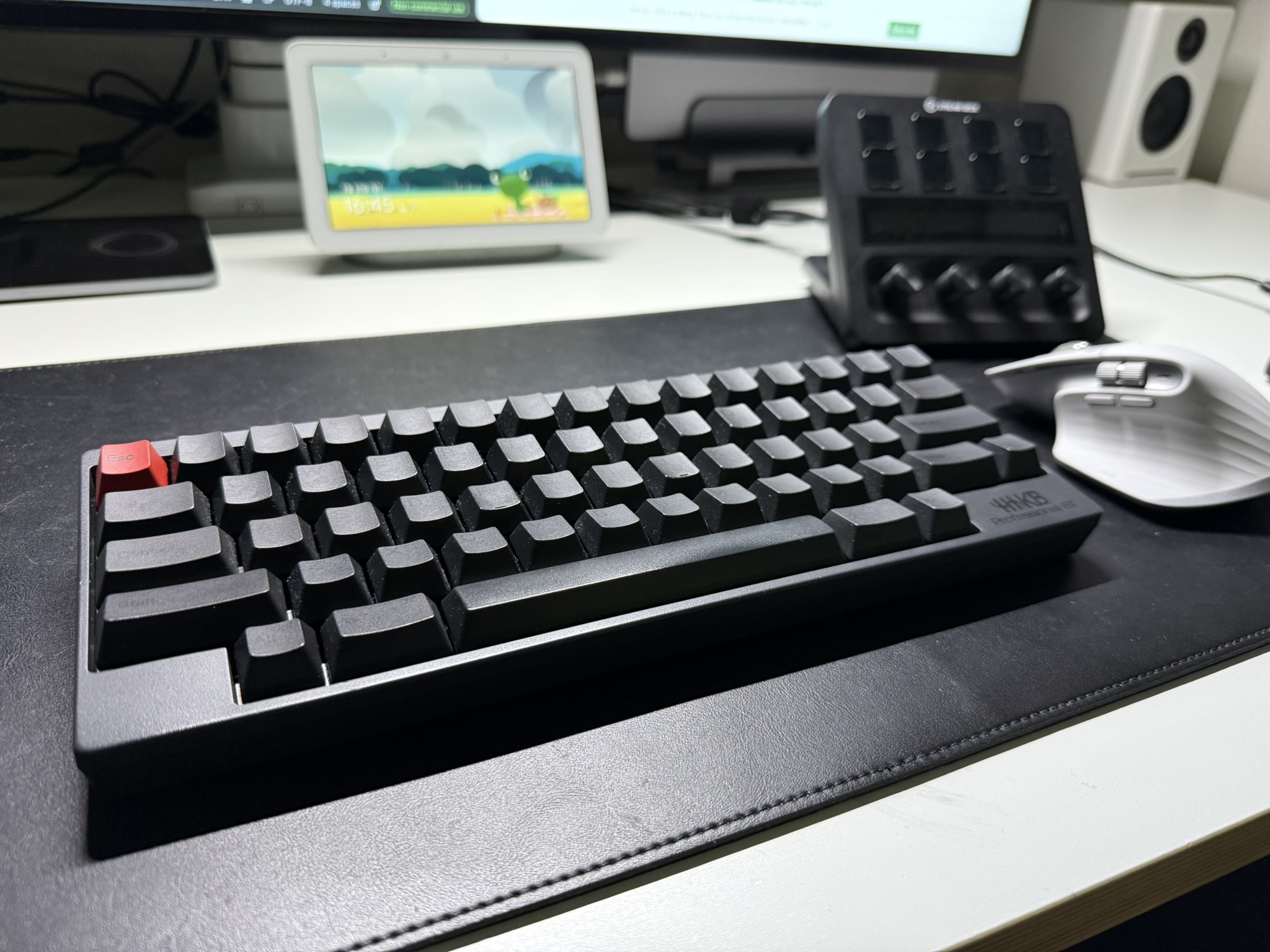
Using it alongside my previous HHKB BT
📋 Detailed Ratings
- Design: ⭐⭐⭐⭐⭐ (Minimal, yet you can feel the new ideas at work)
- Typing feel: ⭐⭐⭐⭐☆ (Quiet and smooth)
- Functionality: ⭐⭐⭐⭐⭐ (Hot-swap, multi-pairing, TrackPoint — it's all here)
- Value for money: ⭐⭐⭐☆☆ (Honestly, it's expensive)
- Durability: ⭐⭐⭐⭐⭐ (Sturdy, as you'd expect from Happy Hacking)
🛒 Before You Buy
✅ Recommended for
- Keyboard enthusiasts: Keyboard nerds looking for a new experience
- Multi-device users: Anyone who works across several devices
- ThinkPad users: Anyone already comfortable with a TrackPoint
- Quiet environments: Office or public-space use
- Customization fans: Anyone who enjoys swapping switches
❌ Not recommended for
- Value-focused buyers: If your budget is tight
- Gaming: Gamers who need fast response times
- TrackPoint-averse users: If you'd rather stick to a mouse only
- Full-size keyboard fans: If you're used to full-size layouts
💡 Buying tips
- If you're already an HHKB user, I'd recommend trying the new typing feel in person first
- Getting used to the TrackPoint takes at least 2 weeks
- If you plan to take advantage of hot-swap, pick up extra switches at the same time
🔗 You Might Also Like
- HHKB Professional BT: If you miss that classic Topre feel
- ThinkPad TrackPoint caps: Available in a range of colors and materials
- Custom keycap sets: Add some personality to your keyboard
Related posts
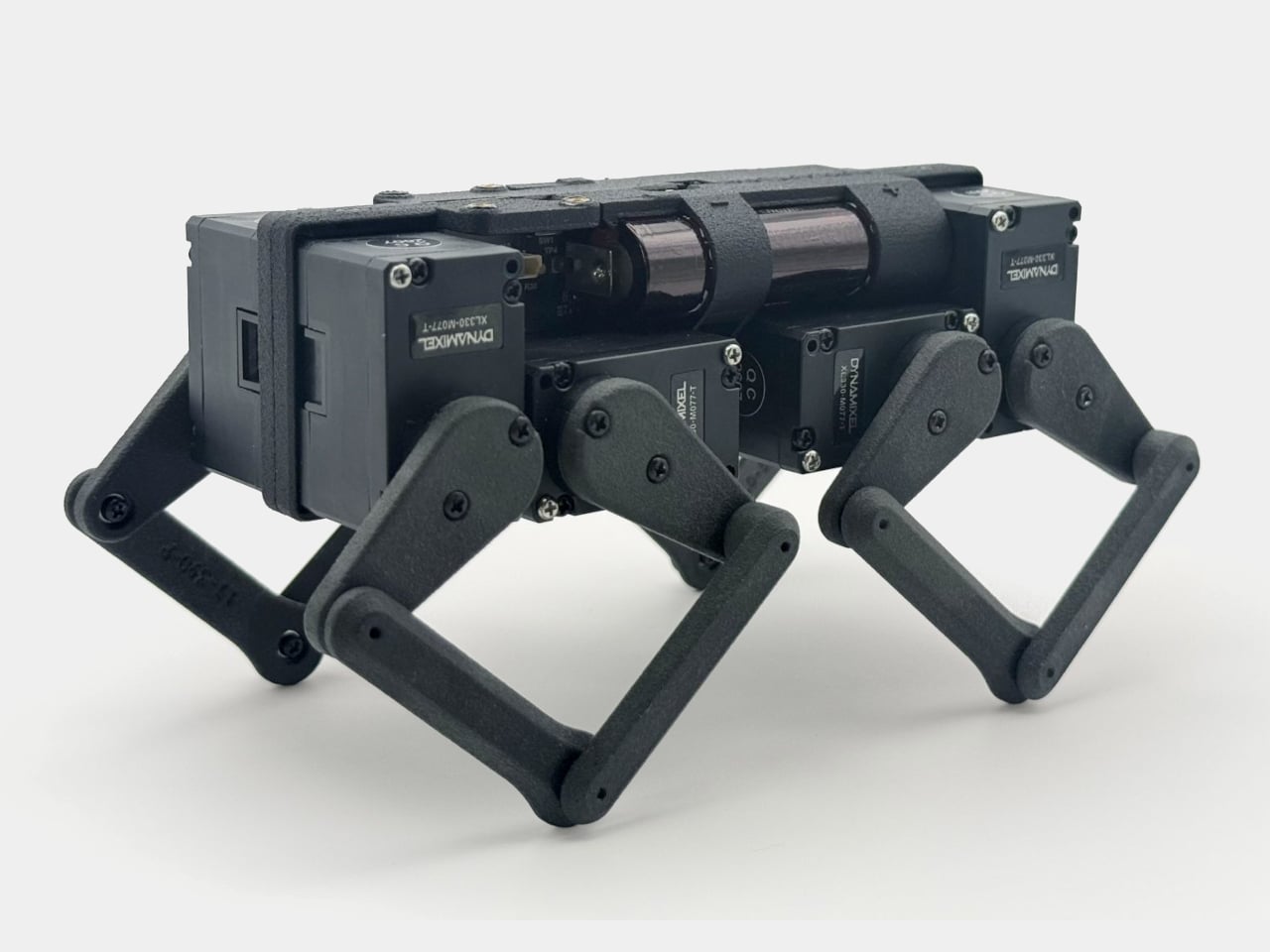
Q8botOne - A $599 Desk Robot Dog You Assemble Like LEGO Technic
Garmin Enduro 4 · Approach S72 - New Watches That Last Up to 320 Hours on a Single Charge
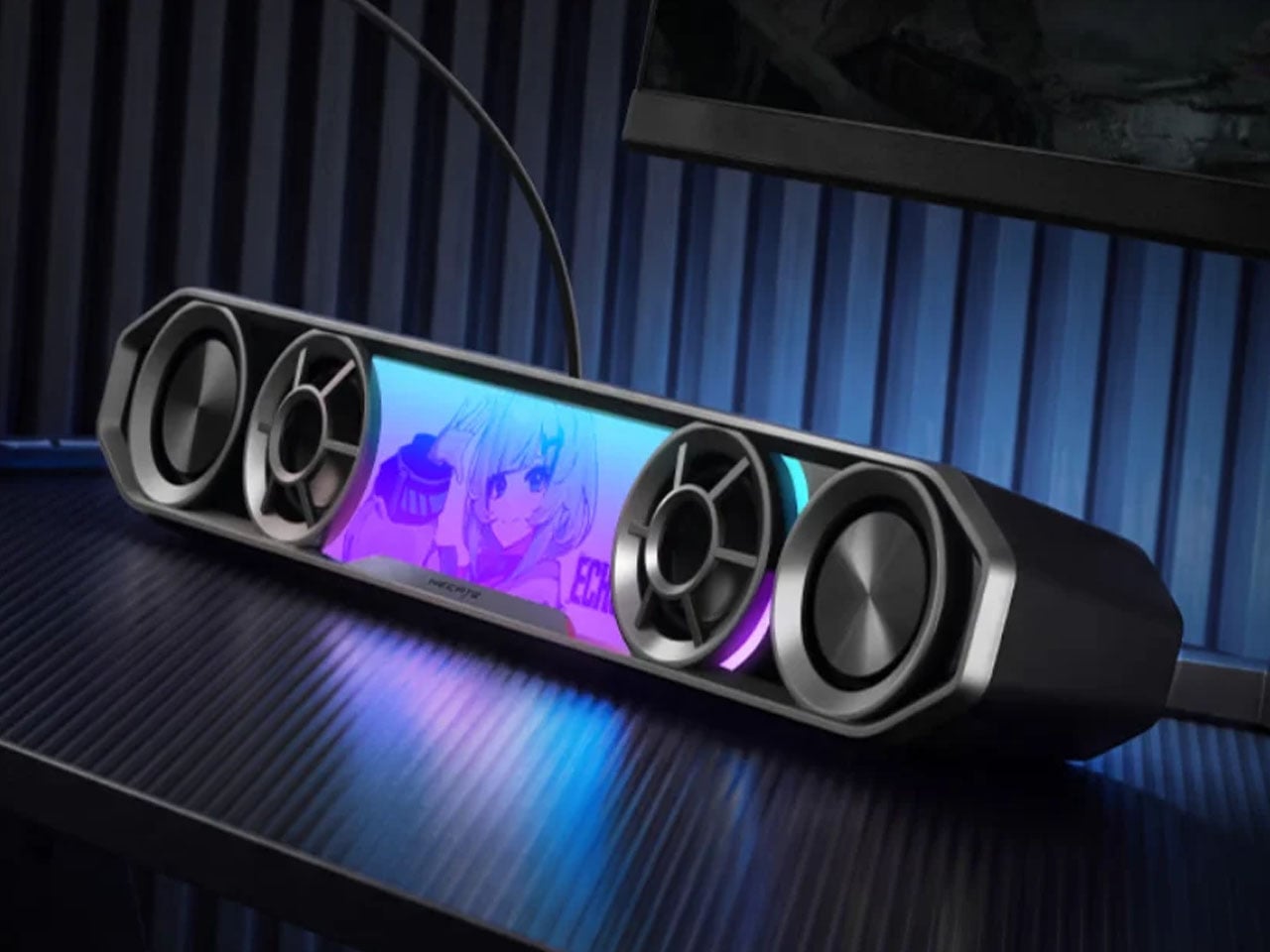
Edifier Hecate G2000 Bar - A Gaming Soundbar That Handles Voice Chat Without a Headset