Keychron B40 Wireless Keyboard - An Office Keyboard That Looks Out for Your Wrists with an Alice Layout
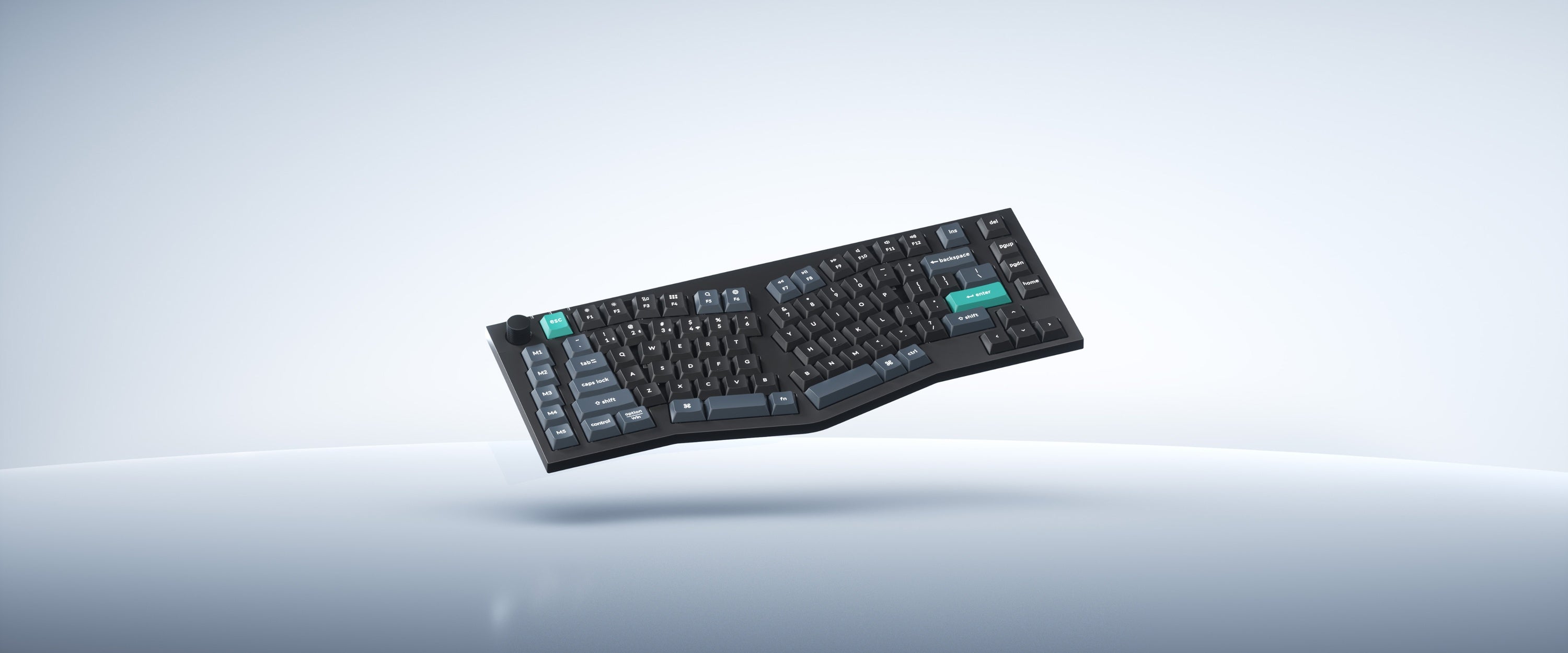
Keychron has mostly been about custom mechanical keyboards, but the B40 feels like a different animal. It's an Alice-layout keyboard built for people who type all day at the office, and with a price tag in the $50 range, it's affordable enough to catch my eye.
📊 Quick Info
| Item | Details |
|---|---|
| Brand | Keychron |
| Price | $49.99+ (overseas pricing; domestic price TBD) |
| Materials/Specs | 75% Alice layout, scissor switches, 800mAh battery |
| Key Features | 2.4GHz / Bluetooth 5.2 / USB-C tri-mode, macro keys (M1–M5), custom knob |
| One-line verdict | ⭐⭐⭐⭐☆ Solid enough polish for an office keyboard to be genuinely appealing |
✨ 3-Line Summary
- 👍 Best thing about it: An Alice layout that naturally opens up your wrists, for around $50
- 👎 What's lacking: Limited room for the kind of typing feel and keycap customization you'd get from a true custom keyboard
- 🎯 Who it's for: Office workers and remote employees who want to type all day without worrying about wrist strain
📸 Product Gallery
The gently curved silhouette of the Alice layout
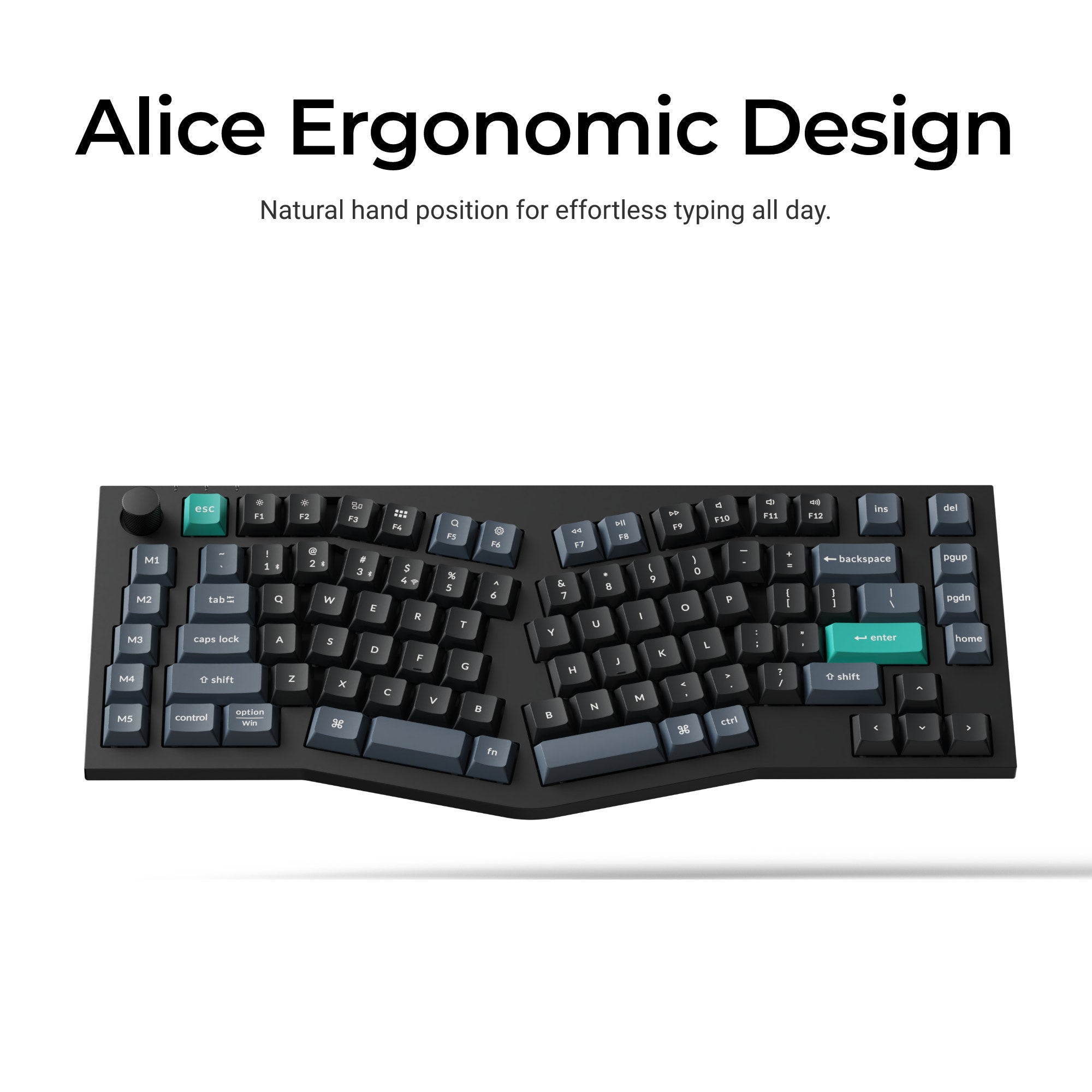
A front view that preserves the wrist angle, with the green esc/enter keys as a standout detail
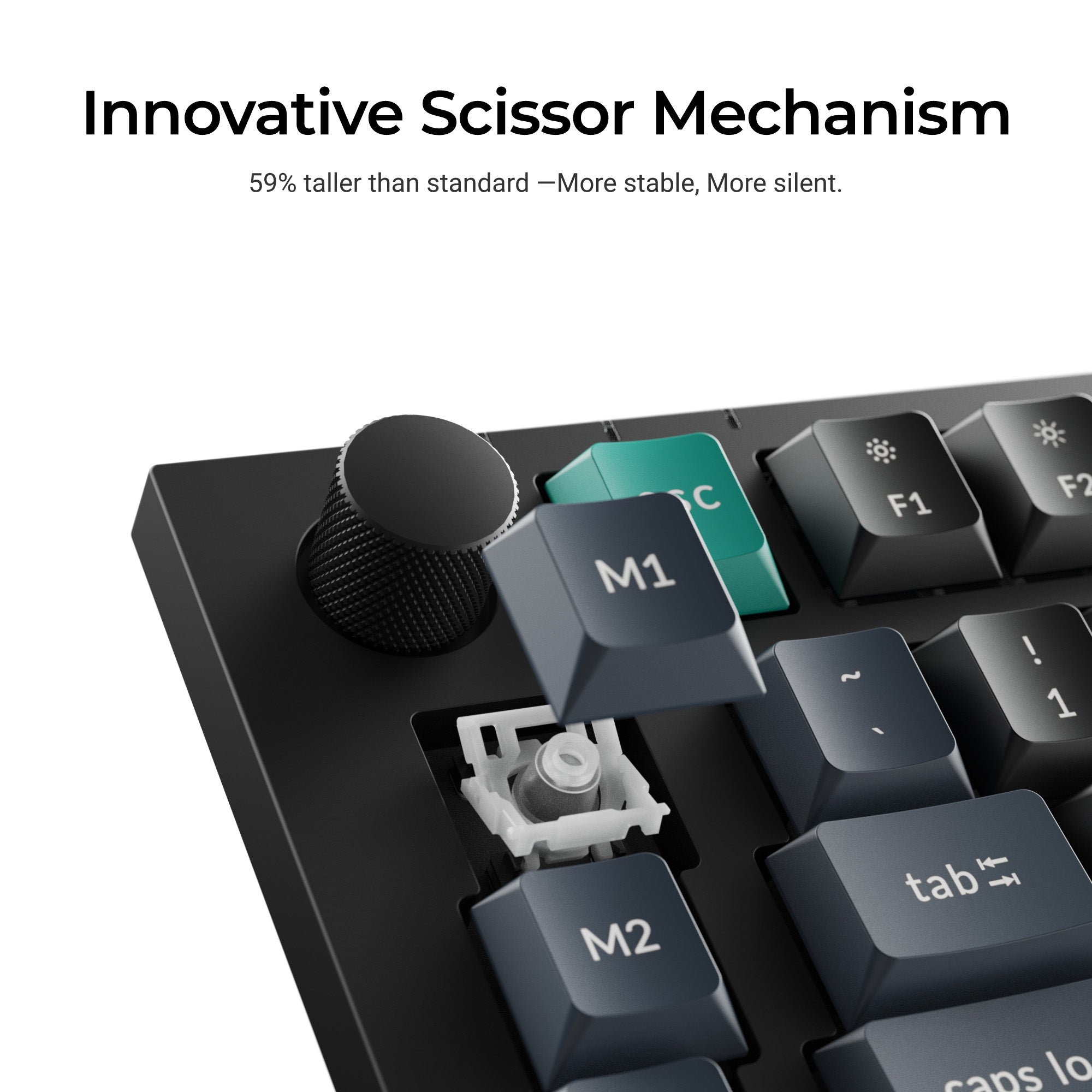
The scissor switch structure, said to be 59% taller than a typical scissor keycap
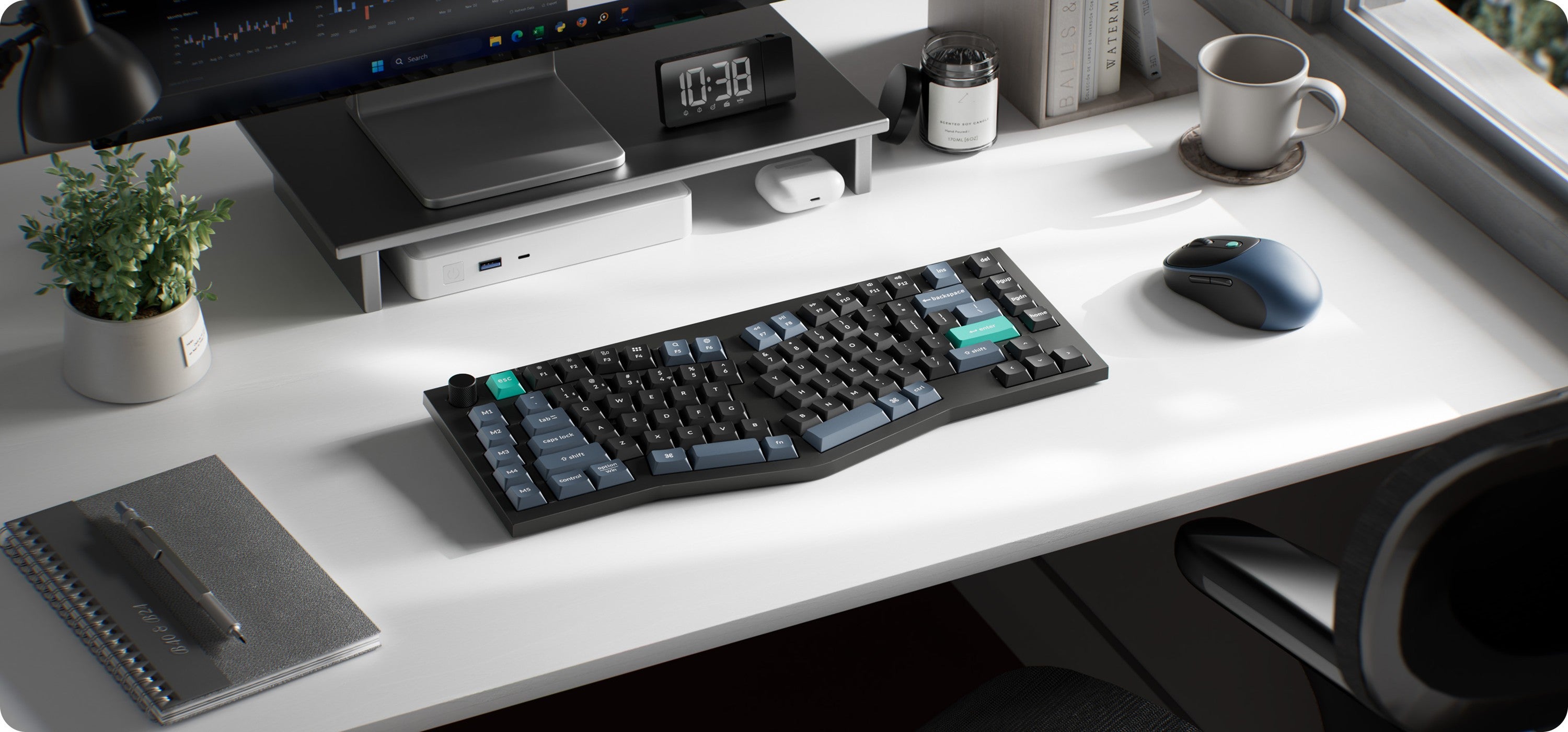
An actual desk setup shown alongside a wireless mouse and monitor stand
🔍 Why I'm Interested
The Alice layout finally has a lower barrier to entry
The Alice layout used to feel like something reserved for custom-keyboard enthusiasts, but the B40 brings it as a finished product in the $50 range. Since the design doesn't force your wrists to angle inward, it looks like it would clearly help during long typing sessions.
Quiet scissor switches
In office environments where the click-clack of mechanical switches can feel out of place, scissor switches can actually be the more practical choice. They're said to have a higher key travel weight than typical scissor switches, so the typing feel should be a step up from a laptop keyboard.
Five macro keys
There are five macro keys (M1–M5) arranged vertically on the left side, giving quick access to frequently used shortcuts or macros. That's an uncommon feature for an office keyboard at this price point.
🤔 What Gives Me Pause
The typing feel isn't for mechanical-keyboard purists
Given the nature of scissor switches, you shouldn't expect the satisfying click of a true mechanical switch. That's actually a plus if you're after quiet performance for the office, but if you're looking for a keyboard to enjoy as a hobby, a different lineup would probably be a better fit.
Official domestic distribution and pricing unconfirmed
It looks like this is mainly sold through Keychron's official store and overseas sellers, so domestic shipping costs and official after-sales support need to be checked separately.
📋 Product Features (Subjective Rating)
- Design: ⭐⭐⭐⭐☆
- Portability: ⭐⭐⭐☆☆
- Practicality: ⭐⭐⭐⭐⭐
- Value for Money: ⭐⭐⭐⭐☆
🛒 Before You Buy
✅ Recommended for
- Anyone typing for long stretches at home or the office who wants to reduce wrist strain
- Anyone who wants to try an ergonomic layout without committing to a full custom keyboard
❌ Not recommended for
- Anyone who specifically enjoys the clicky feel of mechanical switches
- Anyone who absolutely needs official domestic after-sales support
🎯 Final Verdict
Alice-layout keyboards have historically had a pretty high barrier to entry, so I like that the B40 opens up that experience in a finished product at an approachable price. It prioritizes comfort during long typing sessions over a flashy typing feel, which makes it especially well suited to office workers and remote employees.
Rather than expecting the feel of a mechanical enthusiast's keyboard, approach it as "a comfortable office keyboard for your wrists" and satisfaction should be high. With macro keys thrown in, it also looks useful for more than just plain typing.
Source: Gadget Flow product page
Related posts
Q8botOne - A $599 Desk Robot Dog You Assemble Like LEGO Technic
Garmin Enduro 4 · Approach S72 - New Watches That Last Up to 320 Hours on a Single Charge
Edifier Hecate G2000 Bar - A Gaming Soundbar That Handles Voice Chat Without a Headset