GlowHint KT75 - A Hall Effect Keyboard That Swaps Its Typing Feel Like a Switch
The mechanical keyboard market has quietly split into two camps: hobbyists obsessed with typing feel and gasket mounts, and gamers chasing nothing but fast actuation. The GlowHint KT75 caught my eye because it's built for the majority of us stuck somewhere in between — by letting you literally swap the physical feel itself.
📊 Quick Info
| Item | Details |
|---|---|
| Brand | GlowHint |
| Price | TBD |
| Materials/Specs | Hall effect (magnetic sensing) switches, rapid trigger support, full RGB backlighting |
| Key Features | Physical switching between typing feel and gaming feel, customizable actuation points |
| One-line Verdict | ⭐⭐⭐⭐☆ Two typing experiences in one board |
✨ 3-Line Summary
- 👍 Best feature: Hall effect switches let you fine-tune actuation points, doubling as both gaming and typing board
- 👎 Downside: Exact pricing, release date, and domestic availability are still unconfirmed
- 🎯 Best for: Anyone who wants to handle both work typing and gaming on a single board, or who loves RGB custom keyboards
📸 Product Gallery
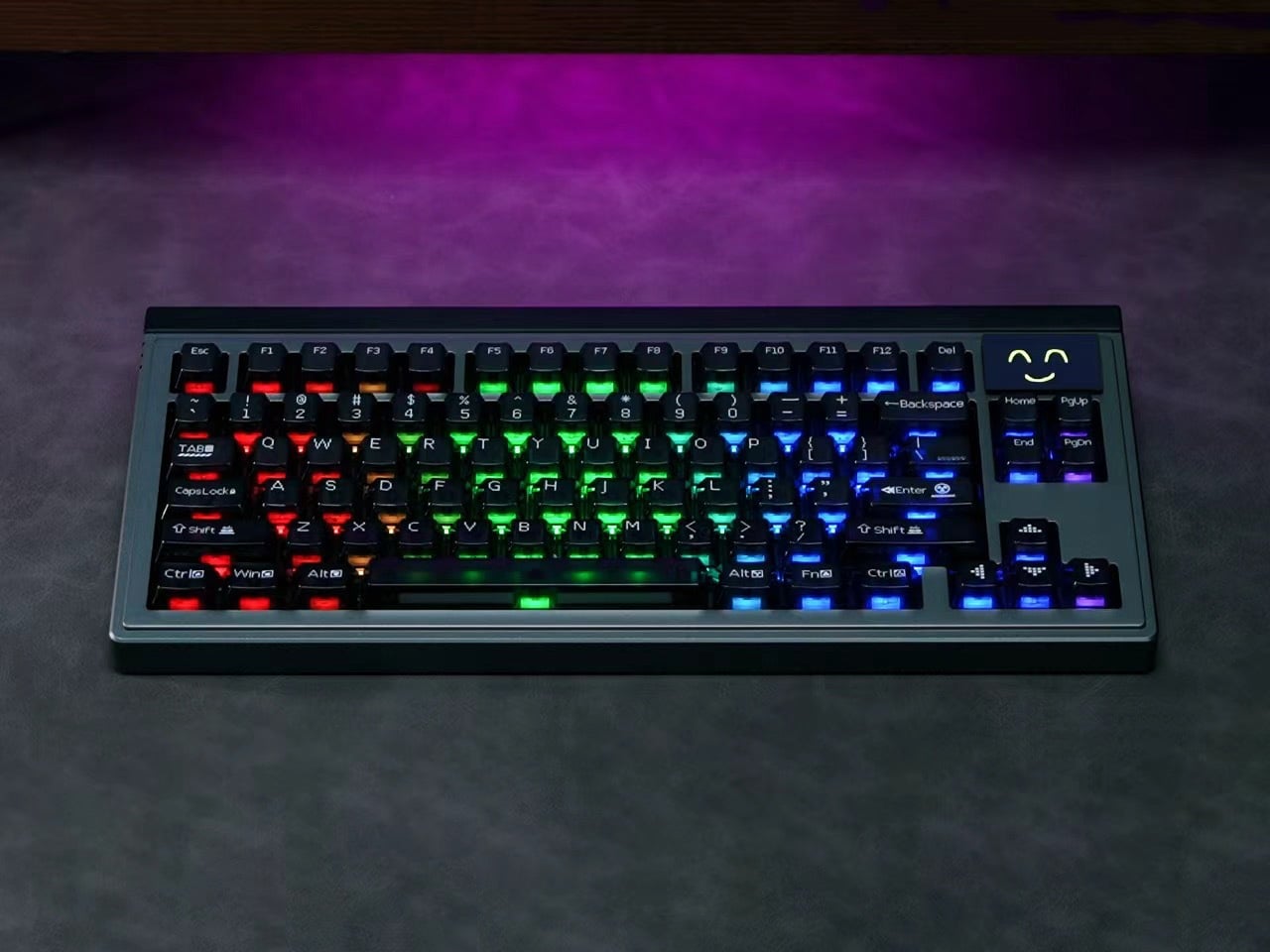
The KT75 under purple lighting, each keycap glowing a different color under the RGB backlight
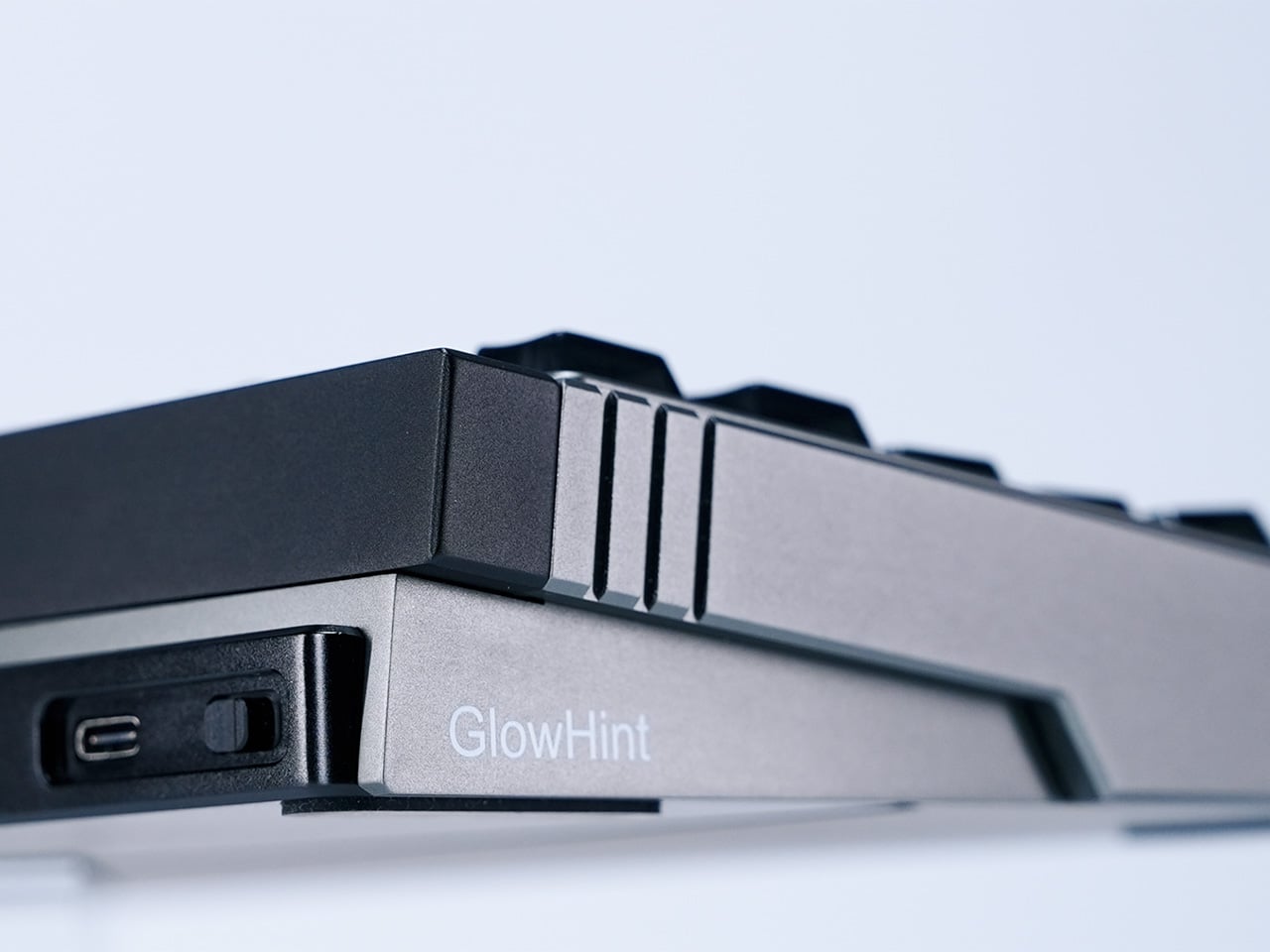
Detail of the top frame and layout of the keyboard
The low-profile case's side line
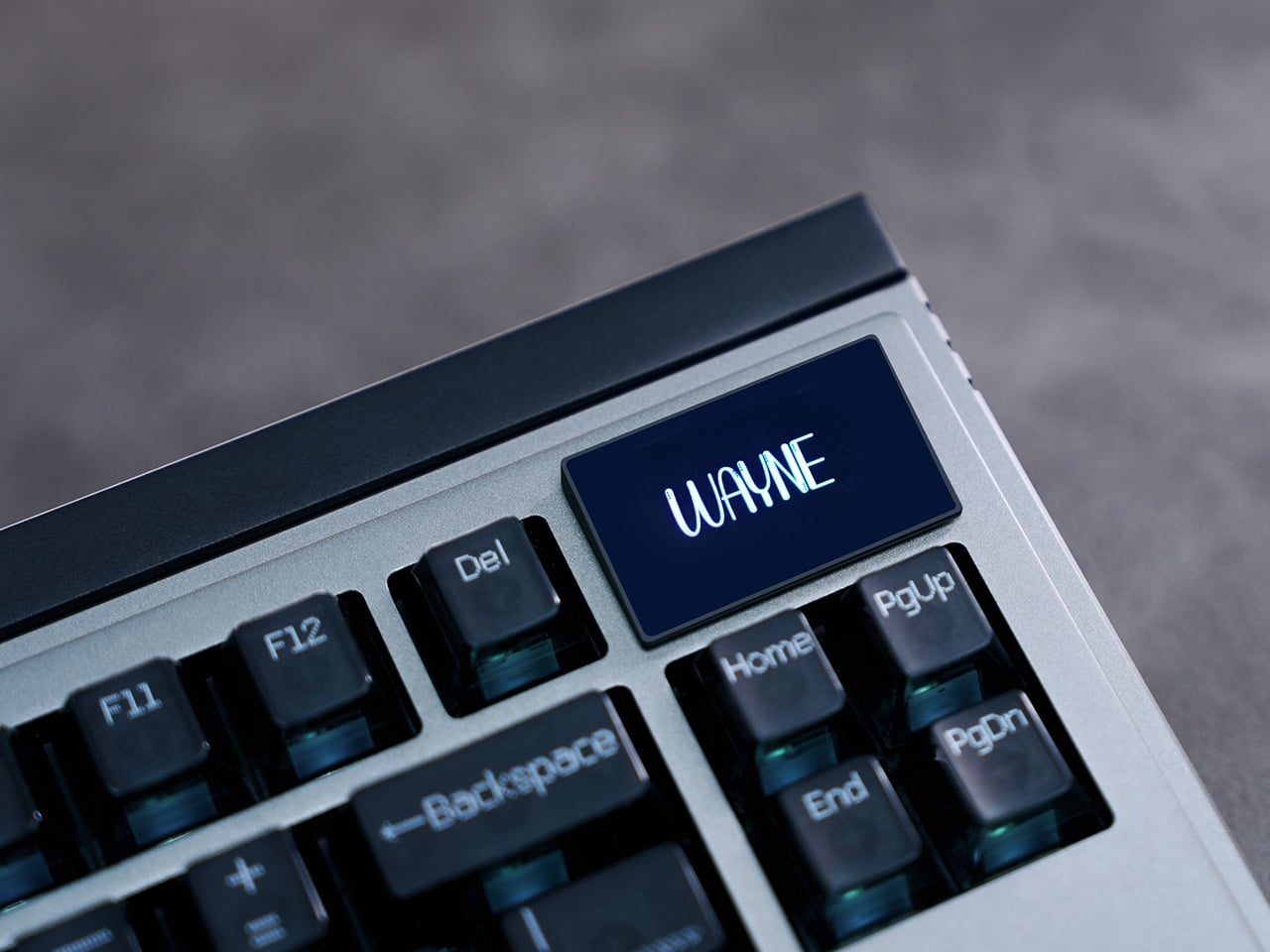
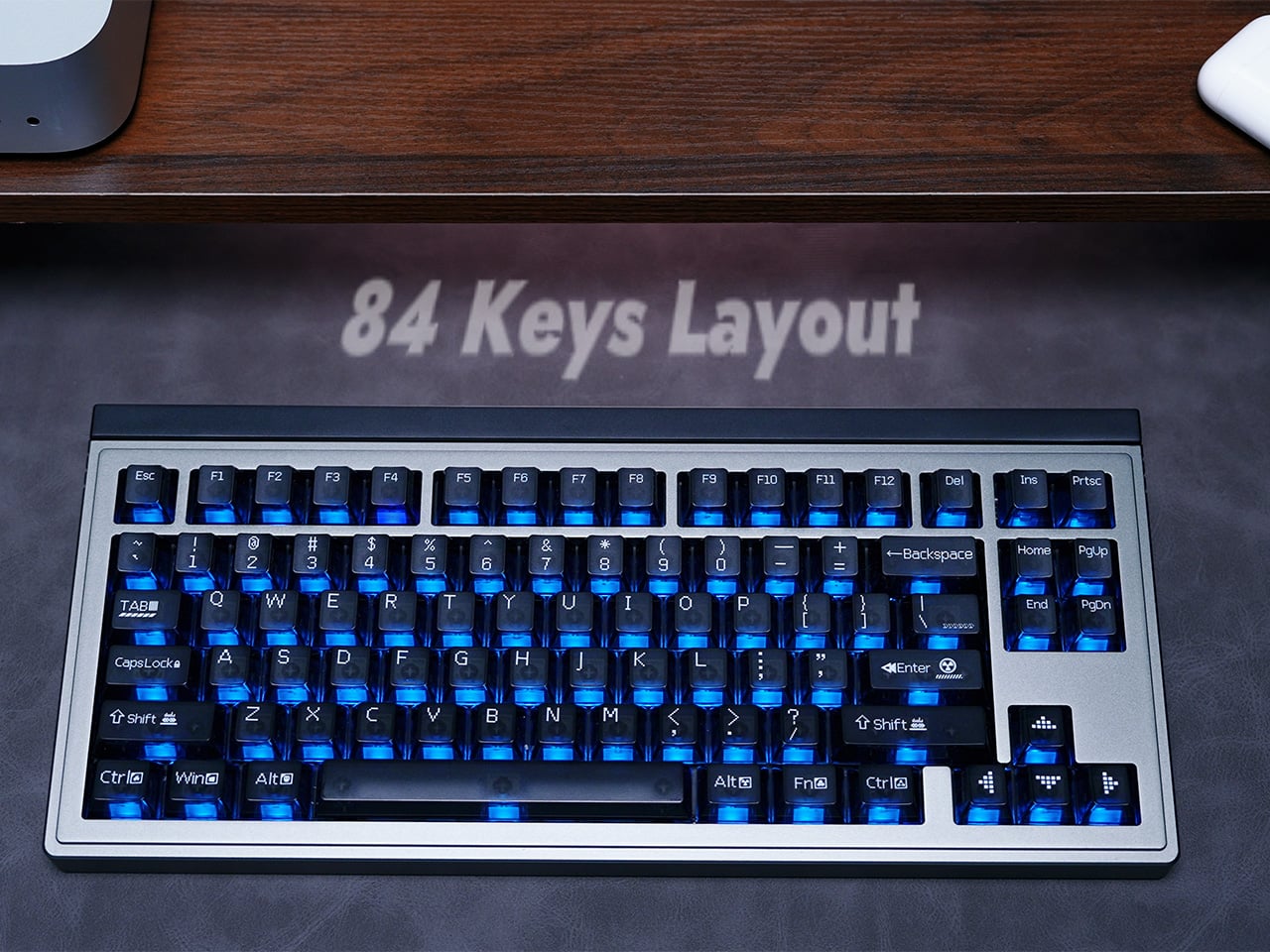
Top-right layout with a smiley indicator and media control knob
🔍 Why I'm Interested
An approach that changes the "feel" without changing the switches
Normally, changing your typing feel means physically swapping switches. But Hall effect switches use magnetic sensing to let you adjust the actuation point in software. That means you can switch between a "light gaming mode" and a "heavy typing mode" without ever cracking open the board. That idea alone was fun to think about.
Covering two use cases with one desk setup
For someone like me who does work typing and the occasional gaming session at the same desk, being able to switch modes on one board instead of keeping two around feels genuinely practical.
A finish that seems to care about details like RGB and the media knob
Just from the photos, the lighting and the top-right knob layout look like they got real attention — this feels like a product that cares about desk-side visual appeal, not just function.
🤔 Concerns
Pricing and release details are still unclear
Hall effect keyboards tend to sit in the premium price range, and I haven't been able to confirm this one's exact price or domestic availability.
The Hall effect feel itself is a matter of taste
Plenty of reviews note that magnetic-sensing switches sound and feel different from traditional mechanical switches, which could feel unfamiliar to people who love a classic clicky or tactile feel.
📋 Product Features (Subjective Rating)
- Design: ⭐⭐⭐⭐☆
- Portability: ⭐⭐☆☆☆ (desk-bound keyboard)
- Practicality: ⭐⭐⭐⭐☆
- Value for money: ⭐⭐⭐☆☆ (price unconfirmed)
🛒 Before You Buy
✅ Recommended for
- Anyone who wants one board instead of separate typing and gaming keyboards
- Anyone interested in Hall effect or rapid trigger technology
- Anyone who wants to deck out their desk setup with an RGB custom keyboard
❌ Not recommended for
- Anyone who prefers the feel of traditional mechanical switches
- Anyone already happy with their current custom keyboard
🎯 Final Verdict
The idea of adjusting your typing feel without swapping switches felt genuinely fresh. For anyone who works and games at the same desk, this could be a practical solution.
That said, pricing and domestic availability are still unconfirmed, so if you're seriously interested, it's worth keeping an eye on the official release news. If you've never tried a Hall effect keyboard before, this could be a good chance to check one out.
Source: Yanko Design product page
Related posts
Q8botOne - A $599 Desk Robot Dog You Assemble Like LEGO Technic

Garmin Enduro 4 · Approach S72 - New Watches That Last Up to 320 Hours on a Single Charge
Edifier Hecate G2000 Bar - A Gaming Soundbar That Handles Voice Chat Without a Headset