Razer Naga V3 Pro — A 23-Button MMO Mouse with Swappable Side Plates
When I think of MMO mice, a side panel packed with buttons always comes to mind — so it felt fresh that the Naga V3 Pro lets you swap the side plate itself via magnets, turning it into a regular mouse when you want. That means you don't have to buy a whole new mouse every time you switch game genres.
📊 Quick Info
| Item | Details |
|---|---|
| Brand | Razer (US/Singapore) |
| Price | $179.99 |
| Key Features | 3 swappable magnetic side plates (up to 23 buttons), HyperScroll tilt wheel |
| Battery | Up to 155 hours over HyperSpeed wireless / up to 280 hours over Bluetooth |
| One-line take | ⭐⭐⭐⭐☆ A modular design that covers everything from MMO to FPS in a single mouse |
✨ 3-Line Summary
- 👍 Best part: Side plate swapping lets you change button count to match the situation
- 👎 Downside: The 12-button MMO plate is overkill for everyday work use
- 🎯 Best for: PC users who switch game genres often or rely heavily on custom shortcuts
📸 Product Gallery
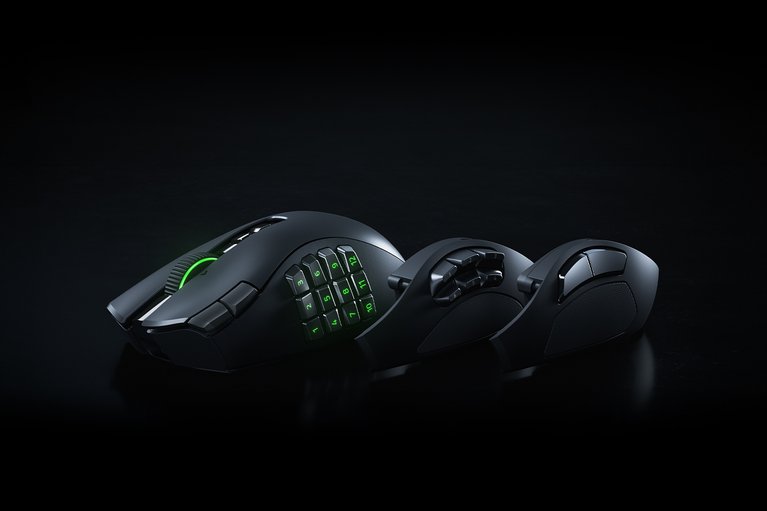
The 3 plates lined up side by side, from the 12-button MMO plate to the simple side panel
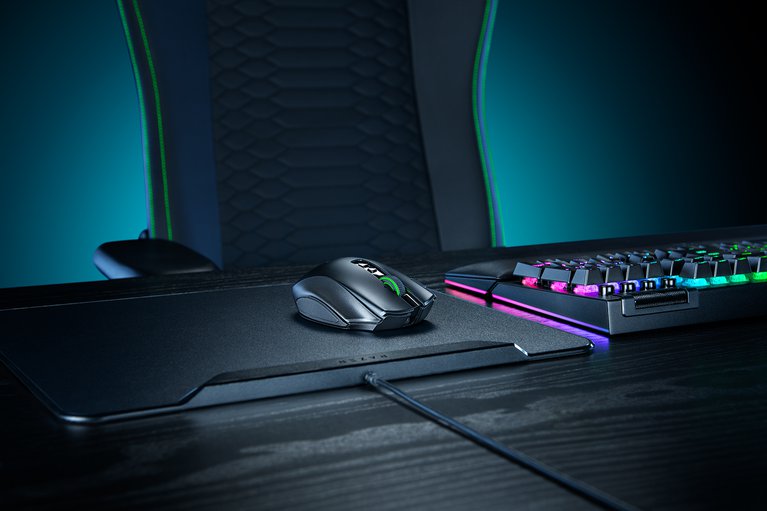
A full shot of the desk setup alongside a gaming chair and keyboard
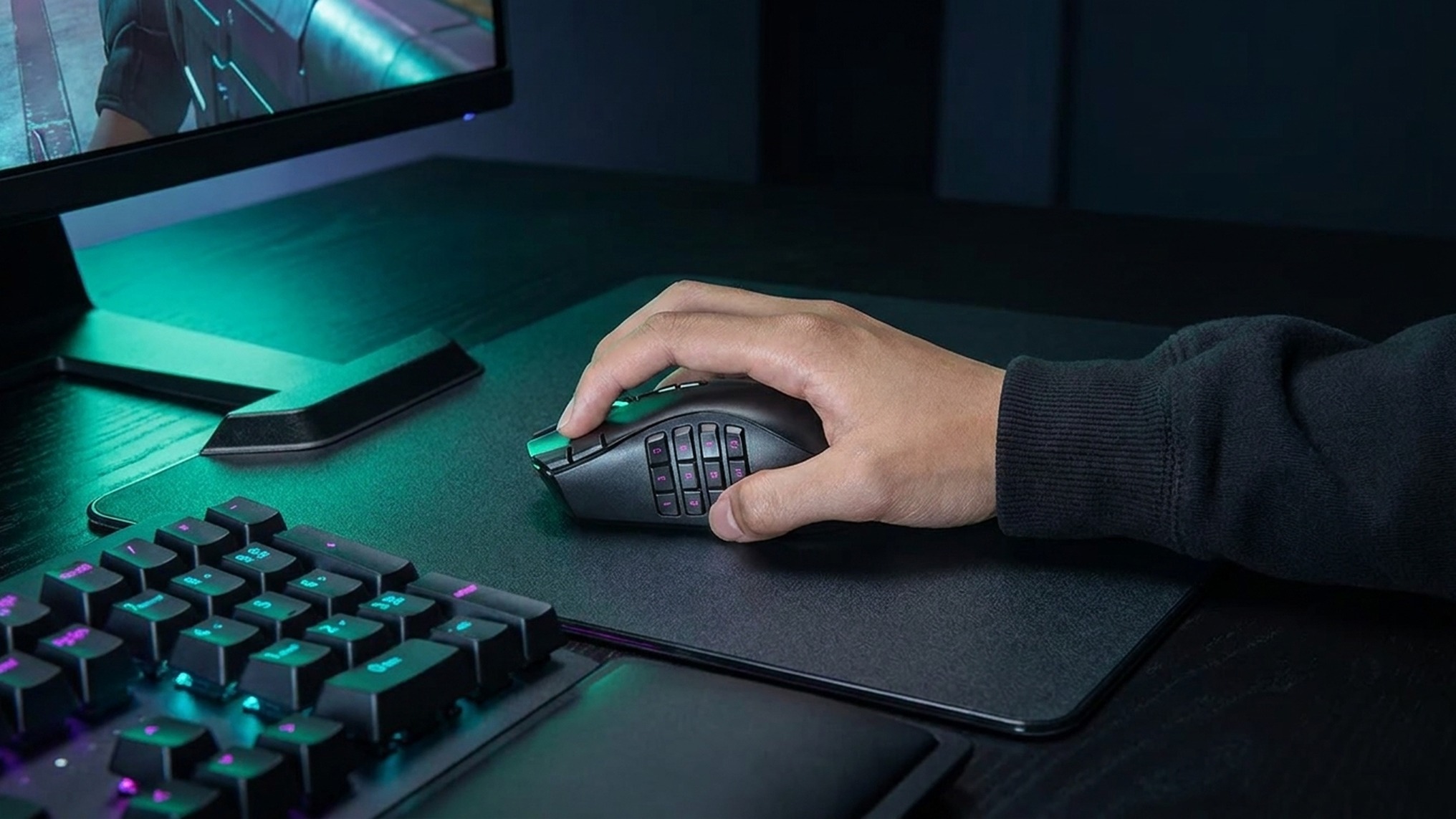
A close-up of the mouse held in hand — that signature Naga ergonomic shape comes through clearly
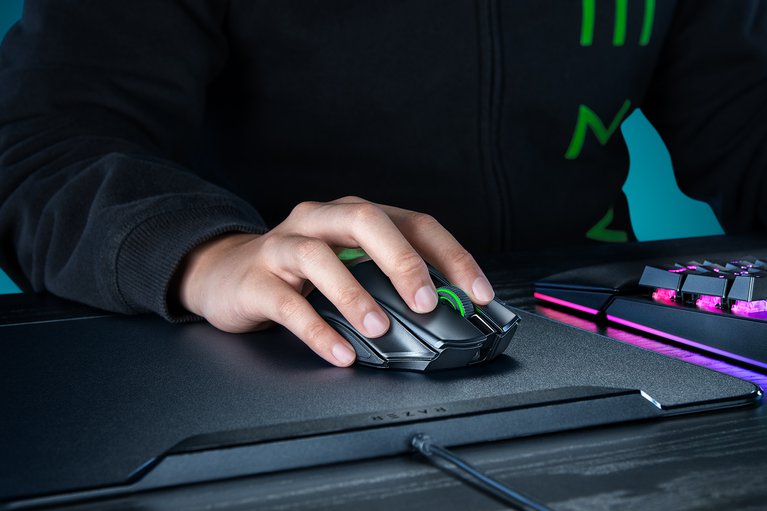
A top-down shot in actual use, with the desk layout alongside the keyboard catching the eye
🔍 Why It Caught My Eye
The idea of swappable side plates
MMO mice are great for having lots of buttons, but that same bulk often gets in the way during everyday work. Being able to magnetically swap the plate itself — going from up to 23 buttons down to a simple layout — felt genuinely practical.
Generous wireless battery life
With up to 155 hours over HyperSpeed wireless and up to 280 hours over Bluetooth, the charging cycle seems pretty forgiving for a mouse you'd use daily.
Cutting-edge sensor and switch specs
A 50K DPI optical sensor paired with optical switches rated for over 100 million clicks — on paper, it's built solidly enough to match its flagship positioning.
🤔 Points to Consider
The MMO plate is overkill for daily work
The 12-button side plate is clearly built for MMOs, so it could actually get in the way during document work or general browsing. You'd need to swap plates fairly often depending on the situation to really get the most out of it.
Not a light price tag
At $179.99, it's on the higher end even among wireless gaming mice, so it's worth thinking through how much you'd actually use the plate-swapping feature before buying.
Domestic pricing unconfirmed
I've only confirmed the US official price — domestic distribution pricing and official availability still need to be checked separately.
📋 Product Features (Subjective Rating)
- Design: ⭐⭐⭐⭐☆
- Portability: ⭐⭐⭐☆☆ (more suited to a fixed desk setup)
- Practicality: ⭐⭐⭐⭐☆
- Value for money: ⭐⭐⭐☆☆
🛒 Before You Buy
✅ Recommended for
- PC users who play across genres like MMO and FPS
- Anyone who assigns a lot of shortcuts to side mouse buttons
- Anyone who values long wireless battery life
❌ Not recommended for
- Anyone who just needs a mouse for light document work
- Anyone who prefers a simple 2-button mouse
- Anyone with a budget capped in the low $100s
🎯 Final Verdict
Gaming mice usually mean buying several for different purposes, so it's impressive that the Naga V3 Pro tries to solve that problem within a single mouse through swappable side plates. The battery and sensor specs are solid too, befitting its flagship status.
That said, given the price isn't light, it delivers the most value to someone who'll actually switch plates while moving between multiple game genres. If you take your desk setup seriously, this one's worth keeping an eye on.
Source: Gadget Flow product page
Related posts
Q8botOne - A $599 Desk Robot Dog You Assemble Like LEGO Technic
Garmin Enduro 4 · Approach S72 - New Watches That Last Up to 320 Hours on a Single Charge
Edifier Hecate G2000 Bar - A Gaming Soundbar That Handles Voice Chat Without a Headset