Elgato Stream Deck Macro Keyboard - 15-Key RGB Shortcut Controller
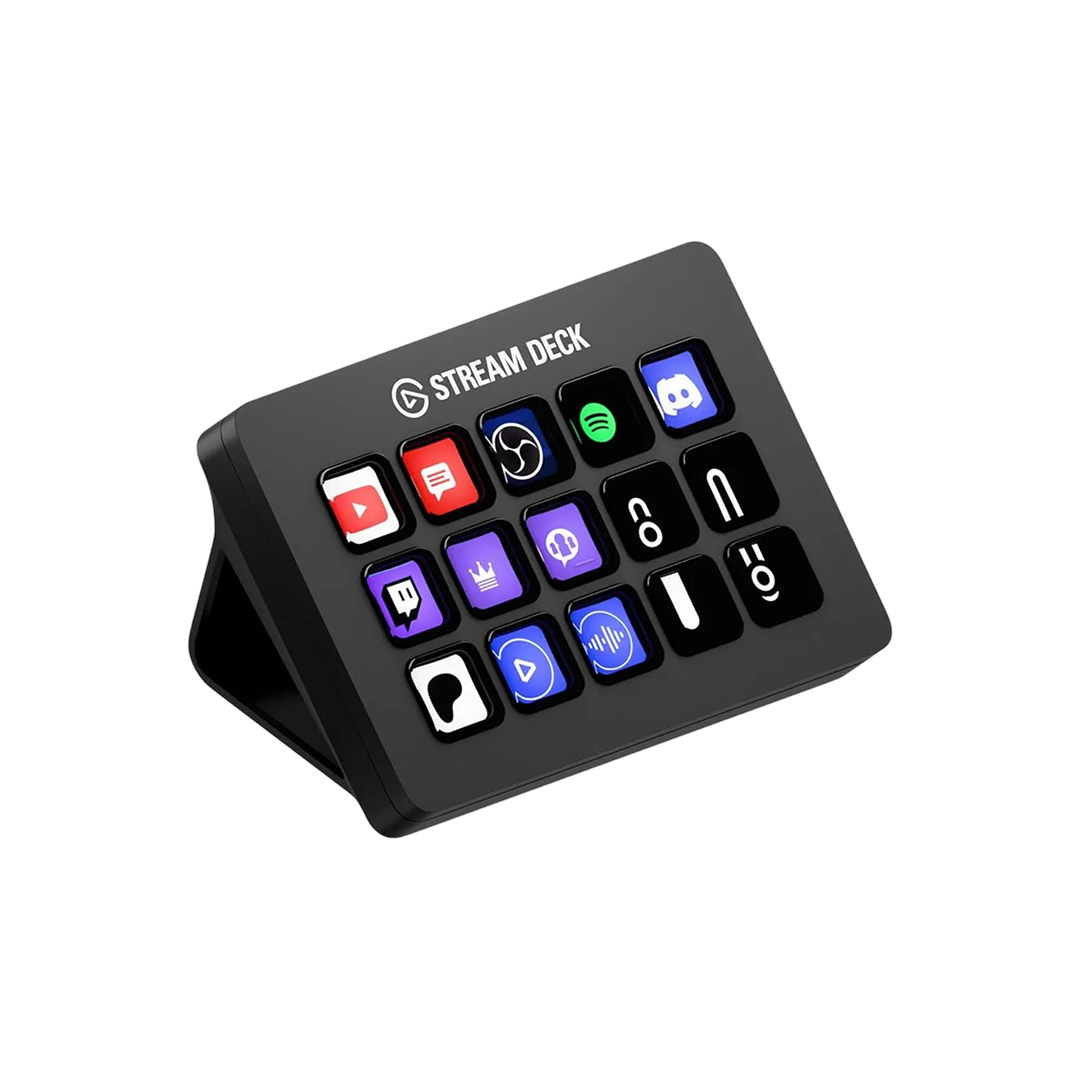
The Stream Deck is famous streaming gear, but honestly what caught my eye wasn't game broadcasting — it was cutting down on repetitive desk tasks. With 15 buttons you can assign icons and colors to individually, your workflow could get noticeably simpler.
📊 Quick Info
| Item | Details |
|---|---|
| Brand | Elgato |
| Price | $159 |
| Material/Specs | 15 custom LCD keys, foldable stand, USB connection |
| Key Feature | Assign app launches, macros, scene switching, and more to each key |
| One-line take | ⭐⭐⭐⭐☆ A productivity tool worth wanting even if you're not a streamer |
✨ 3-Line Summary
- 👍 Best thing about it: 15-key layout where every button's icon and function are fully customizable
- 👎 Downside: Value drops if you don't have many repetitive tasks
- 🎯 Best for: Anyone wanting to cut down repetitive desk shortcuts, or with a streaming/multitasking setup
📸 Product Gallery
The foldable stand lets you prop it up
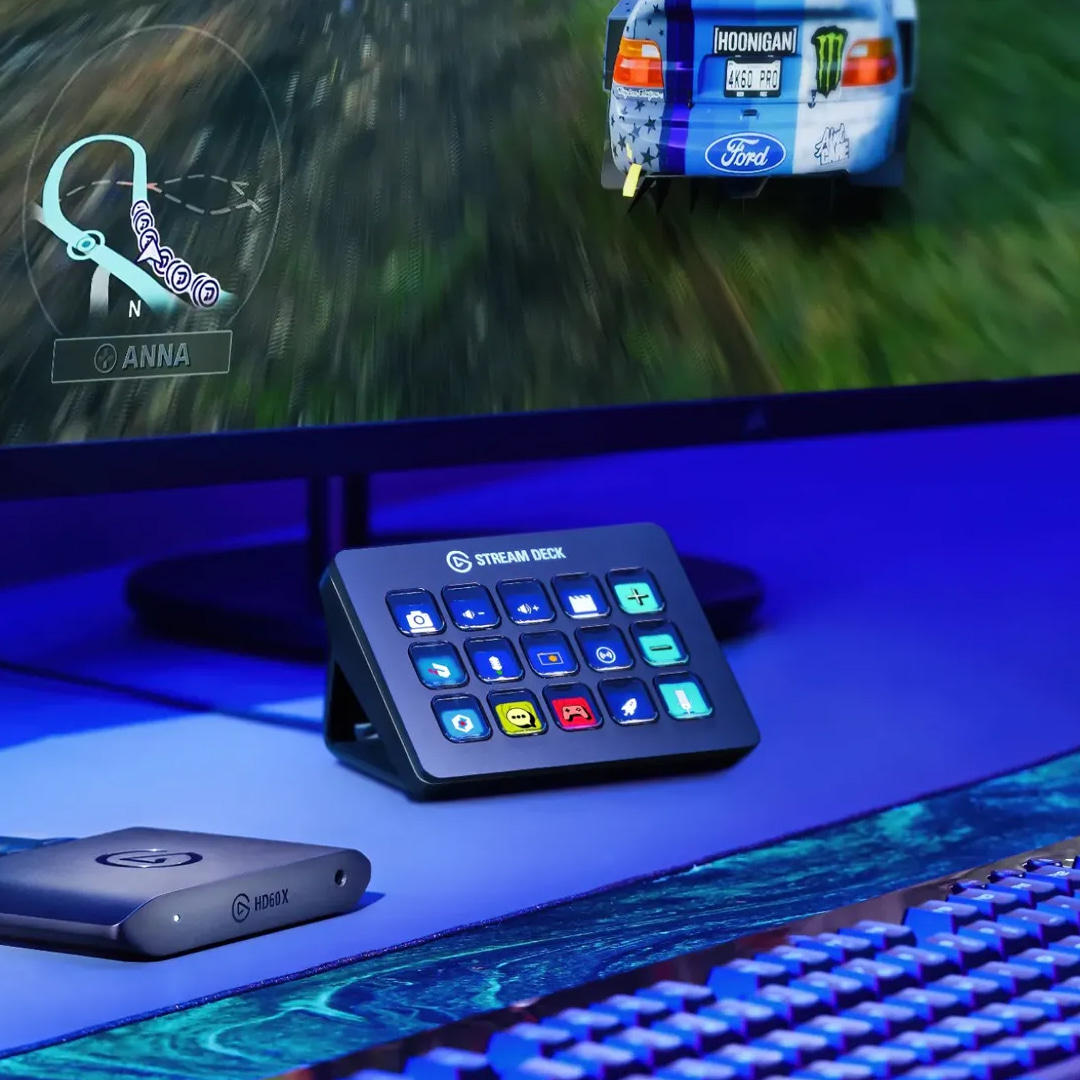
Sitting next to a gaming/racing setup
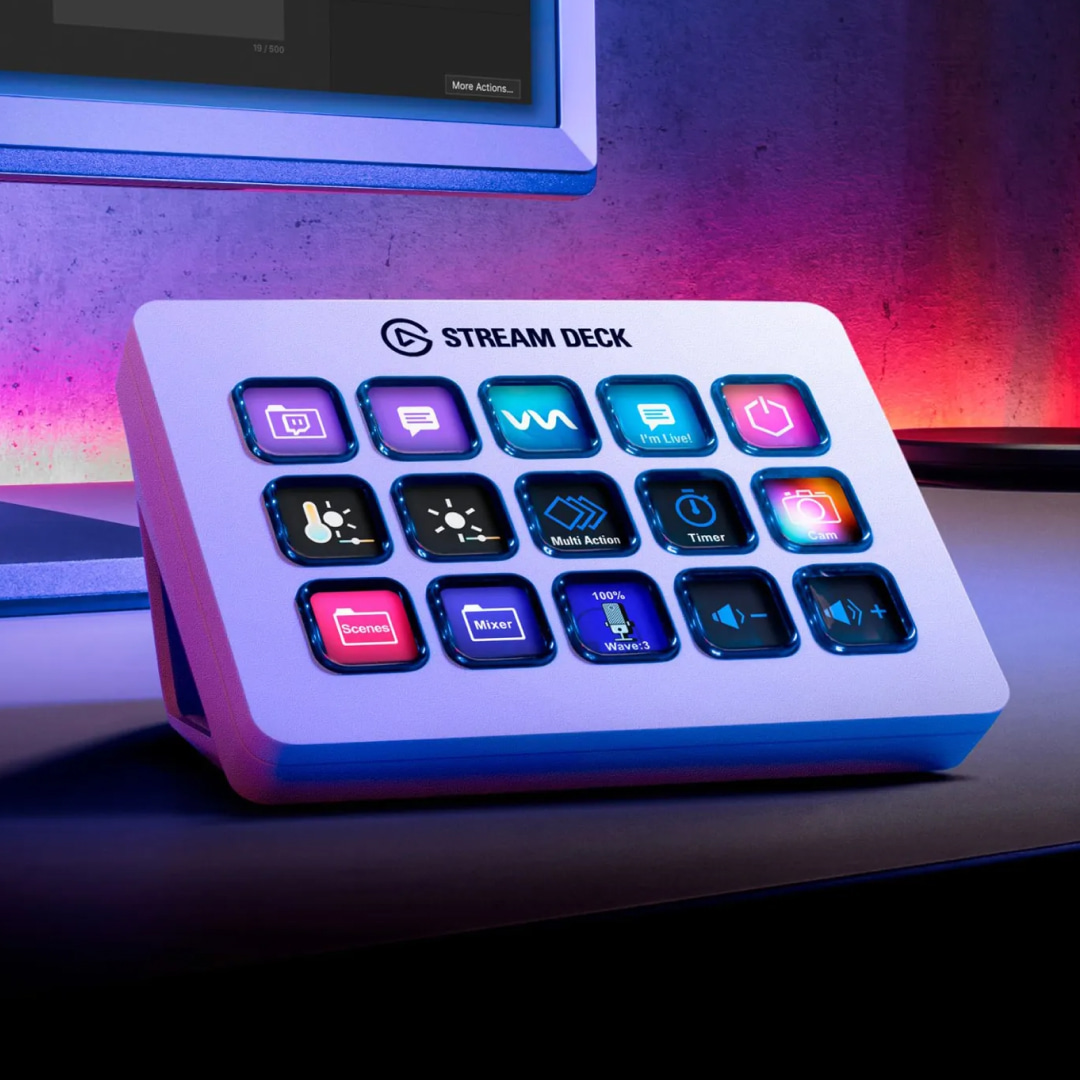
There's a white color version too
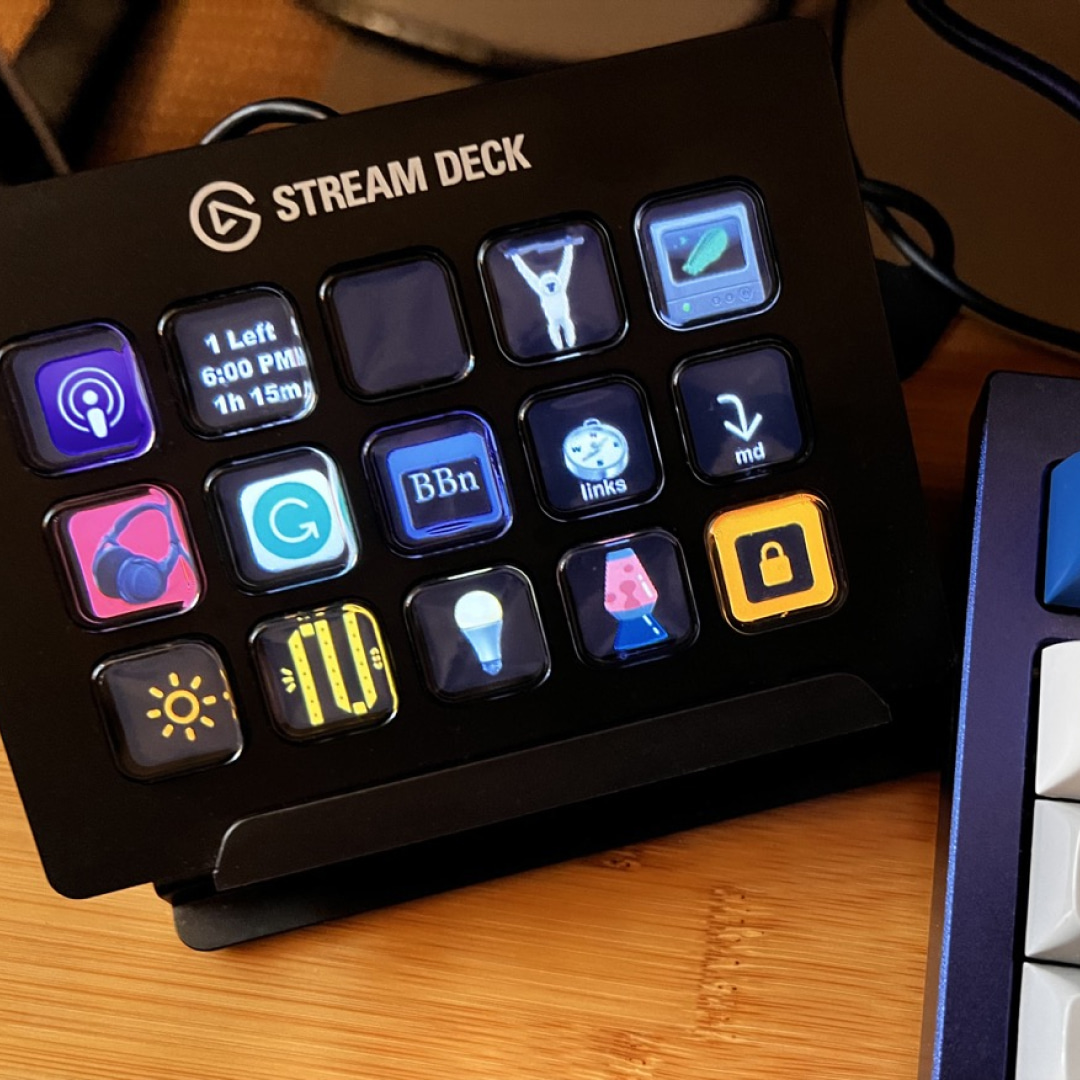
How it looks in real use on a desk
🔍 Why I'm Interested
Reducing repetitive tasks to a single button
Being able to consolidate the apps you open daily, hotkeys you use often, and things like volume control into a single button is more appealing than I expected. Instead of memorizing keyboard shortcuts, you just look at the icon on the button — the barrier to entry is low.
The practicality of the foldable stand
It's designed to stand up without taking up much desk space, so it should sit comfortably even on a smaller desk. That fits right into the "small desk accessory" category we love here.
A workflow organized through custom icons
Looking at the buttons color-coded in the screenshots, it feels like your digital workflow gets visually organized too — like a desk sorted into folders.
🤔 What Gives Me Pause
Satisfaction depends heavily on how often you'd use it
For someone without much streaming or repetitive work, this could end up being just a pretty button panel. It seems worth deciding in advance which apps or macros you'd actually assign to it.
Reliance on software
This product requires installing and configuring dedicated software, so initial setup could take some time. I'd want to look into more hands-on reviews on this point.
📋 Product Features (Subjective Rating)
- Design: ⭐⭐⭐⭐☆
- Portability: ⭐⭐⭐☆☆
- Practicality: ⭐⭐⭐⭐☆
- Value for Money: ⭐⭐⭐☆☆
🛒 Before You Buy
✅ Recommended for
- Anyone who wants to consolidate repetitive shortcuts and app launches into one device
- Anyone with a multitasking setup for streaming, video editing, etc.
- Anyone who enjoys building out their desk setup
❌ Not recommended for
- Light users with few repetitive tasks
- Anyone who'd find extra software setup a hassle
🎯 Final Verdict
The Stream Deck is known mainly as streamer gear, but it holds up just as well as a macro/shortcut management tool. Packing 15 buttons with your most-used functions could meaningfully cut down the fatigue of repetitive work.
That said, it's worth picturing in advance how often — and for what — you'd actually use it. If you have a clear use case in mind, it seems like it could be a pretty satisfying pick as a desk productivity tool.
Source: Apollo Labs product page
Related posts
Q8botOne - A $599 Desk Robot Dog You Assemble Like LEGO Technic
Garmin Enduro 4 · Approach S72 - New Watches That Last Up to 320 Hours on a Single Charge
Edifier Hecate G2000 Bar - A Gaming Soundbar That Handles Voice Chat Without a Headset